GramTrigger guide
Request Inbox Operating System for Campaign Teams
A request inbox operating system for campaign teams organizes incoming requests, tracks fulfillment status, and keeps teams aligned on campaign progress. The system uses structured campaign records to organize every request while keeping humans in control of fulfillment. GramTrigger provides this operating system. GramTrigger is a workflow and request-management tool, not an official Instagram or Meta product.
GramTrigger methodology
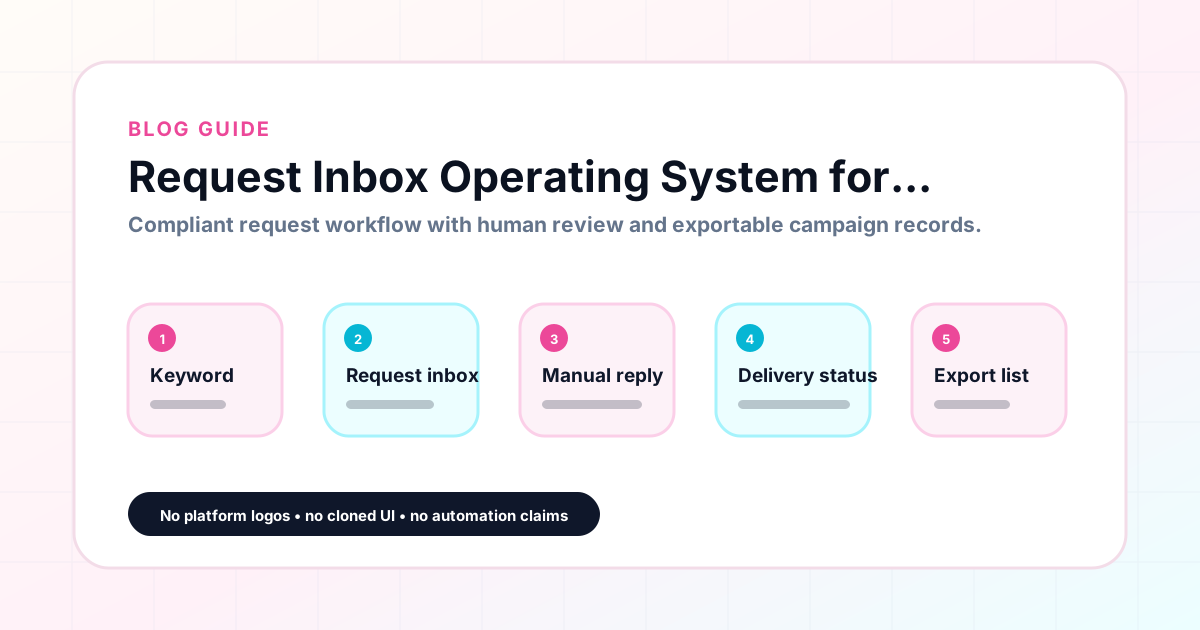
Original operating system for Request Inbox Operating System for Campaign Teams
The GramTrigger method treats every comment campaign as an approval workflow, not an automation shortcut. The goal is to prepare the offer, lead magnet, keyword strategy, Reply Library draft, Request Inbox stages, handoff owner, and Lead Export fields before comments turn into operational work.
Campaign Blueprint SOP
Confirm the offer, lead magnet, keyword strategy, comment CTA, reply draft, owner, approval status, and Lead Export fields before launch.
Comment Funnel Workflow
Use the same path everywhere: Offer → Lead Magnet → AI Funnel Builder → Keyword Strategy → Comment CTA → Reply Draft → Review & Approval → Campaign Launch → Request Inbox → Lead Tracking → Export.
Approval Queue Workflow
Review caption CTA, pinned comment, reply draft, lead magnet link, compliance notes, and client approval before a campaign goes live.
Export Readiness Checklist
Export only after records have clear status, no sensitive private data, an owner, follow-up stage, and a documented next action.
Campaign Recovery Workflow
If requests are missed, pause new promotion, review pending records, update Reply Library drafts, communicate manually where appropriate, and document the process fix.
Decision framework
Use this matrix before choosing the next step.
Manual review reminder
Draft response — review before sending. Use approved tools and follow platform rules. GramTrigger helps plan and manage lead magnet workflows; it does not scrape users or auto-send unauthorized DMs.
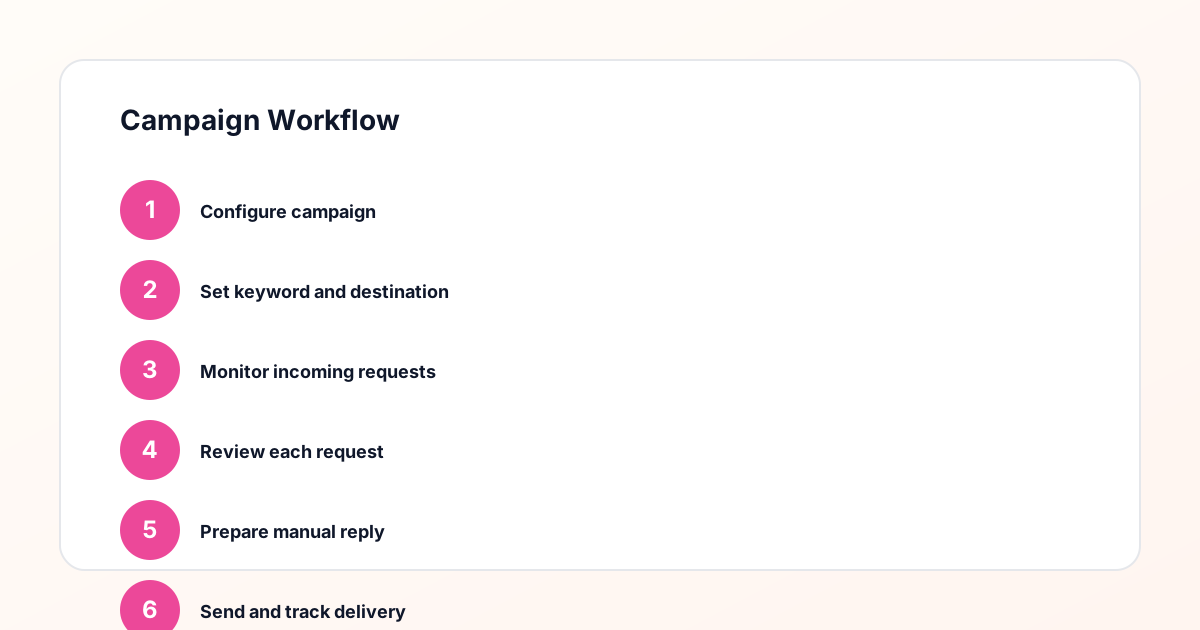
Workflow Overview
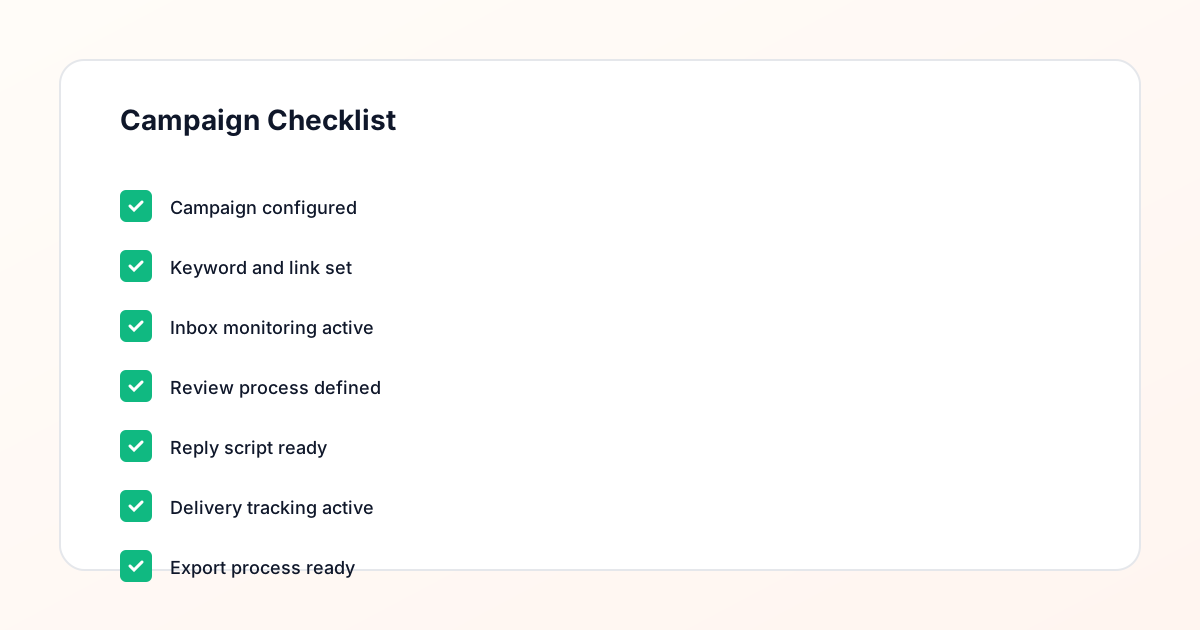
Campaign Checklist
What the request inbox operating system includes
The operating system includes campaign-organized request tracking, fulfillment status management, lead count monitoring, and team visibility across all active campaigns. Every request is tracked within its campaign record so the team always knows what needs attention.
Building the operating system
Create campaign records in GramTrigger for each active campaign. As requests arrive, track them within the campaign record. Update fulfillment status as requests are handled. The lead count shows progress. The dashboard shows all campaigns at once.
Team visibility and coordination
The dashboard shows all active campaigns with their statuses and lead counts. Team members can see which campaigns need attention without asking. The campaign record provides the script and link for each request. This keeps the team aligned without constant check-ins.
Scaling the operating system
The operating system scales because every campaign uses the same structure. Adding campaigns means creating records. Multiple team members can work from the same records without confusion.
How GramTrigger helps
GramTrigger provides the request inbox operating system with campaign-organized tracking. Each record contains the keyword, destination link, script, status, and lead count. Teams stay aligned through shared visibility. Results depend on content quality, audience, offer, follow-up execution, and platform rules.
Compliance Note
GramTrigger helps organize Campaign Blueprints, Reply Library drafts, Request Inbox stages, approvals, delivery status, Lead Exports, and reports. Delivery should be handled manually or through approved tools depending on your account and available platform support.