
How it works
Build the funnel first. Launch the campaign second.
Plan the offer, lead magnet, keyword strategy, comment CTA, reply draft, approval queue, request inbox, lead tracking, and export workflow before requests get lost in comments and spreadsheets.
Free blueprint → personal review → signup → purchased campaign credit → saved campaign record. New accounts have zero campaign credits. Social publishing remains unavailable pending setup; this planning flow does not send automatic DMs.
Start with the offer
Define what the creator, coach, consultant, course seller, or agency is inviting people toward.
Choose the lead magnet
Pick the guide, checklist, webinar, template, waitlist, or resource people will request.
Build the Campaign Blueprint
Use the Funnel Blueprint Builder to create the keyword strategy, comment CTA, reply draft, follow-ups, and export fields.
Review the plan deliberately
Use the unchecked review checklist and keep actual client approval in your existing process. Ticks are temporary, not saved approval or publishing permission.
Prepare the request workflow
The public demo starts empty. Download a CSV template or add fictional rows to practise. Real request handling requires your authorised workspace and delivery process.
Export leads
Download campaign records for follow-up, reporting, client delivery, or campaign review.
Product screenshots
From Campaign Blueprint to campaign workspace.
Start with the Funnel Blueprint Builder, then use the workspace to track requests, approvals, lead status, and exports.
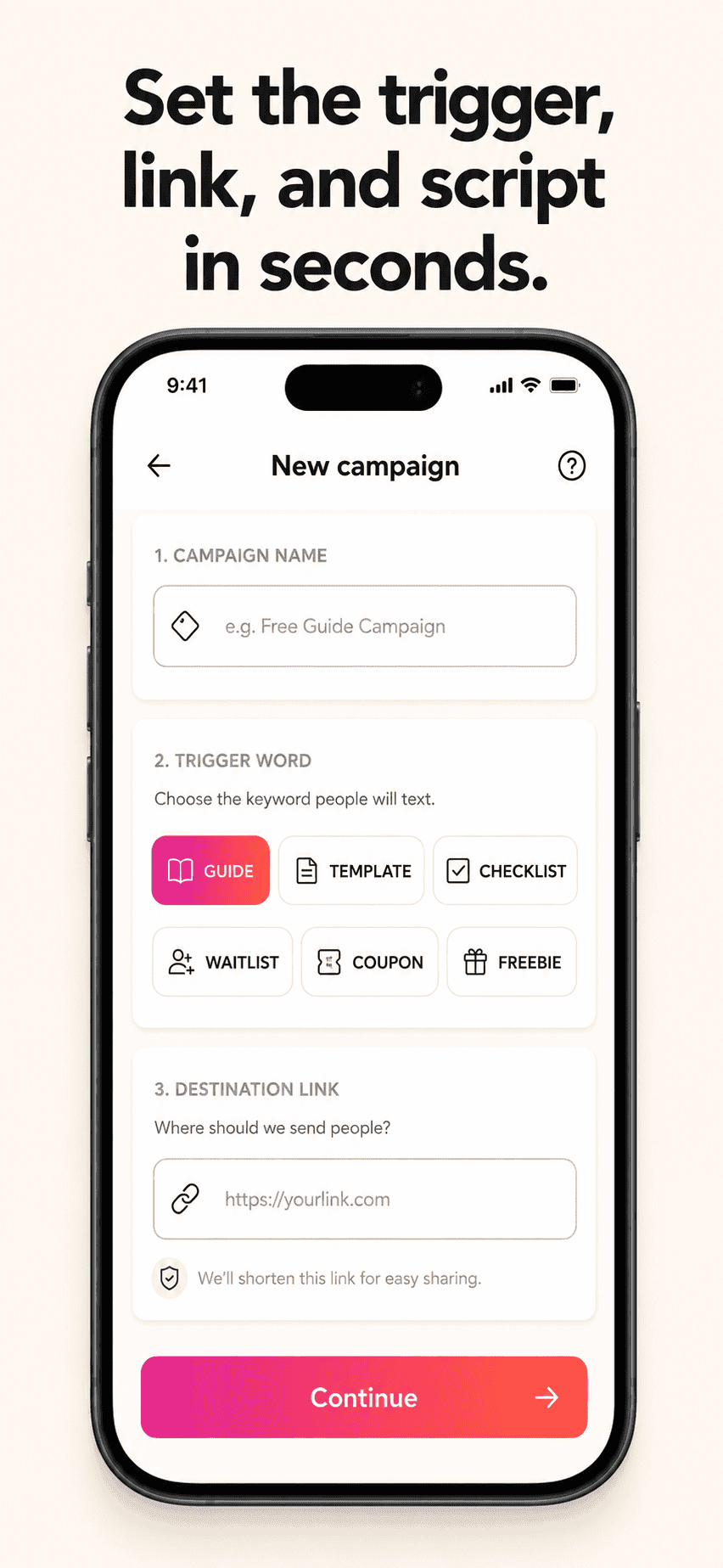
Creating a new campaign
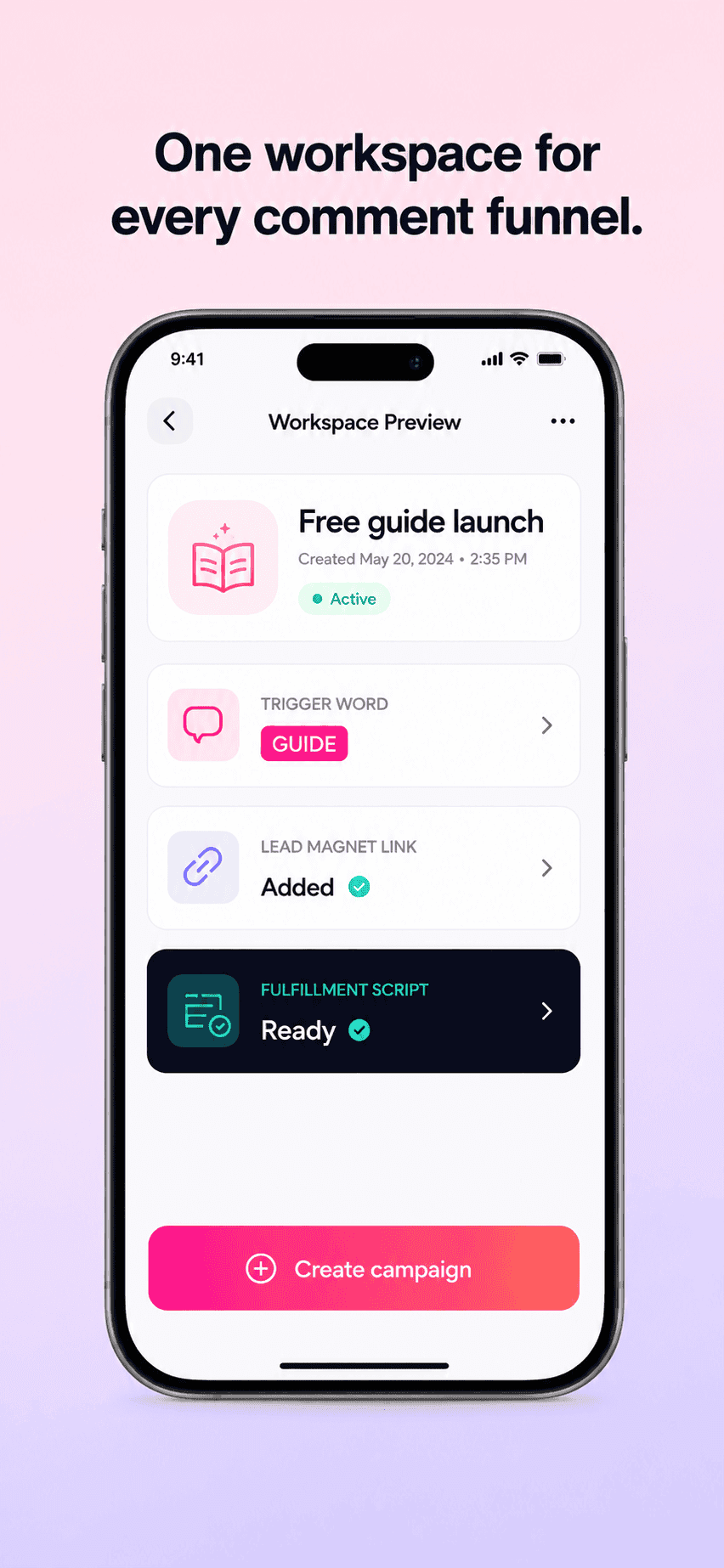
Workspace with keyword strategy and lead magnet links
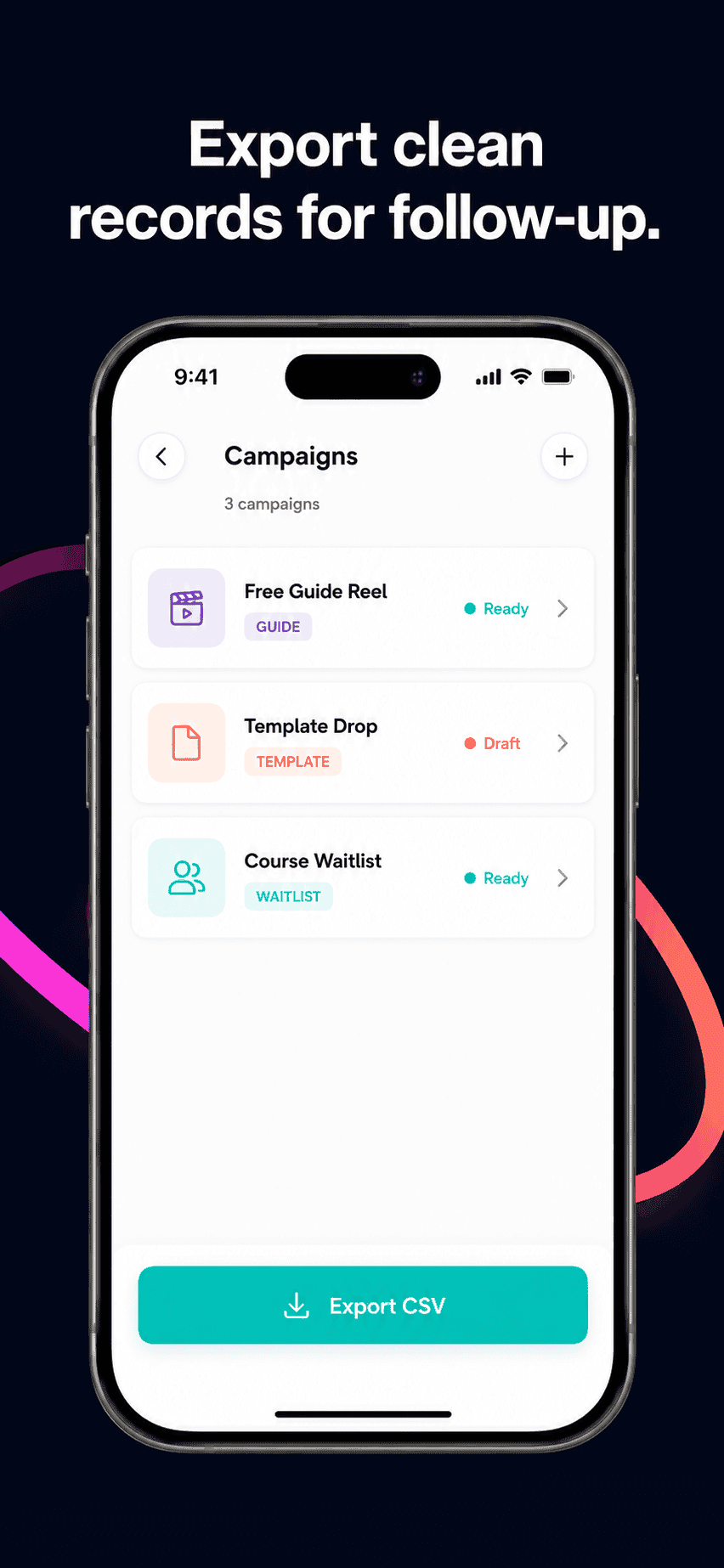
Exporting clean records
Workflow story
Comment funnel workflow
Step 01
Start with the offer
Define what the creator, coach, consultant, course seller, or agency is inviting people toward.
Step 02
Choose the lead magnet
Pick the guide, checklist, webinar, template, waitlist, or resource people will request.
Step 03
Build the Campaign Blueprint
Use the Funnel Blueprint Builder to create the keyword strategy, comment CTA, reply draft, follow-ups, and export fields.
Step 04
Review the plan deliberately
Use the unchecked review checklist and keep actual client approval in your existing process. Ticks are temporary, not saved approval or publishing permission.
Step 05
Prepare the request workflow
The public demo starts empty. Download a CSV template or add fictional rows to practise. Real request handling requires your authorised workspace and delivery process.
Step 06
Export leads
Download campaign records for follow-up, reporting, client delivery, or campaign review.
Example Campaign Blueprint
Offer: Free coaching consult
Lead magnet: Free Guide
Keyword: GUIDE
Approval: Reply draft reviewed
Export: Lead report prepared
Your data, your control
GramTrigger is a planning and tracking workspace. Your campaign records live in your account. Delivery stays manual or approved unless an eligible account has access to compliant platform integrations.