
GramTrigger guide
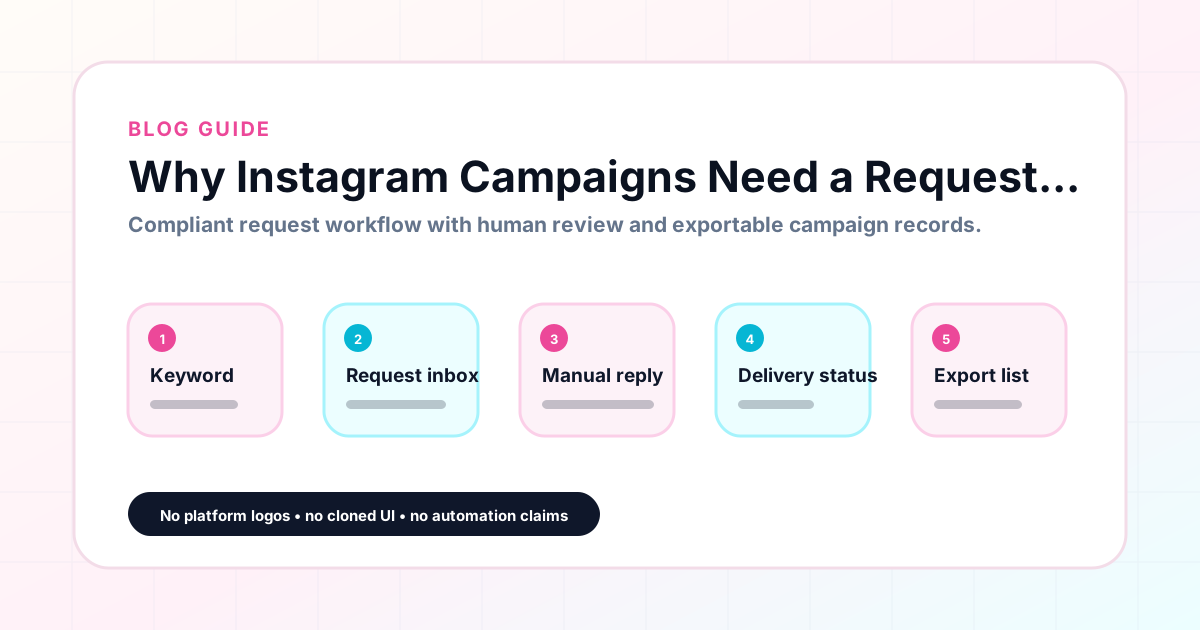
Why Instagram Campaigns Need a Request Inbox
When an Instagram comment keyword campaign goes live, requests arrive immediately — and they keep arriving for as long as the post stays active. Without a dedicated place to track those requests, creators end up managing them through the native comment section, a mix of DM threads, and a spreadsheet that quickly falls out of sync. A request inbox for your campaign workflow changes that by giving every request a trackable home. GramTrigger helps creators organize campaign requests by campaign, track reply status, and manage the follow-up queue without losing any requests in the noise. GramTrigger is a workflow and request-management tool, not an official Instagram or Meta product.
GramTrigger methodology
Original operating system for Why Instagram Campaigns Need a Request Inbox
The GramTrigger method treats every comment campaign as an approval workflow, not an automation shortcut. The goal is to prepare the offer, lead magnet, keyword strategy, Reply Library draft, Request Inbox stages, handoff owner, and Lead Export fields before comments turn into operational work.
Campaign Blueprint SOP
Confirm the offer, lead magnet, keyword strategy, comment CTA, reply draft, owner, approval status, and Lead Export fields before launch.
Comment Funnel Workflow
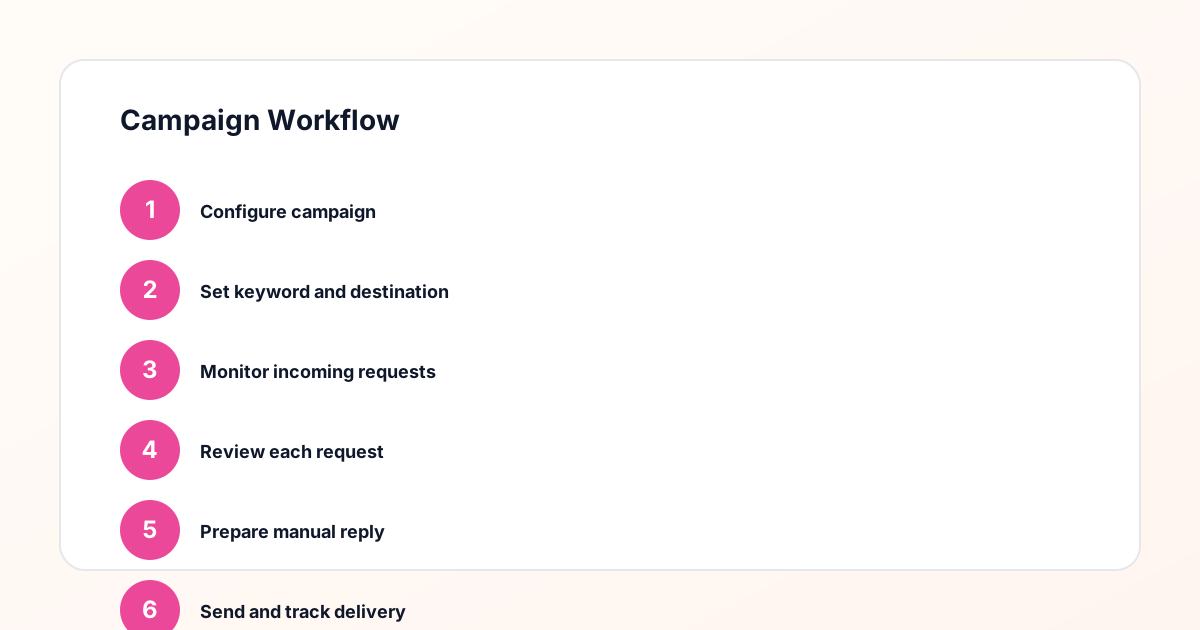
Use the same path everywhere: Offer → Lead Magnet → AI Funnel Builder → Keyword Strategy → Comment CTA → Reply Draft → Review & Approval → Campaign Launch → Request Inbox → Lead Tracking → Export.
Approval Queue Workflow
Review caption CTA, pinned comment, reply draft, lead magnet link, compliance notes, and client approval before a campaign goes live.
Export Readiness Checklist
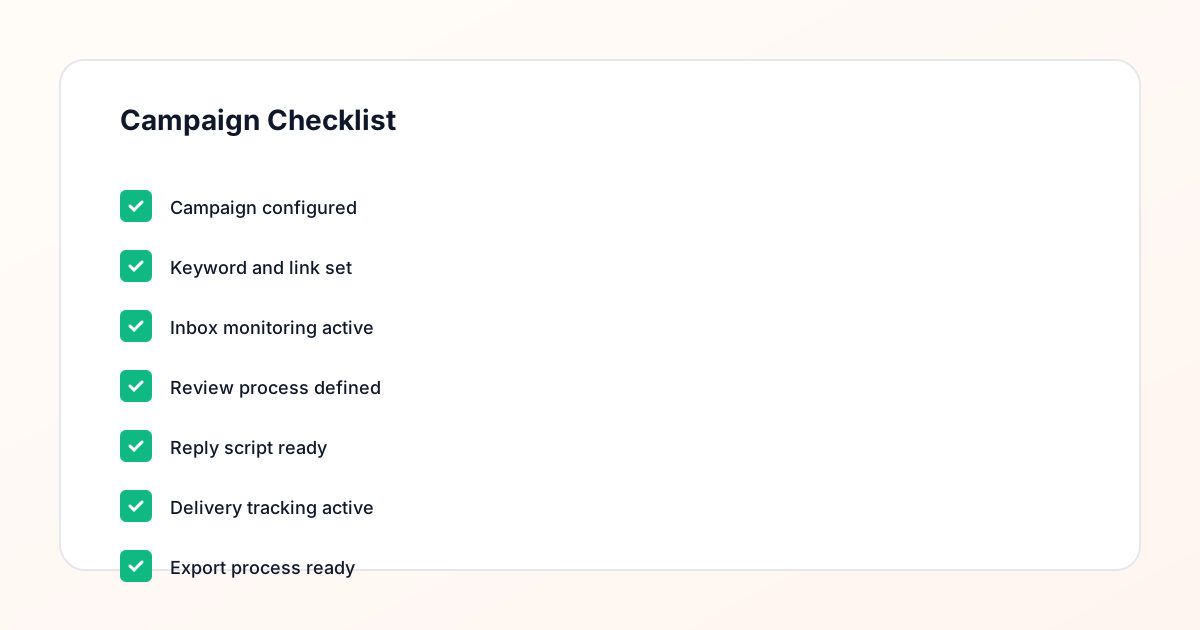
Export only after records have clear status, no sensitive private data, an owner, follow-up stage, and a documented next action.
Campaign Recovery Workflow
If requests are missed, pause new promotion, review pending records, update Reply Library drafts, communicate manually where appropriate, and document the process fix.
Decision framework
Use this matrix before choosing the next step.
Manual review reminder
Draft response — review before sending. Use approved tools and follow platform rules. GramTrigger helps plan and manage lead magnet workflows; it does not scrape users or auto-send unauthorized DMs.
Workflow Overview
Campaign Checklist
What a campaign request inbox is
A campaign request inbox is a dedicated workspace where every request from a comment keyword campaign is tracked, labeled, and managed through to fulfillment. Unlike a general social inbox that surfaces all messages and comments from the platform, a campaign request inbox is organized by campaign. Each request is associated with the campaign it came from, the keyword that triggered it, and the destination link or script that fulfillment requires. This campaign-centric structure makes it easy to see how many requests are pending for a specific post, which requests have been fulfilled, and which ones need follow-up. GramTrigger organizes campaign records so that tracking requests and managing reply status is a core part of the campaign workflow.
Why the native comment section is not enough
The native Instagram comment section is built for conversation, not for campaign management. It does not separate requests from general engagement, it does not track fulfillment status, and it does not hold a destination link or script alongside the requests. Creators who manage campaign requests entirely through the native comment section often lose track of who has been fulfilled and who has been missed — especially on posts with hundreds of comments or posts that continue receiving engagement days after publication. A request inbox that is organized by campaign and connected to the campaign record solves these problems by giving each request a clear home and a trackable status.
The role of reply-needed status
Reply-needed status is one of the most practical features in a campaign request tracking system. It marks which requests have not yet been fulfilled so that the team always knows where to start. Without reply-needed tracking, the person handling fulfillment has to scan through the comment history and remember which ones they already responded to — a process that becomes error-prone at any volume above a few dozen requests. GramTrigger includes reply-needed tracking as part of the campaign request management workflow so that creators and teams can see exactly which requests still need a response and can work through them systematically without scanning comment threads manually.
Managing requests across multiple campaigns
Creators who run more than one campaign at a time need a way to see request volume across all active campaigns without switching between posts and tabs. A campaign-organized request inbox makes this possible by showing requests grouped by campaign, so it is immediately clear which campaign has the most pending requests and where fulfillment attention should go first. GramTrigger organizes campaign records in a dashboard view so creators and agencies can see all active campaigns, their status, and their lead counts at once. During a launch when multiple posts are live simultaneously, this overview prevents the common mistake of fulfilling one campaign thoroughly while leaving another one with dozens of unanswered requests.
Keeping request records after fulfillment
Request records serve a purpose beyond the immediate fulfillment window. They show which campaigns generated the most interest, which keywords drove the highest request volume, and which posts had the best response rates. These historical records are valuable for planning future campaigns. If a free checklist campaign generated three times the requests of a webinar waitlist campaign, that is a signal worth acting on. GramTrigger stores campaign records including lead counts after the campaign closes so that creators can review performance across time and make data-informed decisions about which campaign formats to repeat and which to retire.
Delegating request fulfillment to a team
One of the most significant benefits of a campaign request inbox is how it enables delegation. When the response draft and destination link are stored in the campaign record, a VA or agency team member can handle fulfillment without needing to coordinate with the creator. The script is there. The link is confirmed. The status fields show which requests are pending. The team member opens the campaign, reads the record, and starts fulfilling immediately. Without this structure, delegation requires the creator to brief the VA each time, share the current link in a message, and remind them of the script — a process that costs time and introduces errors. GramTrigger makes delegation straightforward by keeping everything in the campaign record.
Exporting campaign requests for reporting
At the end of a campaign, the request record becomes the performance report. How many requests came in? How many were fulfilled? What was the lead count? For agencies, this data is what clients care about when they are evaluating the return on a comment keyword campaign. For solo creators, it is the data that informs the next post strategy. GramTrigger exports contain the campaign record including lead count and status so that reporting is straightforward without requiring a manual count of fulfilled requests. Consistent exports across campaigns also allow for trend analysis over time — seeing which months, topics, and offer types drive the strongest response.
How GramTrigger manages campaign requests
GramTrigger is designed around campaign-organized request management. Each campaign record holds the keyword, destination link, script, status, and lead count so that requests can be managed systematically rather than through the native comment section or a spreadsheet. The platform supports reply-needed tracking so that the team knows exactly which requests still need fulfillment attention. Exports are available at campaign close for reporting purposes. GramTrigger does not collect comments in real time or send messages automatically. It provides the organized structure that makes manual or approved fulfillment faster, more consistent, and less likely to miss requests.
Compliance Note
GramTrigger helps organize Campaign Blueprints, Reply Library drafts, Request Inbox stages, approvals, delivery status, Lead Exports, and reports. Delivery should be handled manually or through approved tools depending on your account and available platform support.