
GramTrigger guide
How to Track Comment Keyword Requests
Tracking comment keyword requests means keeping an accurate count of who has requested the promised resource, which requests have been fulfilled, and which are still pending. Without this tracking, it is impossible to know with confidence whether the campaign has reached every interested follower or whether some requests were missed during the busy first hours of a post. GramTrigger helps creators track comment keyword requests within campaign records so every request has a status and nothing falls through the gaps. GramTrigger is a workflow and request-management tool, not an official Instagram or Meta product.
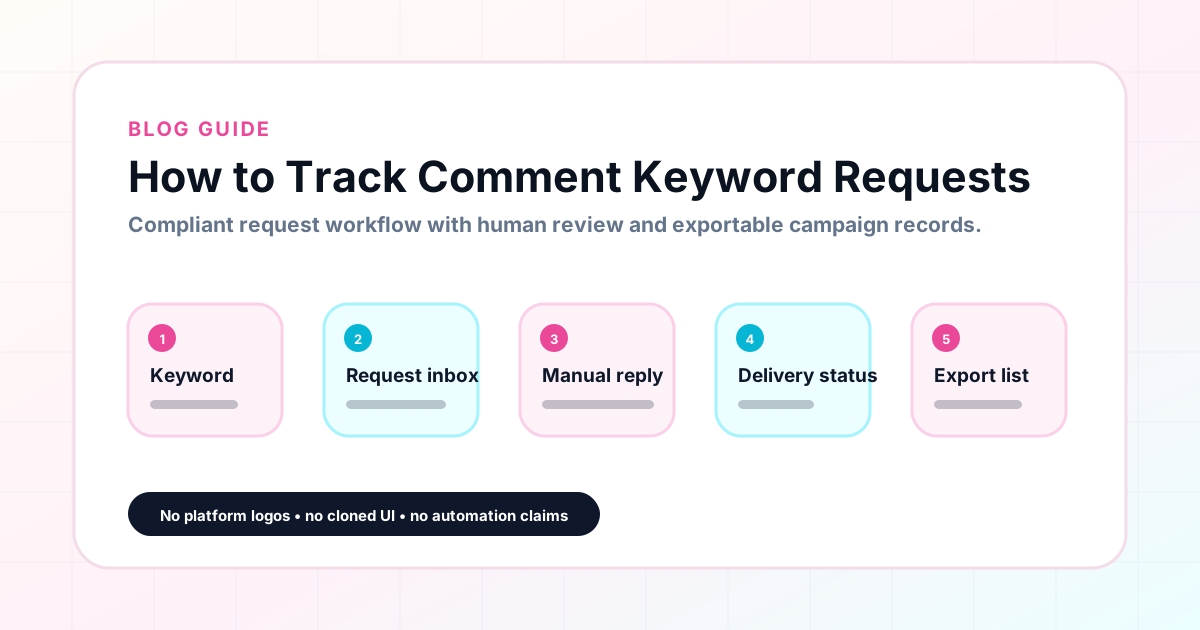
GramTrigger methodology
Original operating system for How to Track Comment Keyword Requests
The GramTrigger method treats every comment campaign as an approval workflow, not an automation shortcut. The goal is to prepare the offer, lead magnet, keyword strategy, Reply Library draft, Request Inbox stages, handoff owner, and Lead Export fields before comments turn into operational work.
Campaign Blueprint SOP
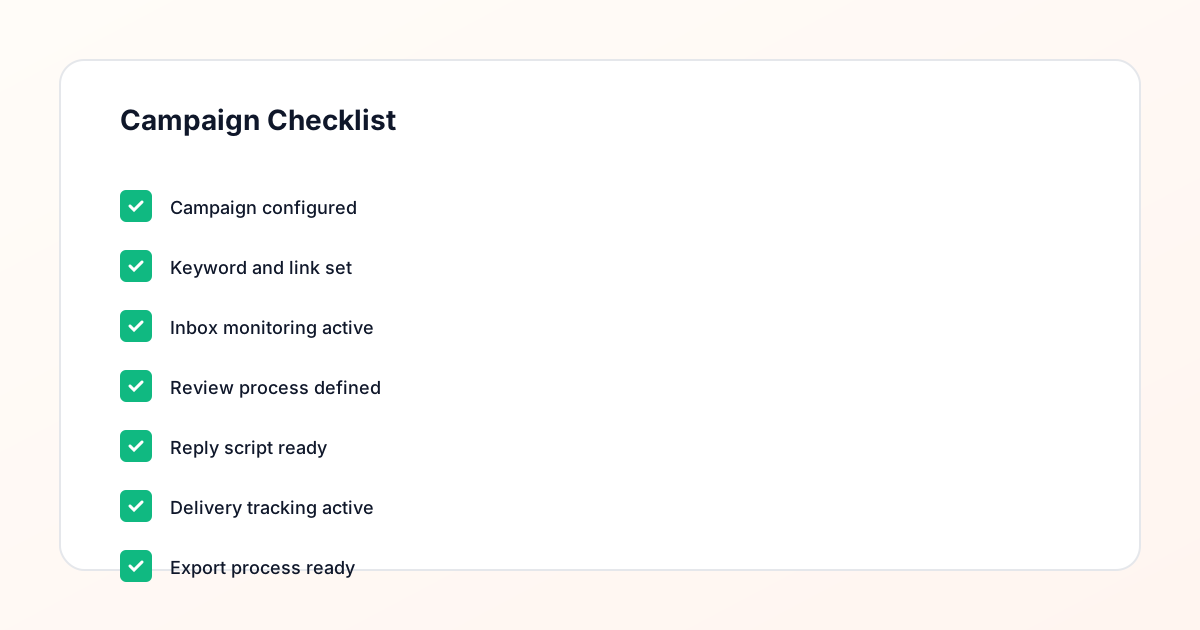
Confirm the offer, lead magnet, keyword strategy, comment CTA, reply draft, owner, approval status, and Lead Export fields before launch.
Comment Funnel Workflow
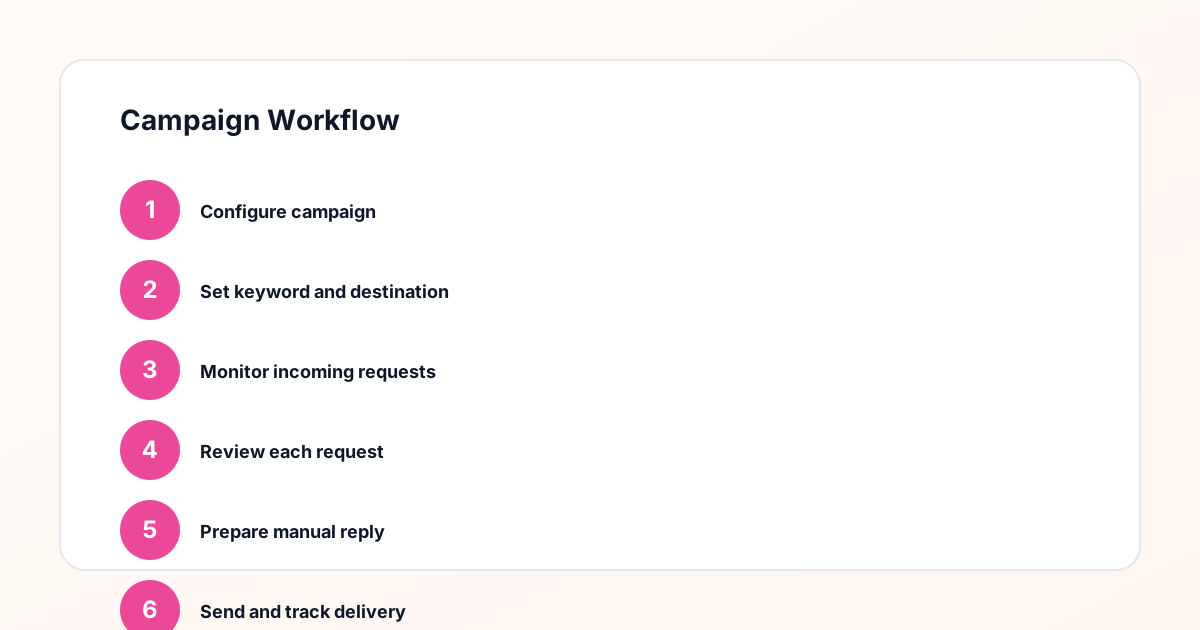
Use the same path everywhere: Offer → Lead Magnet → AI Funnel Builder → Keyword Strategy → Comment CTA → Reply Draft → Review & Approval → Campaign Launch → Request Inbox → Lead Tracking → Export.
Approval Queue Workflow
Review caption CTA, pinned comment, reply draft, lead magnet link, compliance notes, and client approval before a campaign goes live.
Export Readiness Checklist
Export only after records have clear status, no sensitive private data, an owner, follow-up stage, and a documented next action.
Campaign Recovery Workflow
If requests are missed, pause new promotion, review pending records, update Reply Library drafts, communicate manually where appropriate, and document the process fix.
Decision framework
Use this matrix before choosing the next step.
Manual review reminder
Draft response — review before sending. Use approved tools and follow platform rules. GramTrigger helps plan and manage lead magnet workflows; it does not scrape users or auto-send unauthorized DMs.
Workflow Overview
Campaign Checklist
Why tracking comment requests matters
A comment keyword campaign invites followers to make a request by commenting a specific word. Those people are expressing genuine interest in the offer. Missing their request — because the comment was buried in a busy thread, because the creator forgot to check back on day three, or because the team did not have a clear system for tracking pending requests — is a failure of the campaign that the follower notices. Systematic request tracking ensures every keyword comment gets a response and every interested follower receives the resource they requested. The reputation of the campaign depends on this consistency as much as on the quality of the resource being offered.
Setting up request tracking before launch
Request tracking should begin before the post goes live. Creating the campaign record in GramTrigger before launching establishes the tracking structure that the team will use throughout the campaign window. When the record is ready before the first comment arrives, requests can be tracked from the very beginning of the campaign rather than retroactively after the post has been live for several hours. Retroactive tracking is less reliable because it requires reconstructing the sequence of requests from the comment thread, which becomes increasingly difficult as general comment volume grows and the keyword responses are interspersed throughout.
Tracking pending versus fulfilled requests
The core tracking question in a keyword campaign is: which requests have been fulfilled and which are still pending? GramTrigger provides lead count tracking and campaign status fields so this question always has a clear answer. When a request is fulfilled, the lead count increases. When all pending requests have been addressed, the team updates the campaign status to reflect current progress. This tracking gives the creator or agency manager a real-time view of where fulfillment stands without having to check the comment thread manually or ask the fulfillment team member for a status update.
Tracking requests across multiple active campaigns
When multiple keyword campaigns are running simultaneously, tracking requests separately for each campaign prevents the confusion that comes from mixing requests from different offers. A request for a GUIDE and a request for a WAITLIST belong to different campaigns with different destination links and different response drafts. GramTrigger organizes requests by campaign so the tracking view for each post is always specific to that campaign. This separation is especially important during launch periods when several posts with different keywords may all be generating requests simultaneously.
Using tracking data to improve follow-up
Request tracking data shows more than just fulfillment status — it shows the rate at which requests arrive throughout the campaign window. Knowing that most requests arrive in the first two hours after posting helps creators and agencies plan fulfillment resources for future campaigns. If a campaign generates a steady stream of new requests three days after the original post, that information is useful for deciding how long to keep the campaign active and whether to post a follow-up reminder about the offer. GramTrigger lead count data provides this timing information within the campaign record.
Exporting tracking records after the campaign
When the campaign closes, the tracking record is exported from GramTrigger. The export captures the full campaign record including the lead count — the total number of tracked keyword requests during the campaign window. This export is the primary documentation of the campaign is request volume. For agencies, it is the data behind client reports. For solo creators, it is the benchmark for planning the scale of future campaigns. Tracking data only becomes useful when it is consistently exported and archived rather than left in the platform and forgotten after the campaign closes.
Compliance Note
GramTrigger helps organize Campaign Blueprints, Reply Library drafts, Request Inbox stages, approvals, delivery status, Lead Exports, and reports. Delivery should be handled manually or through approved tools depending on your account and available platform support.