
GramTrigger guide
Comment Keyword Campaign Tracking for Creators
Comment keyword campaign tracking gives creators visibility into every stage of a keyword campaign — from setup through fulfillment to export. Without tracking, campaigns are difficult to manage at scale: it becomes unclear which posts are still active, how many requests have arrived, and whether fulfillment is keeping up with incoming demand. Tracking provides the data creators need to run campaigns confidently and review performance afterward. GramTrigger organizes campaign tracking with dedicated records that capture the keyword, destination, script, status, and lead count for every campaign. GramTrigger is a workflow and request-management tool, not an official Instagram or Meta product.
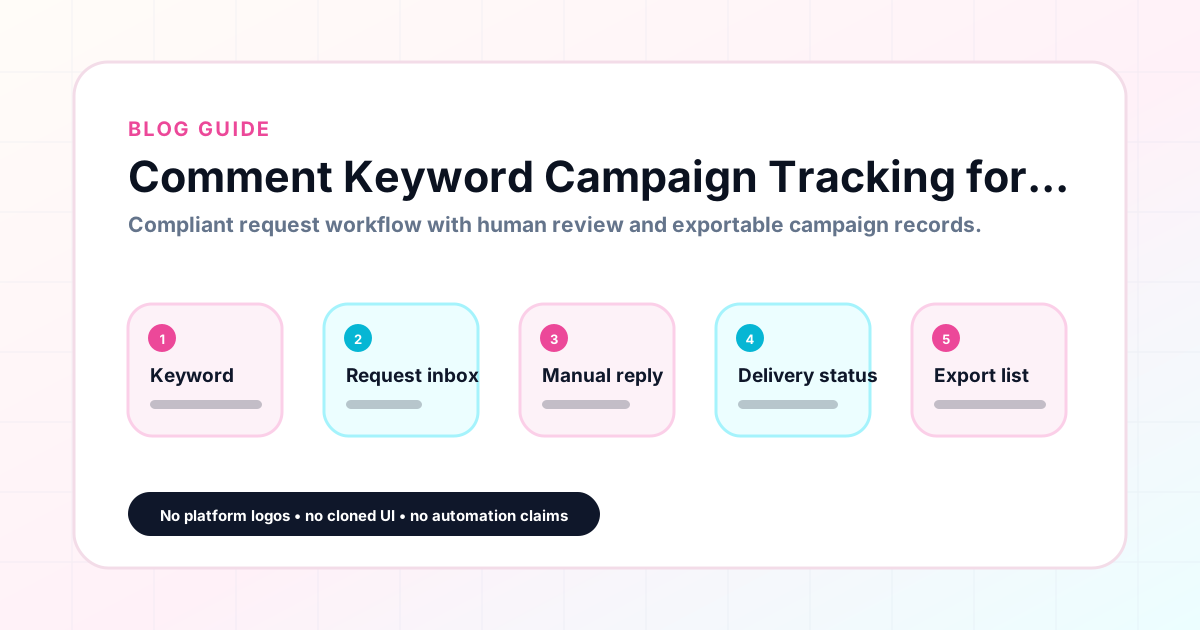
GramTrigger methodology
Original operating system for Comment Keyword Campaign Tracking for Creators
The GramTrigger method treats every comment campaign as an approval workflow, not an automation shortcut. The goal is to prepare the offer, lead magnet, keyword strategy, Reply Library draft, Request Inbox stages, handoff owner, and Lead Export fields before comments turn into operational work.
Campaign Blueprint SOP
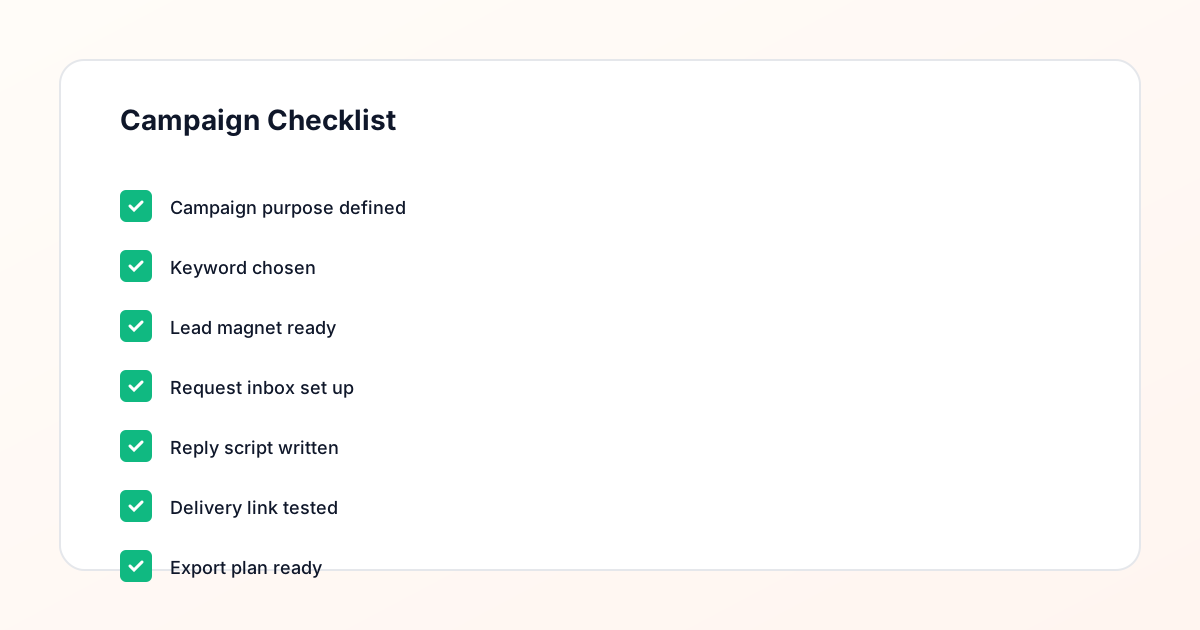
Confirm the offer, lead magnet, keyword strategy, comment CTA, reply draft, owner, approval status, and Lead Export fields before launch.
Comment Funnel Workflow
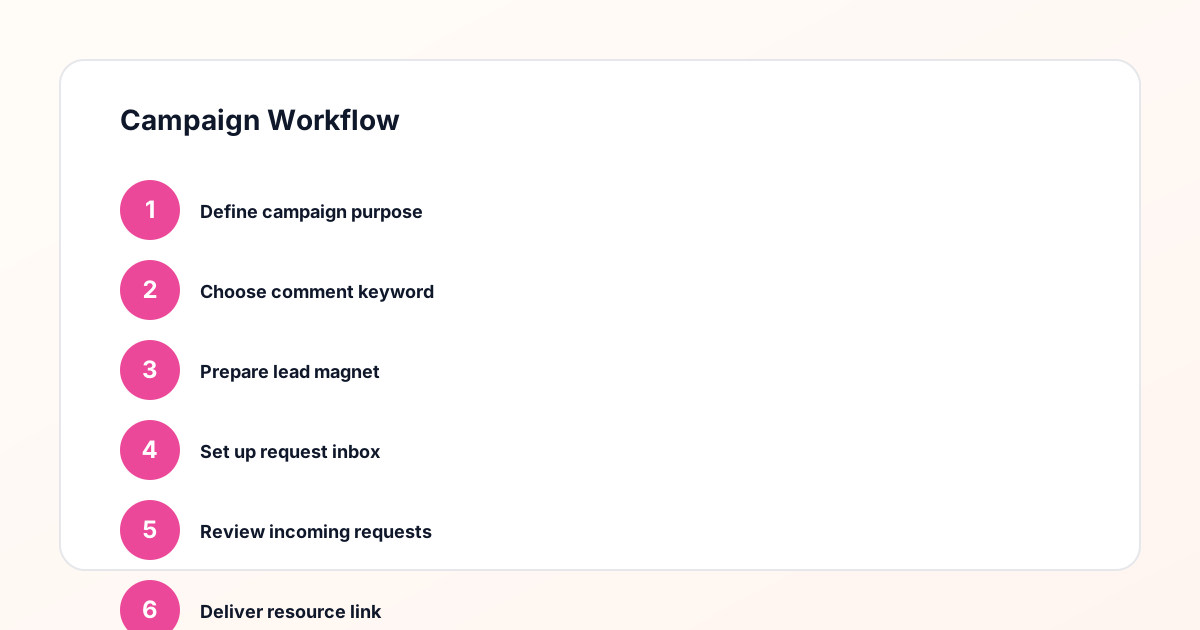
Use the same path everywhere: Offer → Lead Magnet → AI Funnel Builder → Keyword Strategy → Comment CTA → Reply Draft → Review & Approval → Campaign Launch → Request Inbox → Lead Tracking → Export.
Approval Queue Workflow
Review caption CTA, pinned comment, reply draft, lead magnet link, compliance notes, and client approval before a campaign goes live.
Export Readiness Checklist
Export only after records have clear status, no sensitive private data, an owner, follow-up stage, and a documented next action.
Campaign Recovery Workflow
If requests are missed, pause new promotion, review pending records, update Reply Library drafts, communicate manually where appropriate, and document the process fix.
Decision framework
Use this matrix before choosing the next step.
Manual review reminder
Draft response — review before sending. Use approved tools and follow platform rules. GramTrigger helps plan and manage lead magnet workflows; it does not scrape users or auto-send unauthorized DMs.
Workflow Overview
Campaign Checklist
What campaign tracking covers
Comment keyword campaign tracking spans four areas: setup records, request volume, fulfillment status, and export data. Setup records track what the campaign promises — the keyword, the destination, and the script. Request volume tracks how many people have responded to the campaign keyword. Fulfillment status tracks how many of those requests have been handled and how many remain pending. Export data captures the full campaign record when the campaign closes. GramTrigger provides a single campaign record that covers all four areas so creators do not need to maintain separate systems for each tracking function.
Tracking setup before launch
Pre-launch tracking is the foundation of a well-run keyword campaign. Before the post goes live, the campaign record should capture the keyword, the confirmed destination link, and the ready response draft. These fields are not just organizational — they are the tracking infrastructure that makes fulfillment systematic. When a creator can open a campaign record and immediately see all three pieces of information, setup is complete. When any one of these fields is missing, the campaign is not ready to fulfill requests accurately. GramTrigger shows campaign setup completeness so creators can confirm everything is in place before publishing.
Tracking request volume during the campaign
During an active campaign, request volume tracking helps the team understand how much fulfillment work is ahead of them. A post that generates fifty requests in the first hour needs different resource allocation than one that generates five requests across three days. GramTrigger tracks lead counts within each campaign record so the team can see at a glance how many requests have arrived and how many have been fulfilled. This volume awareness helps creators and agencies prioritize fulfillment work across simultaneous campaigns and ensures that high-volume campaigns get the attention they need during peak engagement windows.
Tracking fulfillment status
Fulfillment status tracking answers the critical question: are there still pending requests that need attention? Without tracking, this question requires scanning through comment threads and DM histories — a time-consuming and error-prone process. GramTrigger provides campaign-level status fields — draft, ready, active, paused, complete — alongside lead count data so the team always knows where each campaign stands without searching through platform interfaces. Status tracking is especially valuable during multi-day campaigns and launch weeks when multiple posts are active and fulfillment attention needs to be allocated across several campaigns simultaneously.
Using tracking data to improve campaigns
Campaign tracking data is most valuable when it informs future campaigns. Which keyword generated the most requests? Which post type drove the most lead magnet interest? Which offer had the fastest fulfillment rate? GramTrigger archives campaign records with lead counts and statuses so this data is available for review at any time. Creators who review their campaign history develop a clearer picture of what their audience responds to and can make smarter decisions about which offers to repeat, which keywords to use, and which post styles generate the most comment keyword requests.
Exporting tracking records
Campaign exports are the final output of the tracking workflow. They capture everything the tracking system recorded: the campaign name, keyword, destination link, response draft, status, and lead count. These exports are useful for creator performance reviews, agency client reporting, and archiving the details of completed campaigns for future reference. GramTrigger exports are available at any campaign stage so the tracking record is never lost when a post drops off the feed. For agencies, consistent exports from every tracked campaign build the reporting foundation that justifies comment keyword campaigns as a repeatable lead generation strategy.
Compliance Note
GramTrigger helps organize Campaign Blueprints, Reply Library drafts, Request Inbox stages, approvals, delivery status, Lead Exports, and reports. Delivery should be handled manually or through approved tools depending on your account and available platform support.