GramTrigger guide
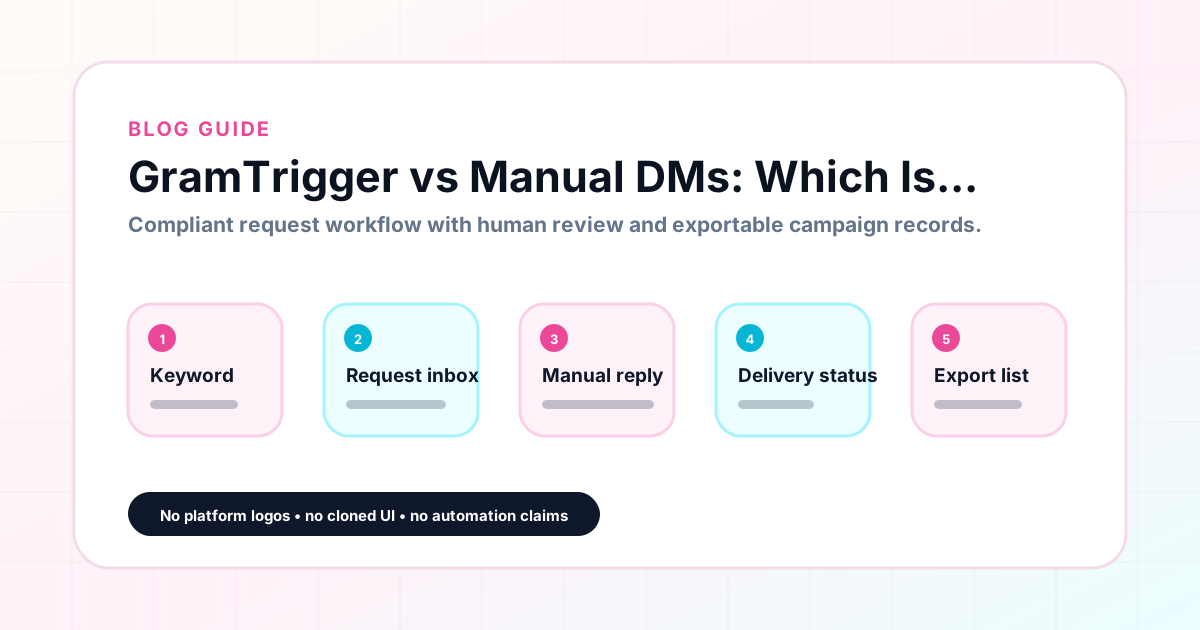
GramTrigger vs Manual DMs: Which Is Better for Campaign Tracking?
Many creators manage their comment keyword campaigns entirely through manual DMs — no tool, no spreadsheet, just responding to comments and sending links through the native Instagram interface. For very low-volume campaigns, this approach is workable. As campaign volume grows and requests multiply, the gaps in a purely manual DM approach become more apparent: missed requests, inconsistent scripts, broken links, and no record of what was sent to whom. GramTrigger adds the organizational layer that turns ad hoc manual DMs into a structured, trackable campaign workflow. GramTrigger is a workflow and request-management tool, not an official Instagram or Meta product.
GramTrigger methodology
Original operating system for GramTrigger vs Manual DMs: Which Is Better for Campaign Tracking?
The GramTrigger method treats every comment campaign as an approval workflow, not an automation shortcut. The goal is to prepare the offer, lead magnet, keyword strategy, Reply Library draft, Request Inbox stages, handoff owner, and Lead Export fields before comments turn into operational work.
Campaign Blueprint SOP
Confirm the offer, lead magnet, keyword strategy, comment CTA, reply draft, owner, approval status, and Lead Export fields before launch.
Comment Funnel Workflow
Use the same path everywhere: Offer → Lead Magnet → AI Funnel Builder → Keyword Strategy → Comment CTA → Reply Draft → Review & Approval → Campaign Launch → Request Inbox → Lead Tracking → Export.
Approval Queue Workflow
Review caption CTA, pinned comment, reply draft, lead magnet link, compliance notes, and client approval before a campaign goes live.
Export Readiness Checklist
Export only after records have clear status, no sensitive private data, an owner, follow-up stage, and a documented next action.
Campaign Recovery Workflow
If requests are missed, pause new promotion, review pending records, update Reply Library drafts, communicate manually where appropriate, and document the process fix.
Decision framework
Use this matrix before choosing the next step.
Manual review reminder
Draft response — review before sending. Use approved tools and follow platform rules. GramTrigger helps plan and manage lead magnet workflows; it does not scrape users or auto-send unauthorized DMs.
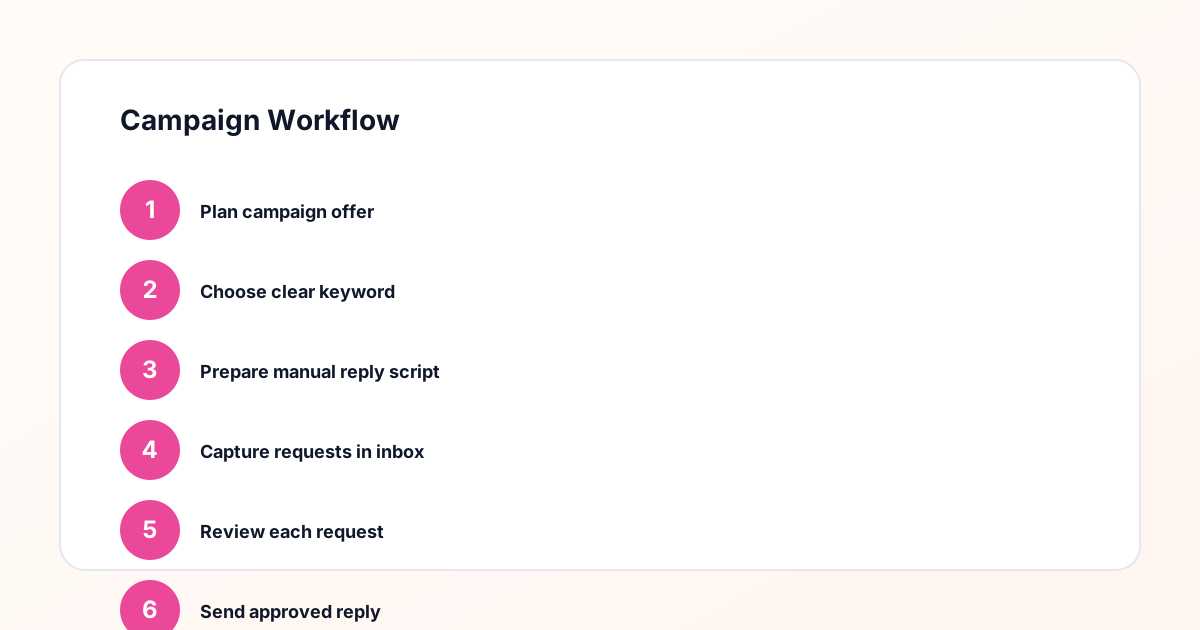
Workflow Overview
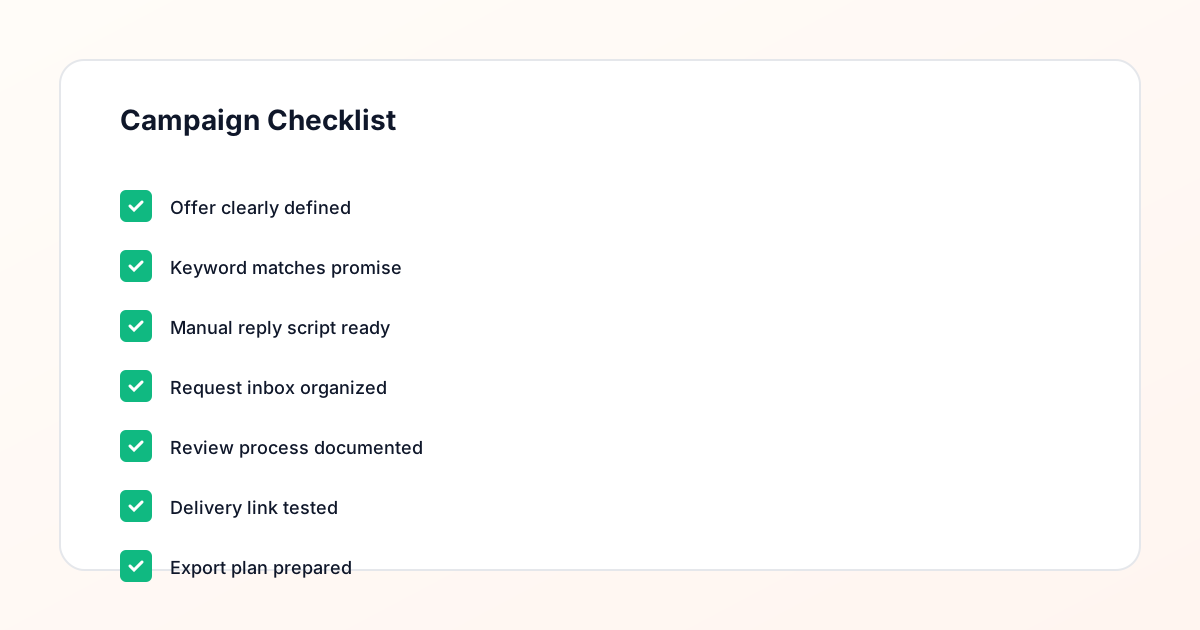
Campaign Checklist
How purely manual DM campaigns work
In a purely manual DM workflow, the creator publishes the post, watches for comments with the trigger keyword, and manually responds to each one through the native Instagram DM interface. The link is usually copied from the browser or the creator's notes. The message is written fresh each time, with minor variations based on how the creator is feeling or how busy the campaign window is. The process works well for the first ten or twenty requests. After that, the quality starts to degrade: some responses are thorough, others are rushed, and some requests get missed entirely when the creator steps away from the phone.
Why manual DMs without a system create gaps
The problems with manual DMs as a campaign management approach compound over time and with volume. There is no record of which requests have been responded to, so the creator cannot confirm fulfillment after the fact. The script changes between responses, so some leads get a better experience than others. The link is often pasted from memory or recent browser history, which creates errors when links have been updated. And when the creator wants to review campaign performance — how many leads did this campaign generate? — there is no data to review. The DM threads exist in Instagram, but reconstructing a lead count and fulfillment status from scattered threads is impractical.
What GramTrigger adds to the manual DM workflow
GramTrigger does not replace the manual DM — it organizes the workflow around it. Before the campaign launches, the creator sets up the campaign record in GramTrigger: the trigger keyword, the destination link, the response draft, and the initial status. When a request comes in, the creator or team member opens the campaign record, copies the script, pastes the link, and sends the DM through Instagram. The request is then updated in the campaign record as fulfilled. The lead count increments. At the end of the campaign, the export captures the full record. The DMs still happen manually through Instagram; GramTrigger provides the structure around them that turns individual DMs into a trackable campaign.
Script consistency: ad hoc vs organized
Script consistency is one of the clearest differences between ad hoc manual DMs and organized campaign management. In an ad hoc workflow, the creator writes each message fresh, which produces variations in tone, length, accuracy, and link placement. Over a campaign with fifty responses, some of those variations will be meaningful — a message that forgets the link, a message that mentions the wrong resource name, a message that uses inconsistent branding. In GramTrigger, the script is written once, reviewed, and saved. Every response is a copy of the same prepared message, with the same structure, the same link, and the same tone. This consistency creates a better experience for leads and protects the creator's professional reputation.
Link accuracy: memory vs confirmed record
In a manual DM workflow without an organized system, the destination link is typically copied from a browser tab that the creator has open, from the caption itself, or from memory. When the link changes — because the opt-in page was redesigned, the PDF moved, or the webinar link expired — the creator has to remember to use the new link and stop using the old one. In a campaign with multiple team members handling fulfillment, this link management challenge multiplies. GramTrigger stores the destination link in the campaign record as the single source of truth. Updating the link is one edit that immediately affects all subsequent responses. There is no risk of different team members using different versions of the link.
Tracking missed requests: DM history vs campaign record
Identifying which requests have been missed in a manual DM workflow requires scrolling through the comment section or DM history and trying to cross-reference which comments received a response. This is slow and error-prone, especially for posts with large comment volumes or requests that arrived at different times over several days. GramTrigger tracks request status within the campaign record so that the pending queue is always visible. The creator or team member can see at a glance which requests are still outstanding and work through them in order. This status visibility is one of the most practical benefits of an organized campaign management approach compared to managing fulfillment from the native Instagram interface.
Reporting: no data vs campaign export
The most significant operational difference between pure manual DMs and organized campaign management is what exists after the campaign ends. With pure manual DMs, the campaign is over and there is no data: no lead count, no record of what script was used, no confirmation of the destination link, no export for reporting. With GramTrigger, the campaign record persists after the campaign closes and is available for export. The export includes the campaign name, keyword, destination link, script, status, and lead count. For solo creators, this data informs future campaigns. For agencies, it is the deliverable that justifies the campaign management service to clients.
Who benefits most from adding GramTrigger to manual DMs
The creators who benefit most from adding GramTrigger to their manual DM workflow are those who run comment keyword campaigns more than once a month, those who delegate fulfillment to a VA or agency team, those who need to report campaign performance to clients or business partners, and those who have experienced missed requests or inconsistent scripts in past campaigns. For creators who run one campaign per quarter with low request volume, the overhead of setting up a campaign record in GramTrigger may not be justified. For those who run regular campaigns with meaningful volume, the organizational benefits — consistent scripts, accurate lead tracking, and post-campaign reporting — quickly outweigh the minimal setup time.
Compliance Note
GramTrigger helps organize Campaign Blueprints, Reply Library drafts, Request Inbox stages, approvals, delivery status, Lead Exports, and reports. Delivery should be handled manually or through approved tools depending on your account and available platform support.