GramTrigger guide
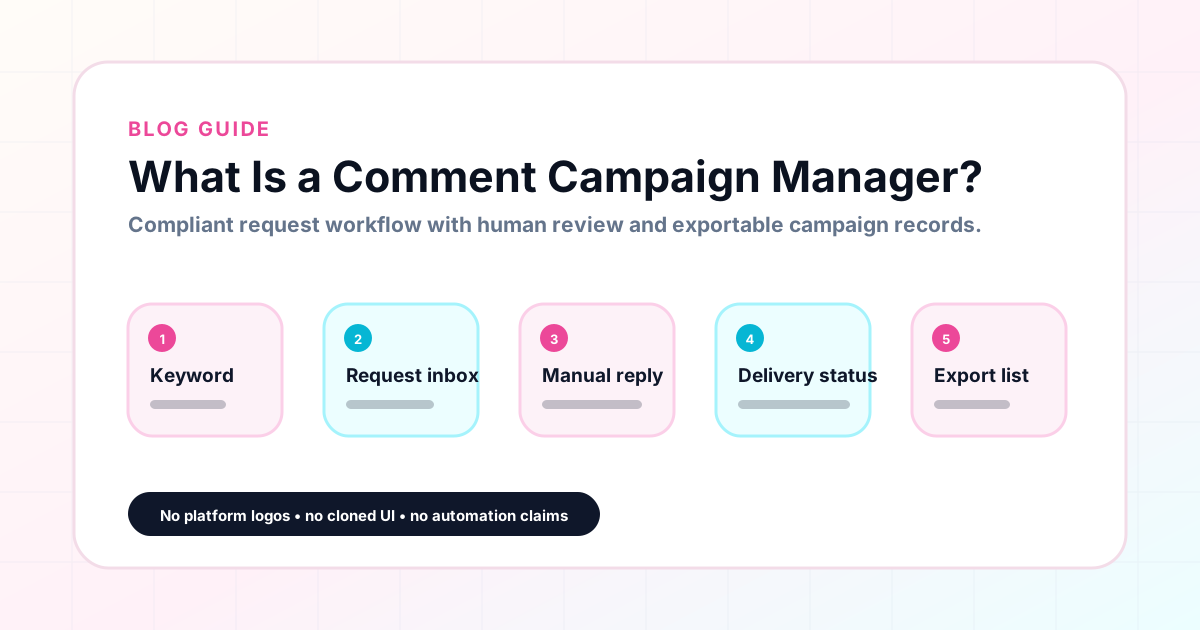
What Is a Comment Campaign Manager?
A comment campaign manager is a tool that organizes the planning, tracking, and reporting for Instagram comment keyword campaigns. It replaces the scattered combination of notes apps, spreadsheets, DM histories, and browser bookmarks that most creators use to manage their campaigns. A comment campaign manager holds each campaign record in one place: the trigger keyword, the destination link, the response draft, the campaign status, and the lead count. GramTrigger is built specifically for this role — helping creators, coaches, agencies, and small businesses run cleaner campaigns from setup through export. GramTrigger is a workflow and request-management tool, not an official Instagram or Meta product.
GramTrigger methodology
Original operating system for What Is a Comment Campaign Manager?
The GramTrigger method treats every comment campaign as an approval workflow, not an automation shortcut. The goal is to prepare the offer, lead magnet, keyword strategy, Reply Library draft, Request Inbox stages, handoff owner, and Lead Export fields before comments turn into operational work.
Campaign Blueprint SOP
Confirm the offer, lead magnet, keyword strategy, comment CTA, reply draft, owner, approval status, and Lead Export fields before launch.
Comment Funnel Workflow
Use the same path everywhere: Offer → Lead Magnet → AI Funnel Builder → Keyword Strategy → Comment CTA → Reply Draft → Review & Approval → Campaign Launch → Request Inbox → Lead Tracking → Export.
Approval Queue Workflow
Review caption CTA, pinned comment, reply draft, lead magnet link, compliance notes, and client approval before a campaign goes live.
Export Readiness Checklist
Export only after records have clear status, no sensitive private data, an owner, follow-up stage, and a documented next action.
Campaign Recovery Workflow
If requests are missed, pause new promotion, review pending records, update Reply Library drafts, communicate manually where appropriate, and document the process fix.
Decision framework
Use this matrix before choosing the next step.
Manual review reminder
Draft response — review before sending. Use approved tools and follow platform rules. GramTrigger helps plan and manage lead magnet workflows; it does not scrape users or auto-send unauthorized DMs.
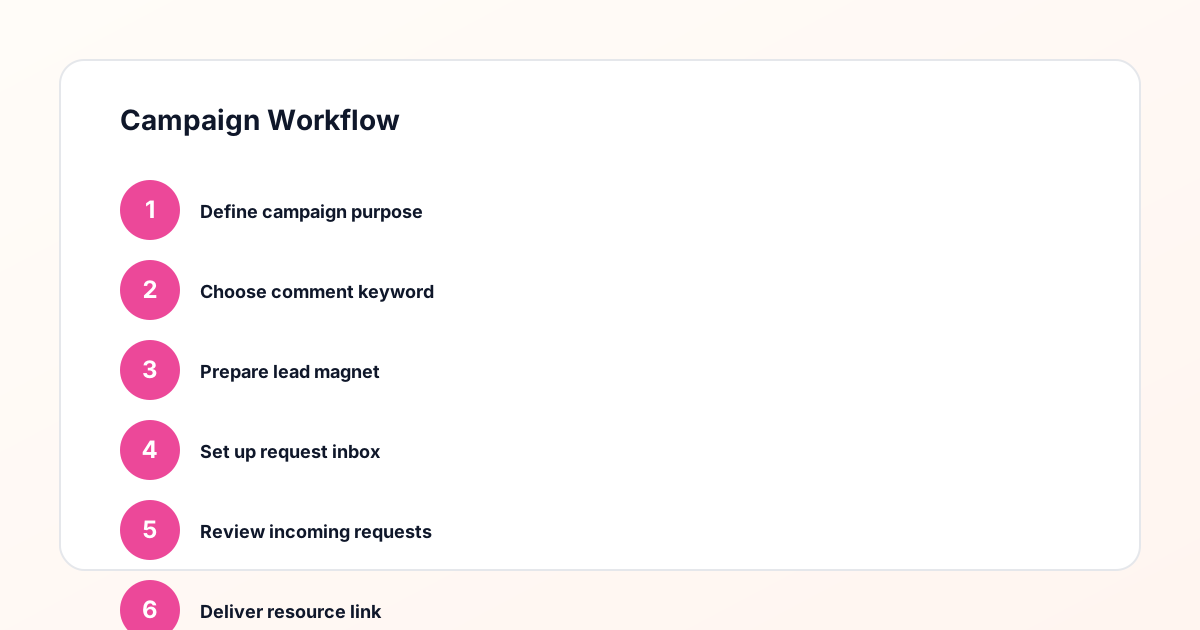
Workflow Overview
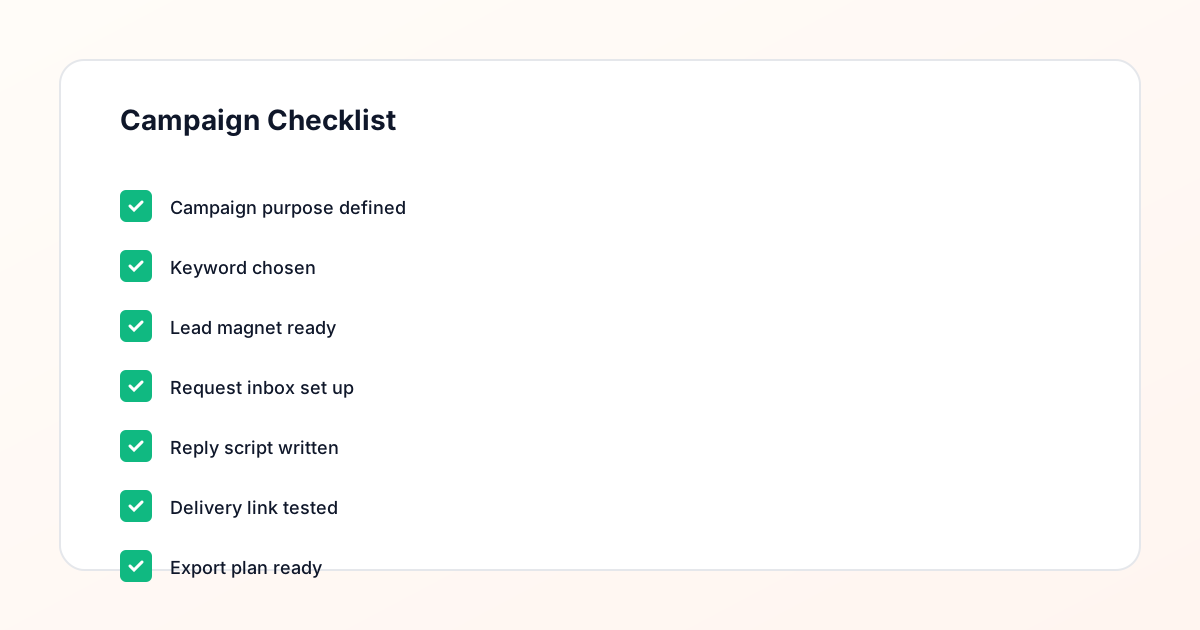
Campaign Checklist
The problem that makes a campaign manager necessary
Most creators start managing comment campaigns with a simple approach: write the script in a notes app, copy the link from the browser, and track requests in a spreadsheet. This works for the first campaign. By the third or fourth campaign, the system starts to break down. Links are stored in different places. Scripts vary between campaigns. The spreadsheet has columns that do not match. When a VA or agency team member tries to help, they cannot find the right version of anything. A comment campaign manager solves this by creating a consistent structure for every campaign — the same fields, the same record format, the same export process — so that the workflow is repeatable regardless of how many campaigns are running at once.
What a campaign record contains
Every campaign in a well-organized comment campaign manager should contain at minimum six pieces of information: the post or content reference, the trigger keyword, the destination link, the response draft, the campaign status, and the lead count. Some campaigns include additional notes, and agencies may track client-specific details. But the core six fields are the foundation. Without any one of them, the campaign record is incomplete and fulfillment becomes slower and less reliable. GramTrigger organizes these fields for every campaign so that creators and teams always have a complete record to work from, whether they are setting up a campaign for the first time or reviewing one that closed months ago.
How a campaign manager differs from a spreadsheet
Spreadsheets are flexible, which is also their biggest problem for comment campaign management. There is no standard structure, so every creator invents their own columns. Links sit in cells without validation. Scripts are in text columns that do not display well. Status fields are free-form text that varies between users. When a team member needs to find the current link for a campaign, they have to know which sheet, which tab, and which column to look in. A comment campaign manager like GramTrigger imposes a consistent structure by design. Every campaign has the same fields in the same place. Status is a controlled field. The link is in the link field. The script is in the script field. That consistency removes the friction of searching and reduces the errors that come from working with unstructured data.
How a campaign manager differs from a social inbox
A social inbox tool collects all incoming messages and comments into one feed for moderation and response. A comment campaign manager is different: it is focused on the campaign setup and workflow rather than the incoming volume of comments. A social inbox is useful for monitoring and responding at scale. A comment campaign manager is useful for organizing what each campaign promises, where the destination goes, what the script says, and what the current status is. GramTrigger is a campaign manager, not an inbox tool. It does not collect comments in real time. It provides the organized record that makes manual or approved fulfillment possible and consistent when those comments arrive.
Who needs a comment campaign manager
Creators who run comment keyword campaigns more than once a month benefit from a campaign manager. The recurring nature of these campaigns is exactly where a consistent record system creates the most value — because each campaign builds on the last, and having organized records makes it faster to set up the next one. Coaches who run campaigns for free guides, trainings, and waitlists benefit because their campaigns often peak during launch windows when time is most limited. Agencies benefit because they manage multiple clients simultaneously and need a standard record format that works across all of them. Small businesses benefit because campaigns that generate coupons, product links, or drop notifications need clean tracking for inventory and fulfillment purposes.
Status tracking inside a campaign manager
Campaign status is one of the most practical features in a comment campaign manager. Simple statuses — draft, ready, active, paused, complete — give creators and teams a shared understanding of where each campaign stands without needing to discuss it. When a campaign is active, the team fulfills requests. When it is paused, they stop. When it is complete, they move to export. Without status tracking, the team often has to ask the creator whether a campaign is still running — a small interruption that compounds over time into significant overhead. GramTrigger provides campaign status fields that are visible on the dashboard so the team always knows where each campaign stands at a glance.
Exporting from a campaign manager
A comment campaign manager should produce clean exports at the end of each campaign. The export should capture the campaign name, keyword, destination link, response draft, status, and lead count. This export is the record of what the campaign was, how it was run, and how many leads it generated. It is useful for creator performance reviews, agency client reporting, and internal planning for future campaigns. GramTrigger exports are available for any campaign at any stage. Agencies who manage five or ten client campaigns per month find that consistent exports significantly reduce the time needed for reporting and allow for structured performance reviews that show clients the value of their investment.
GramTrigger as a comment campaign manager
GramTrigger is designed specifically for the comment campaign management workflow. It is not a social media scheduling tool, a bot, or a CRM. It is a focused workspace for the people running Instagram comment keyword campaigns who need campaign records, response drafts, destination links, status tracking, and exports in one organized place. The platform does not send automatic DMs and does not claim any official relationship with Instagram or Meta. It fills the specific role of keeping each campaign organized so that creators and teams can run faster, cleaner campaigns with less confusion and fewer dropped requests.
Compliance Note
GramTrigger helps organize Campaign Blueprints, Reply Library drafts, Request Inbox stages, approvals, delivery status, Lead Exports, and reports. Delivery should be handled manually or through approved tools depending on your account and available platform support.