
GramTrigger guide
GramTrigger vs Google Sheets for Comment Campaign Tracking
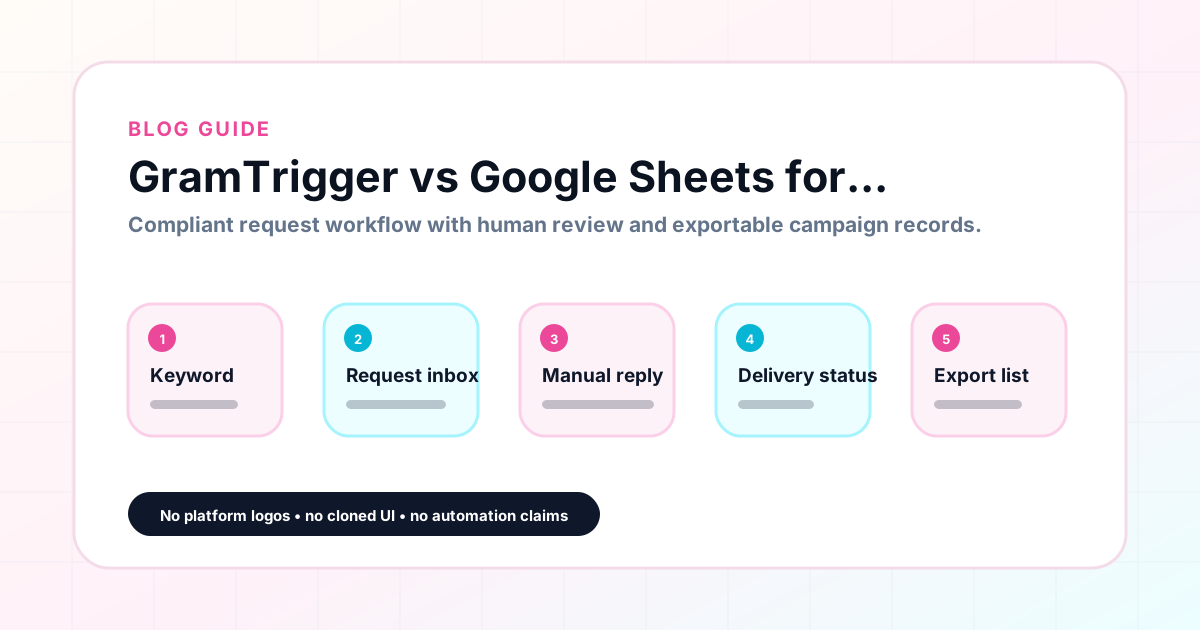
GramTrigger and Google Sheets can both track Instagram comment campaigns, but they work very differently. Google Sheets is a flexible spreadsheet that requires manual structure. GramTrigger is a purpose-built campaign record manager with consistent fields, controlled status, and clean exports. This comparison helps you decide which fits your workflow. GramTrigger is a workflow and request-management tool, not an official Instagram or Meta product.
GramTrigger methodology
Original operating system for GramTrigger vs Google Sheets for Comment Campaign Tracking
The GramTrigger method treats every comment campaign as an approval workflow, not an automation shortcut. The goal is to prepare the offer, lead magnet, keyword strategy, Reply Library draft, Request Inbox stages, handoff owner, and Lead Export fields before comments turn into operational work.
Campaign Blueprint SOP
Confirm the offer, lead magnet, keyword strategy, comment CTA, reply draft, owner, approval status, and Lead Export fields before launch.
Comment Funnel Workflow
Use the same path everywhere: Offer → Lead Magnet → AI Funnel Builder → Keyword Strategy → Comment CTA → Reply Draft → Review & Approval → Campaign Launch → Request Inbox → Lead Tracking → Export.
Approval Queue Workflow
Review caption CTA, pinned comment, reply draft, lead magnet link, compliance notes, and client approval before a campaign goes live.
Export Readiness Checklist
Export only after records have clear status, no sensitive private data, an owner, follow-up stage, and a documented next action.
Campaign Recovery Workflow
If requests are missed, pause new promotion, review pending records, update Reply Library drafts, communicate manually where appropriate, and document the process fix.
Decision framework
Use this matrix before choosing the next step.
Manual review reminder
Draft response — review before sending. Use approved tools and follow platform rules. GramTrigger helps plan and manage lead magnet workflows; it does not scrape users or auto-send unauthorized DMs.
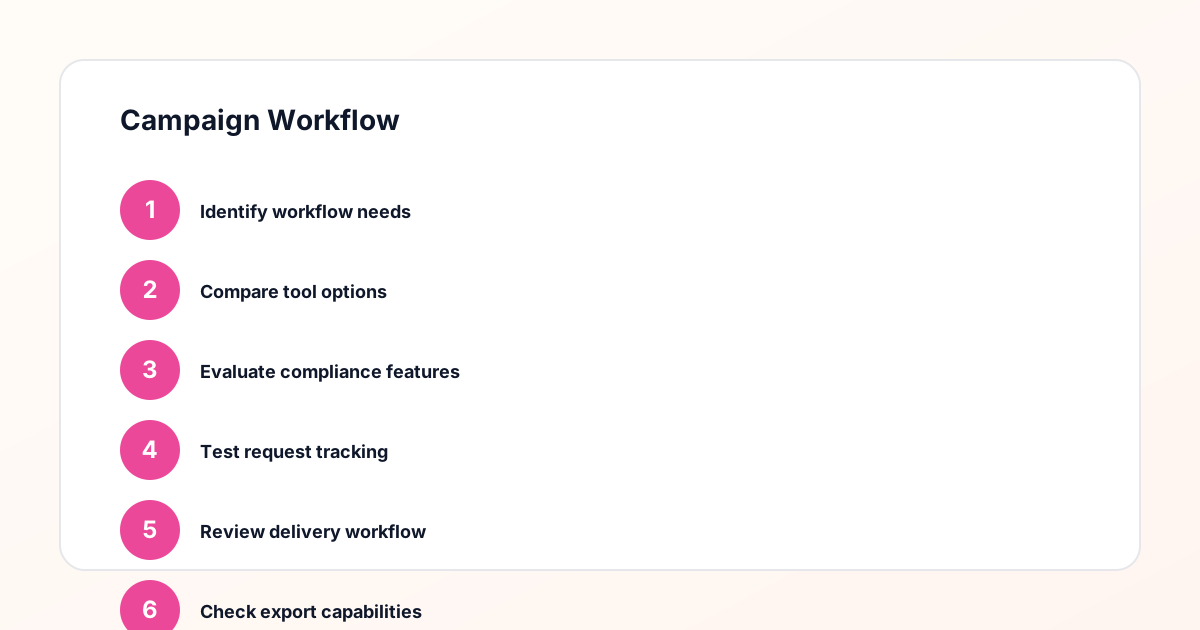
Workflow Overview
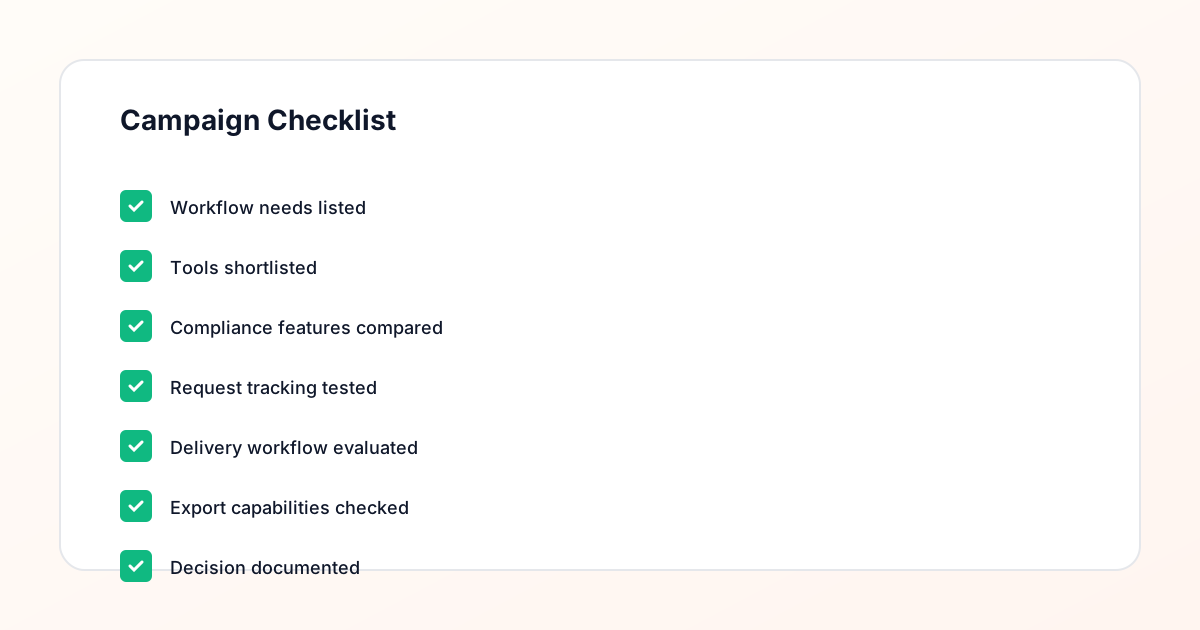
Campaign Checklist
Core difference
Google Sheets is a general-purpose spreadsheet with no enforced structure for campaign records. GramTrigger is a purpose-built campaign manager with consistent fields for keyword, destination link, script, status, and lead count in every campaign.
Structure comparison
In Google Sheets, every creator invents their own columns and formats. Status labels vary between rows. Links sit in cells without validation. In GramTrigger, every campaign has the same fields in the same place. Status is a controlled field. The link is in the link field. The script is in the script field.
Delegation
Delegating with Google Sheets requires the team member to learn the creator is specific structure. With GramTrigger, the delegate opens the campaign and sees the same structured record they see for every other campaign.
Link management
In Google Sheets, updating a link requires finding every cell where it appears. In GramTrigger, the link is in one field per campaign. Updating it is one edit that takes effect immediately.
Reporting
Google Sheets reports require formatting and cleanup. GramTrigger exports are consistently formatted because the data was captured in a structured format from the beginning.
When Google Sheets is still useful
Google Sheets is useful for custom analysis, visualizations, and complex formulas. GramTrigger exports can be imported into Sheets for analytical work while using GramTrigger for operational management.
How GramTrigger helps
GramTrigger provides consistent campaign records, controlled status, dedicated link storage, and clean exports. Results depend on content quality, audience, offer, follow-up execution, and platform rules.
Compliance Note
GramTrigger helps organize Campaign Blueprints, Reply Library drafts, Request Inbox stages, approvals, delivery status, Lead Exports, and reports. Delivery should be handled manually or through approved tools depending on your account and available platform support.