
GramTrigger guide
Comment Keyword Campaign Template for Creators
A comment keyword campaign template gives creators a repeatable structure for every Instagram keyword campaign. Instead of starting from scratch each time, the template captures the trigger keyword, destination link, response draft, campaign status, and lead count in a consistent format. GramTrigger provides this template as a structured campaign record for every post. GramTrigger is a workflow and request-management tool, not an official Instagram or Meta product.
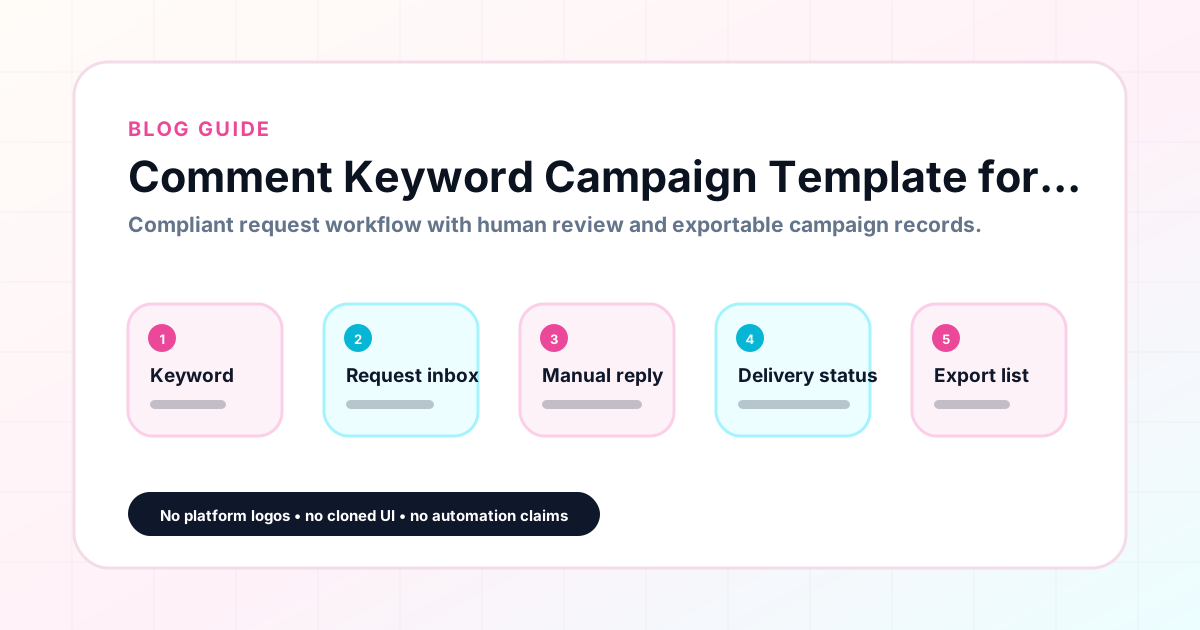
GramTrigger methodology
Original operating system for Comment Keyword Campaign Template for Creators
The GramTrigger method treats every comment campaign as an approval workflow, not an automation shortcut. The goal is to prepare the offer, lead magnet, keyword strategy, Reply Library draft, Request Inbox stages, handoff owner, and Lead Export fields before comments turn into operational work.
Campaign Blueprint SOP
Confirm the offer, lead magnet, keyword strategy, comment CTA, reply draft, owner, approval status, and Lead Export fields before launch.
Comment Funnel Workflow
Use the same path everywhere: Offer → Lead Magnet → AI Funnel Builder → Keyword Strategy → Comment CTA → Reply Draft → Review & Approval → Campaign Launch → Request Inbox → Lead Tracking → Export.
Approval Queue Workflow
Review caption CTA, pinned comment, reply draft, lead magnet link, compliance notes, and client approval before a campaign goes live.
Export Readiness Checklist
Export only after records have clear status, no sensitive private data, an owner, follow-up stage, and a documented next action.
Campaign Recovery Workflow
If requests are missed, pause new promotion, review pending records, update Reply Library drafts, communicate manually where appropriate, and document the process fix.
Decision framework
Use this matrix before choosing the next step.
Manual review reminder
Draft response — review before sending. Use approved tools and follow platform rules. GramTrigger helps plan and manage lead magnet workflows; it does not scrape users or auto-send unauthorized DMs.
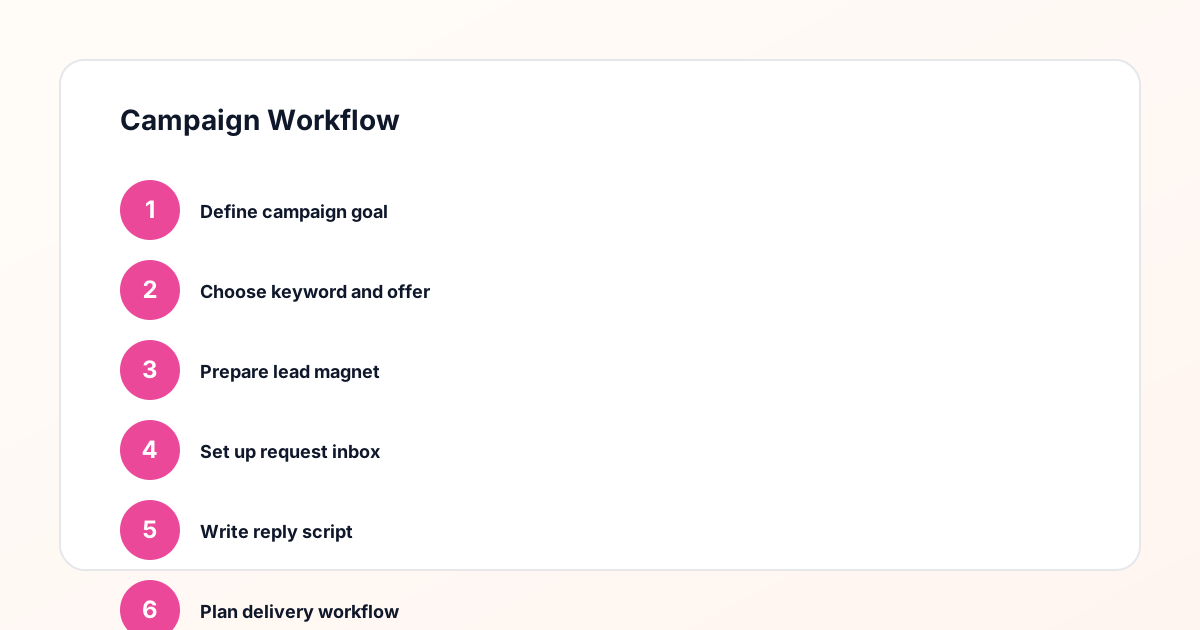
Workflow Overview
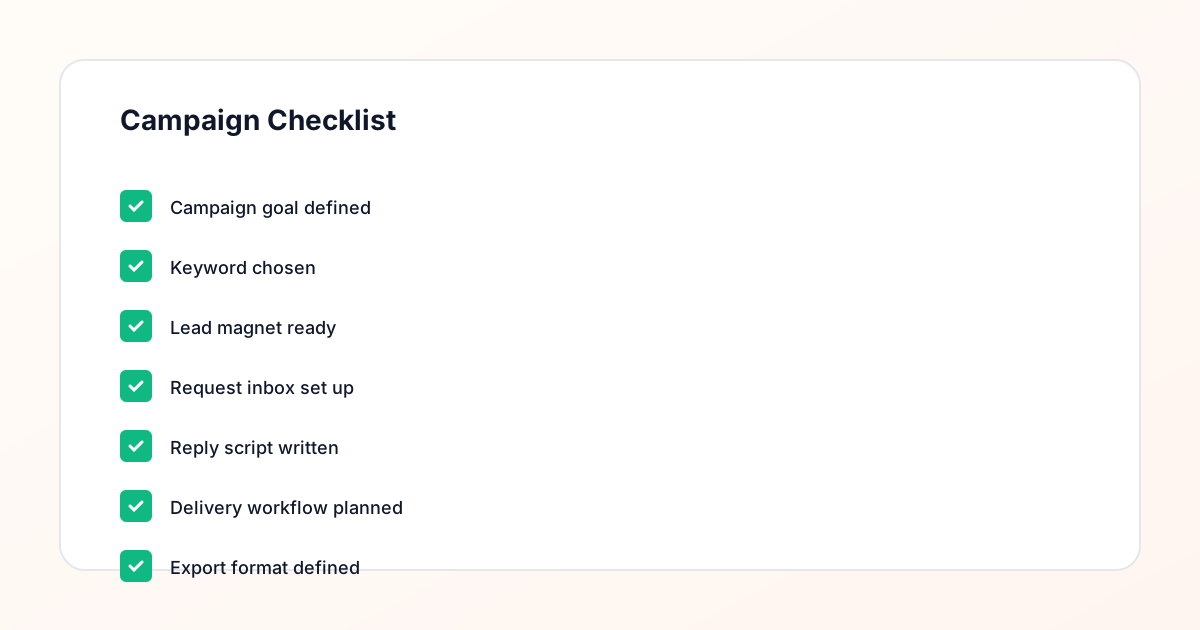
Campaign Checklist
What a comment keyword campaign template includes
A comment keyword campaign template captures six core fields for every campaign: the campaign name or post reference, the trigger keyword, the destination link, the response draft, the campaign status, and the lead count. These fields form the complete operational record of what the campaign promises, how it is fulfilled, and how it performs. When creators use the same template for every campaign, setup becomes faster because the structure is familiar and nothing important gets skipped. GramTrigger uses this six-field template as the standard campaign record for every post.
How to use the template for each new campaign
For each new campaign, start by filling in the campaign name with a clear reference to the post and offer. Then enter the trigger keyword that matches the offer precisely. Confirm the destination link is live and paste it into the record. Write the response draft that will go out to every person who comments the keyword. Set the initial status to ready. When the post goes live, update the status to active. As requests arrive, track the lead count. When the campaign closes, update the status to complete and export the record. GramTrigger guides creators through this sequence naturally because each field in the template has a clear place in the workflow.
Template example: free guide campaign
Campaign name: Productivity Guide — March Reel. Trigger keyword: GUIDE. Destination link: https://example.com/productivity-guide-opt-in. Response draft: "Hey! Here is the productivity guide I promised — [link]. Hope it helps you plan a better week!" Status: Active. Lead count: Updated as requests are fulfilled. This template structure works for any offer type. Swap the keyword, link, and script for each campaign while keeping the same record format. GramTrigger stores each campaign in this consistent template so creators never have to redesign the tracking system.
Template example: waitlist campaign
Campaign name: Notion Course Waitlist — Launch Week. Trigger keyword: WAITLIST. Destination link: https://example.com/notion-course-waitlist. Response draft: "You are on the early access list! Here is where to hold your spot: [link]." Status: Active. Lead count: Updated throughout the campaign. The same template structure works whether the campaign is a guide, a waitlist, a coupon, or a template drop. GramTrigger applies the template consistently so every campaign record looks the same regardless of the offer type.
Mistakes to avoid when using a campaign template
The most common mistakes include leaving the destination link untested, using a vague keyword that could apply to multiple campaigns, writing the response draft after the post goes live, and forgetting to update the status when the campaign closes. The template prevents these mistakes by making each field a required part of the setup workflow. GramTrigger prompts creators to complete each field before marking the campaign as ready, which reduces the chance of launching with gaps in the record.
How GramTrigger helps
GramTrigger provides the comment keyword campaign template as a structured campaign record for every post. The template includes the trigger keyword, destination link, response draft, campaign status, and lead count in a consistent format. Creators fill in the template before launch, track requests during the campaign, and export the completed record at close. The platform does not send automatic DMs or claim any official relationship with Instagram or Meta. Results depend on content quality, audience, offer, follow-up execution, and platform rules.
Compliance Note
GramTrigger helps organize Campaign Blueprints, Reply Library drafts, Request Inbox stages, approvals, delivery status, Lead Exports, and reports. Delivery should be handled manually or through approved tools depending on your account and available platform support.