
GramTrigger guide
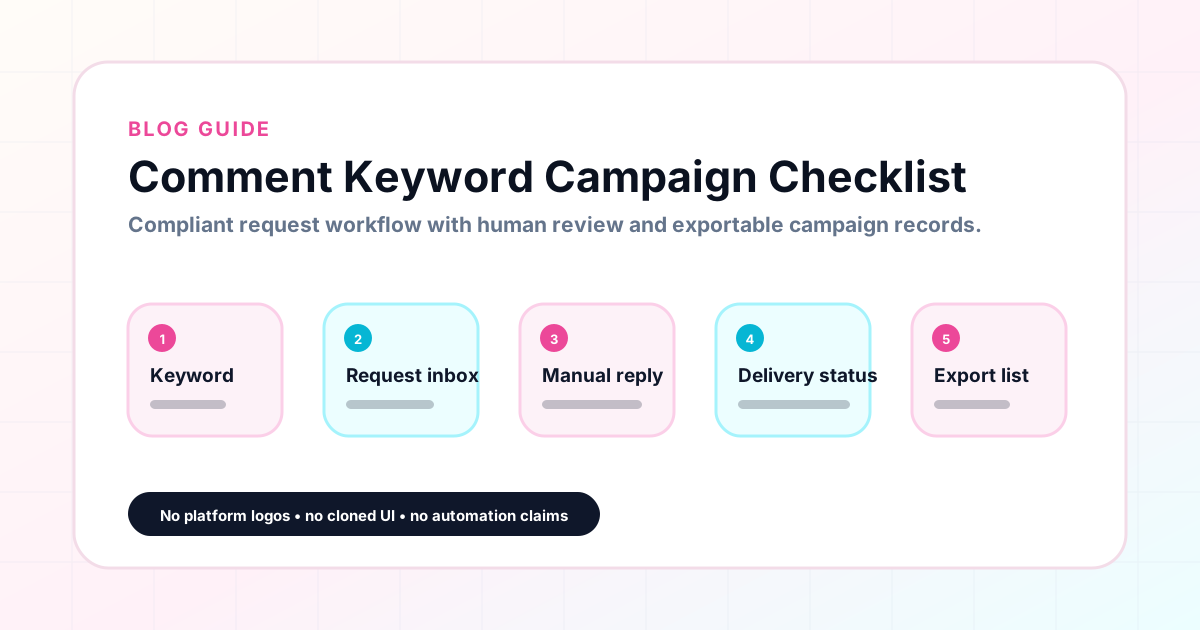
Comment Keyword Campaign Checklist
A comment keyword campaign checklist ensures that nothing important gets skipped when setting up and running a keyword campaign. The most common campaign failures — broken destination links, inconsistent response drafts, missed requests, and lost lead records — are all preventable with a systematic approach to campaign preparation. This checklist covers every stage of a comment keyword campaign: pre-launch setup, active fulfillment, campaign management, and post-campaign export. GramTrigger organizes these checklist items in a dedicated campaign record for every post. GramTrigger is a workflow and request-management tool, not an official Instagram or Meta product.
GramTrigger methodology
Original operating system for Comment Keyword Campaign Checklist
The GramTrigger method treats every comment campaign as an approval workflow, not an automation shortcut. The goal is to prepare the offer, lead magnet, keyword strategy, Reply Library draft, Request Inbox stages, handoff owner, and Lead Export fields before comments turn into operational work.
Campaign Blueprint SOP
Confirm the offer, lead magnet, keyword strategy, comment CTA, reply draft, owner, approval status, and Lead Export fields before launch.
Comment Funnel Workflow
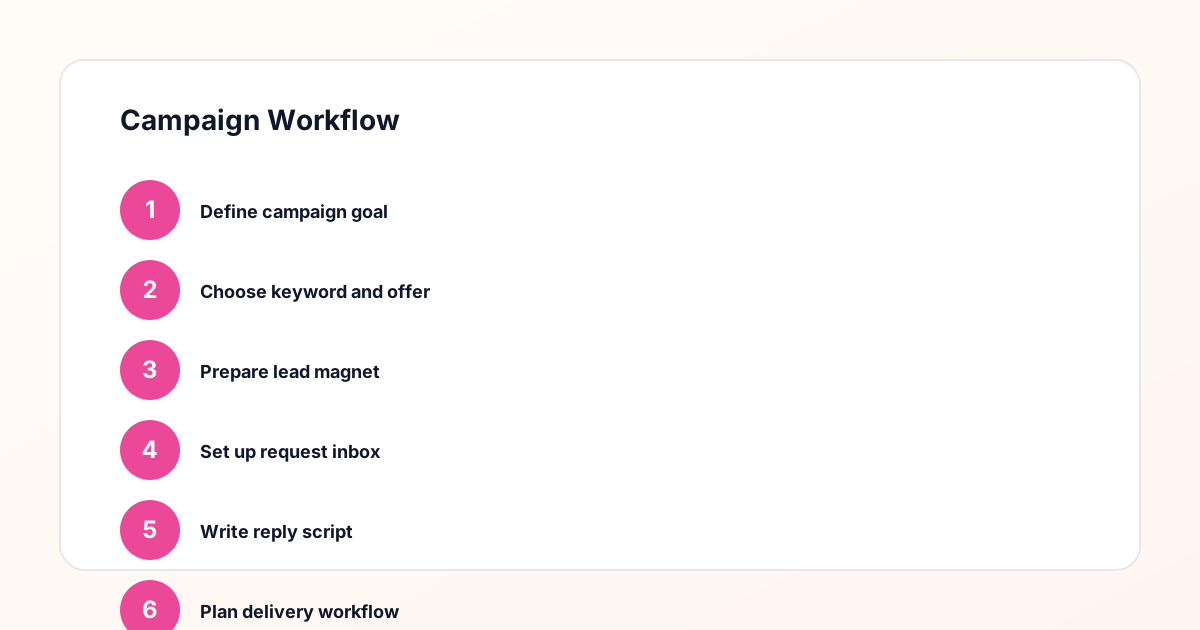
Use the same path everywhere: Offer → Lead Magnet → AI Funnel Builder → Keyword Strategy → Comment CTA → Reply Draft → Review & Approval → Campaign Launch → Request Inbox → Lead Tracking → Export.
Approval Queue Workflow
Review caption CTA, pinned comment, reply draft, lead magnet link, compliance notes, and client approval before a campaign goes live.
Export Readiness Checklist
Export only after records have clear status, no sensitive private data, an owner, follow-up stage, and a documented next action.
Campaign Recovery Workflow
If requests are missed, pause new promotion, review pending records, update Reply Library drafts, communicate manually where appropriate, and document the process fix.
Decision framework
Use this matrix before choosing the next step.
Manual review reminder
Draft response — review before sending. Use approved tools and follow platform rules. GramTrigger helps plan and manage lead magnet workflows; it does not scrape users or auto-send unauthorized DMs.
Workflow Overview
Campaign Checklist
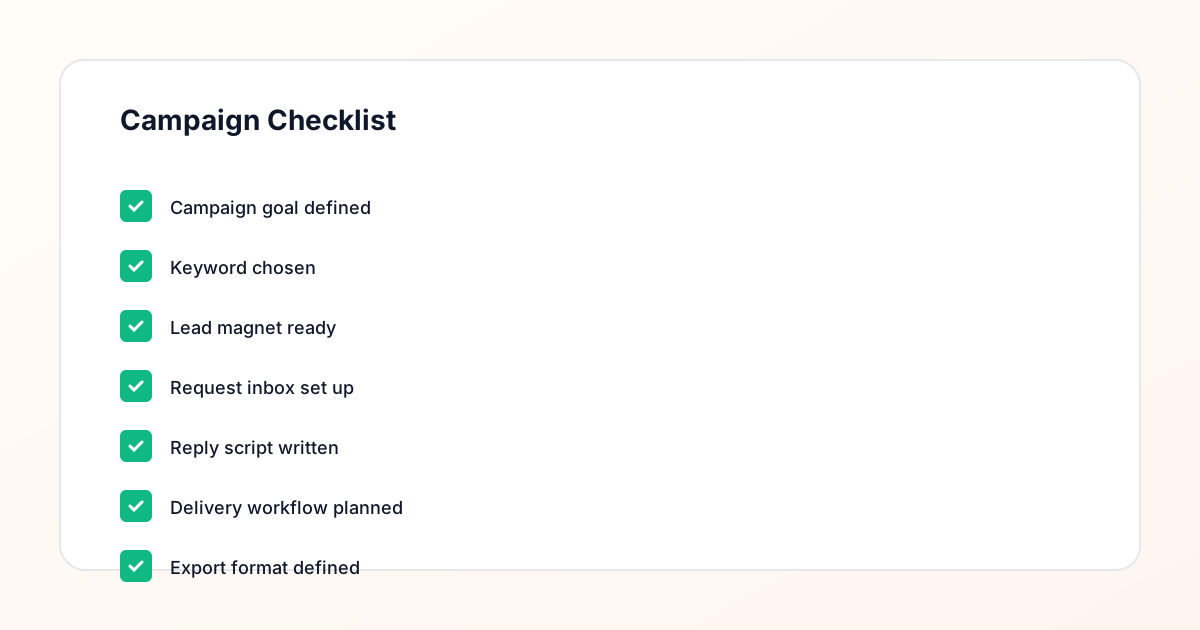
Pre-launch checklist
Before the post goes live, confirm: (1) The offer is specific and ready — the resource, link, or next step the follower will receive exists and is accessible. (2) The destination link is tested and working — open it yourself and confirm the page loads correctly. (3) The trigger keyword is defined and specific to this campaign — one clear word tied directly to the offer. (4) The response draft is written — the complete message that will go out to every person who comments the keyword, including the link. (5) The campaign record is created in GramTrigger with all four fields populated. (6) The campaign status is set to ready. These six steps take under ten minutes and prevent the most common campaign failures.
Launch checklist
When the post goes live, confirm: (1) The caption includes the trigger keyword exactly as it appears in the campaign record. (2) The caption describes the fulfillment process accurately — inviting comments, not promising instant automatic delivery. (3) The campaign status is updated to active in GramTrigger. (4) The fulfillment team knows the campaign is live and can access the campaign record immediately. (5) The destination link in the caption matches the destination link in the campaign record. (6) The posting time is recorded so the team knows when to expect the highest volume of keyword requests based on the creator is account engagement patterns.
Active fulfillment checklist
During the active campaign window, confirm periodically: (1) New keyword comments are being fulfilled using the saved script — not improvised messages. (2) The destination link in the campaign record is still working and current. (3) Lead count is being updated as requests are fulfilled. (4) No requests have been missed due to late comments or engagement from followers who discovered the post after the first day. (5) The campaign status accurately reflects the current state — active if requests are still arriving and being fulfilled, paused if the team needs to step away temporarily. (6) Fulfillment quality is consistent across team members.
Campaign close checklist
When the campaign window closes and active fulfillment is complete, confirm: (1) All pending requests that arrived before close have been fulfilled. (2) The campaign status is updated to complete in GramTrigger. (3) The final lead count is accurate in the campaign record. (4) The campaign record is exported from GramTrigger for archiving and reporting. (5) The export is saved to the correct archive location — a shared drive, client folder, or reporting system. (6) The campaign is reviewed: did the destination link work throughout? Was the script appropriate? Were there any fulfillment issues that should be corrected in future campaigns?
Mistakes to avoid in keyword campaigns
The most common keyword campaign mistakes are: launching before the destination link is confirmed, using a vague keyword that applies to multiple posts or offers, writing the response draft during the campaign instead of before, failing to update the campaign status when fulfillment changes, mixing requests from different campaigns in the same tracking record, and forgetting to export the campaign record before moving on to the next post. Each of these mistakes is preventable with the pre-launch checklist. GramTrigger reduces the risk of these mistakes by requiring campaign record fields to be populated before launch, which naturally prompts the creator to complete each checklist item.
Using the checklist consistently
A checklist only works when it is used consistently for every campaign, not just the high-priority ones. Creators and agencies who apply the same checklist to every keyword campaign — large or small, test or launch — develop the habits that make campaign management systematic rather than reactive. Over time, the checklist becomes automatic: the creator prepares the destination, writes the script, creates the campaign record, and sets the status as a natural sequence of steps before every post. GramTrigger supports this consistency by providing the same campaign record structure for every campaign so the checklist items always have a clear place to be documented.
Compliance Note
GramTrigger helps organize Campaign Blueprints, Reply Library drafts, Request Inbox stages, approvals, delivery status, Lead Exports, and reports. Delivery should be handled manually or through approved tools depending on your account and available platform support.