
GramTrigger guide
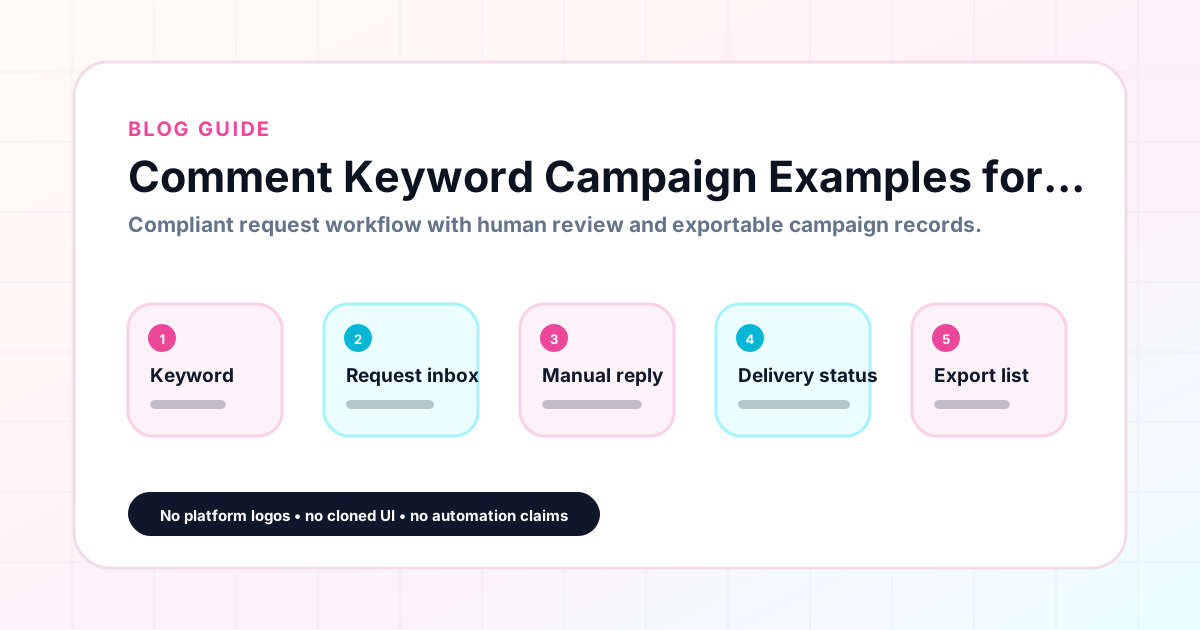
Comment Keyword Campaign Examples for Creators and Coaches
Comment keyword campaigns work best when the offer is specific, the keyword is clear, and the campaign record is ready before the post goes live. The best way to understand how these campaigns work in practice is to look at concrete examples across different creator niches and audience types. The following examples show how creators, coaches, agencies, and small businesses structure their comment keyword campaigns — including the keyword, offer type, and campaign workflow. GramTrigger is a workflow and request-management tool, not an official Instagram or Meta product.
GramTrigger methodology
Original operating system for Comment Keyword Campaign Examples for Creators and Coaches
The GramTrigger method treats every comment campaign as an approval workflow, not an automation shortcut. The goal is to prepare the offer, lead magnet, keyword strategy, Reply Library draft, Request Inbox stages, handoff owner, and Lead Export fields before comments turn into operational work.
Campaign Blueprint SOP
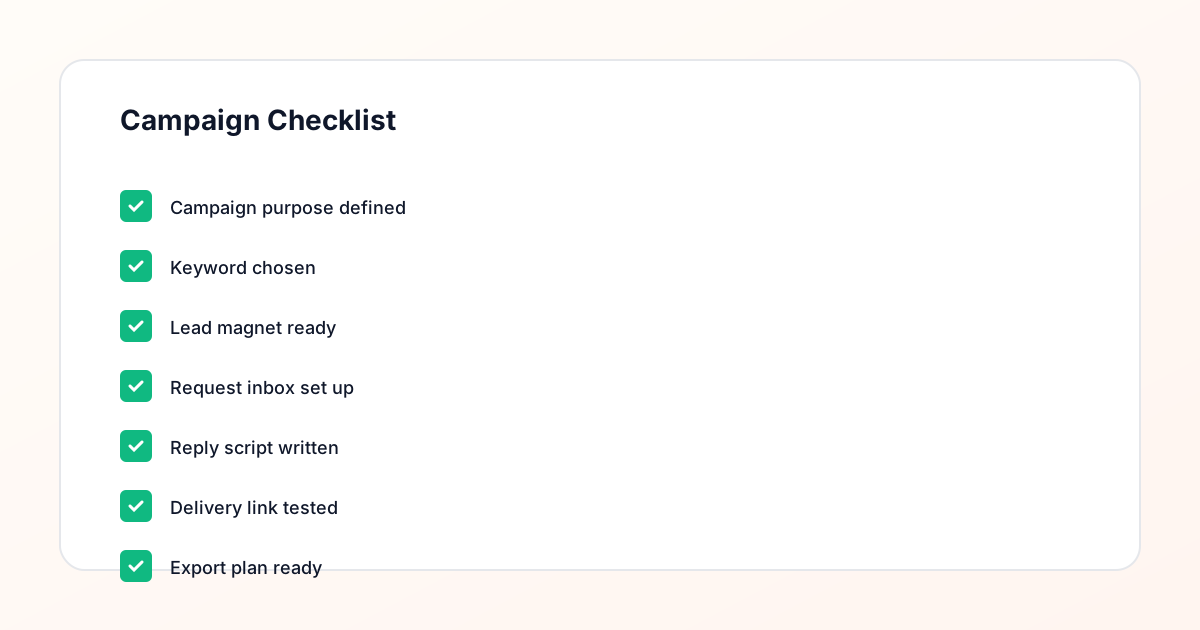
Confirm the offer, lead magnet, keyword strategy, comment CTA, reply draft, owner, approval status, and Lead Export fields before launch.
Comment Funnel Workflow
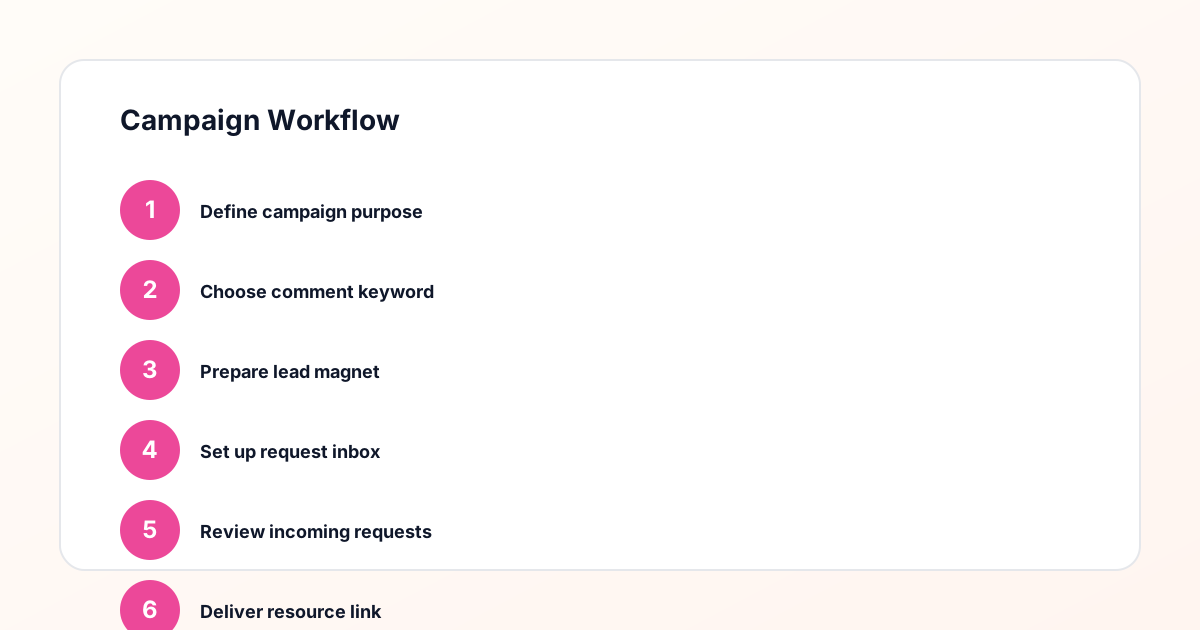
Use the same path everywhere: Offer → Lead Magnet → AI Funnel Builder → Keyword Strategy → Comment CTA → Reply Draft → Review & Approval → Campaign Launch → Request Inbox → Lead Tracking → Export.
Approval Queue Workflow
Review caption CTA, pinned comment, reply draft, lead magnet link, compliance notes, and client approval before a campaign goes live.
Export Readiness Checklist
Export only after records have clear status, no sensitive private data, an owner, follow-up stage, and a documented next action.
Campaign Recovery Workflow
If requests are missed, pause new promotion, review pending records, update Reply Library drafts, communicate manually where appropriate, and document the process fix.
Decision framework
Use this matrix before choosing the next step.
Manual review reminder
Draft response — review before sending. Use approved tools and follow platform rules. GramTrigger helps plan and manage lead magnet workflows; it does not scrape users or auto-send unauthorized DMs.
Workflow Overview
Campaign Checklist
Example 1: creator free guide campaign
A productivity creator posts a Reel showing their daily planning system. In the caption, they write: "Comment GUIDE below and I will send you my daily planning template." The keyword is GUIDE. The destination is the creator's email opt-in page where the follower enters their email to receive the PDF template. The response draft in GramTrigger reads: "Here is the planning template you requested! [link] — hope it helps you start the week more organized." The campaign runs for three days, generating sixty-seven leads. The creator exports the campaign record from GramTrigger and notes that the productivity theme generates stronger lead volume than their previous CHECKLIST campaign on a different topic. The insight informs the next campaign.
Example 2: coach discovery call campaign
A business coach posts a carousel post about a common mistake their clients make. The caption ends with: "Comment CALL below if you want to talk through how this applies to your business." The keyword is CALL. The destination is the coach's Calendly page or discovery call booking link. The response draft says: "Excited to connect — here is my booking page: [link] — grab a time that works for you." The campaign generates twenty-eight call bookings in one week. The coach uses GramTrigger to track the status of each fulfilled request and marks requests as complete when the call is booked. The export shows the total booking-intent leads from the campaign.
Example 3: course seller waitlist campaign
A course creator is launching a course on Notion systems and publishes a post about their Notion workspace. The caption includes: "Comment WAITLIST if you want to be the first to know when my Notion course opens." The keyword is WAITLIST. The destination is a simple waitlist sign-up page. The response draft reads: "You are on the early access list! Here is where to sign up to hold your spot: [link]." The campaign runs for the duration of the launch lead-up period, generating two hundred and fourteen waitlist leads. GramTrigger tracks the campaign record including lead count. When the course launches, the creator knows how many people expressed interest through the comment campaign.
Example 4: newsletter opt-in campaign
A newsletter creator posts a screenshot of one of their most popular issues, with a preview of the value inside. The caption includes: "Comment ISSUE below if you want this in your inbox every week." The keyword is ISSUE. The destination is the newsletter opt-in page on their email platform. The response draft says: "Here is where to subscribe and get this week's issue plus the archive: [link]." The campaign consistently generates new subscribers because the newsletter creator runs it once a week with a different post preview each time. GramTrigger manages a recurring campaign record for the weekly post, with the same keyword and destination across each campaign cycle.
Example 5: agency managing client campaigns
A creator agency manages four client accounts simultaneously. Each client has their own comment keyword campaigns running for lead magnets, product launches, and giveaways. The agency uses GramTrigger to create a separate campaign record for each client campaign, with the client's trigger keyword, destination link, response draft, and status. The agency team handles fulfillment using the organized records, updating request statuses as responses go out. At the end of the month, the agency exports all campaign records for each client and includes the lead counts in the monthly client report. The consistent export format across all clients makes report generation significantly faster than it was when campaigns were tracked in individual spreadsheets.
Example 6: small brand coupon campaign
A small skincare brand posts about a bestselling product and includes in the caption: "Comment GLOW to get 15% off your first order." The keyword is GLOW. The destination is a landing page with the discount code and a link to the product. The response draft says: "Here is your 15% off code — [link] to the product page, code is included there." The campaign generates a surge of coupon requests during the first few hours after posting. The brand team uses GramTrigger to track the request volume, confirm which requests have been fulfilled, and export the campaign record at the end of the promotion period to review how many coupons were distributed.
Example 7: template creator multi-campaign management
A Notion template creator runs multiple campaigns simultaneously — one for a daily planner template and one for a content calendar template. Each campaign has its own keyword (PLANNER and CALENDAR), its own destination link, and its own response draft. Without a campaign management tool, these two campaigns would be easy to confuse during busy fulfillment windows. GramTrigger keeps them completely separate with independent campaign records. The template creator can switch between the two campaigns without risking mixing up the links or the scripts. After both campaigns close, they export both records and compare performance to decide which template to feature in their next campaign.
What these examples have in common
Every example in this guide shares three characteristics that make the campaign effective: a specific, concrete offer that the audience clearly understands; a short, memorable keyword that directly describes the offer; and an organized campaign record that holds the keyword, destination link, script, and status before the post launches. GramTrigger supports all three of these characteristics by providing the campaign record structure that allows creators of any type — content creators, coaches, course sellers, newsletter owners, brands, and agencies — to run organized, trackable comment keyword campaigns that generate reliable lead records and clean exports for reporting.
Compliance Note
GramTrigger helps organize Campaign Blueprints, Reply Library drafts, Request Inbox stages, approvals, delivery status, Lead Exports, and reports. Delivery should be handled manually or through approved tools depending on your account and available platform support.