GramTrigger guide
How to Track Instagram Lead Magnet Requests
Instagram lead magnet requests are the comments, responses, and signals from followers who want a resource the creator has offered. When someone comments GUIDE on a post, that is a lead magnet request. When they reply CHECKLIST to a caption that offered one, that is a request. The challenge is tracking those requests reliably from the moment they arrive until they are fulfilled and recorded. Without a tracking system, requests scatter across comment threads, DM conversations, and manual notes that do not connect to each other. GramTrigger helps creators organize lead magnet requests within campaign records so every request has a clear status and nothing gets lost. GramTrigger is a workflow and request-management tool, not an official Instagram or Meta product.
GramTrigger methodology
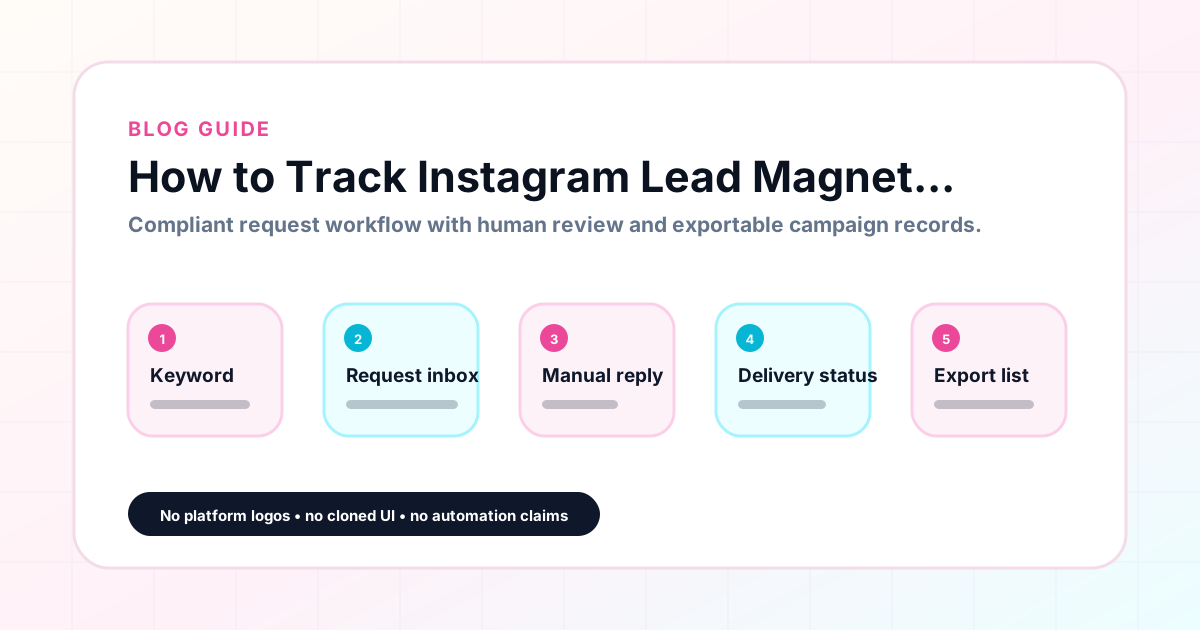
Original operating system for How to Track Instagram Lead Magnet Requests
The GramTrigger method treats every comment campaign as an approval workflow, not an automation shortcut. The goal is to prepare the offer, lead magnet, keyword strategy, Reply Library draft, Request Inbox stages, handoff owner, and Lead Export fields before comments turn into operational work.
Campaign Blueprint SOP
Confirm the offer, lead magnet, keyword strategy, comment CTA, reply draft, owner, approval status, and Lead Export fields before launch.
Comment Funnel Workflow
Use the same path everywhere: Offer → Lead Magnet → AI Funnel Builder → Keyword Strategy → Comment CTA → Reply Draft → Review & Approval → Campaign Launch → Request Inbox → Lead Tracking → Export.
Approval Queue Workflow
Review caption CTA, pinned comment, reply draft, lead magnet link, compliance notes, and client approval before a campaign goes live.
Export Readiness Checklist
Export only after records have clear status, no sensitive private data, an owner, follow-up stage, and a documented next action.
Campaign Recovery Workflow
If requests are missed, pause new promotion, review pending records, update Reply Library drafts, communicate manually where appropriate, and document the process fix.
Decision framework
Use this matrix before choosing the next step.
Manual review reminder
Draft response — review before sending. Use approved tools and follow platform rules. GramTrigger helps plan and manage lead magnet workflows; it does not scrape users or auto-send unauthorized DMs.
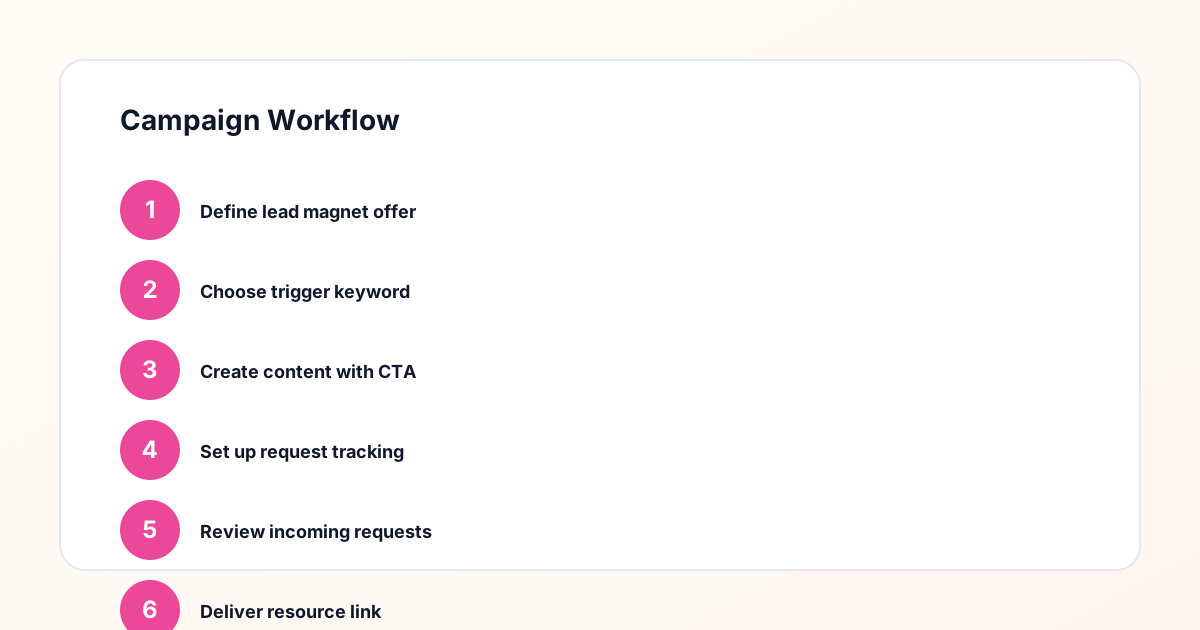
Workflow Overview
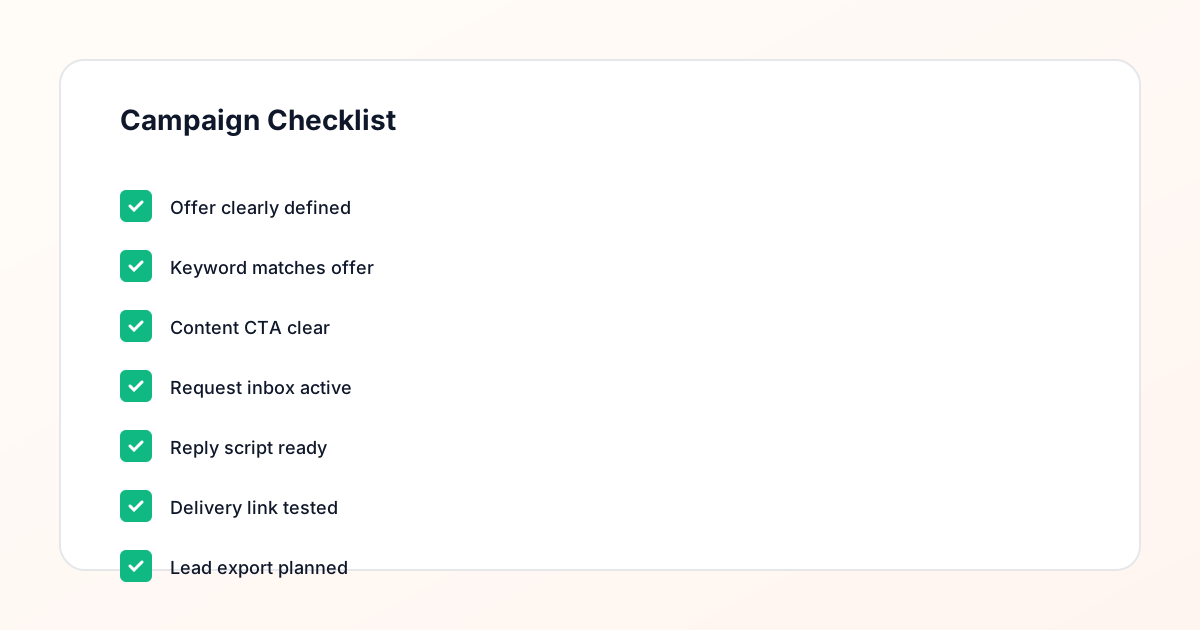
Campaign Checklist
What counts as a lead magnet request
A lead magnet request is any signal from a follower indicating they want the resource the creator has offered in a post. This most commonly takes the form of a keyword comment — GUIDE, TEMPLATE, CHECKLIST, WAITLIST, FREEBIE, or COUPON — but can also appear as a direct message asking for the link or a reply to a story. For campaign tracking purposes, keyword comments are the most consistent and trackable type of request because they have a defined trigger. GramTrigger organizes tracking around keyword campaigns, which is why each campaign record has a dedicated keyword field that defines exactly what constitutes a request for that particular offer.
Setting up a tracking system before the post goes live
Tracking lead magnet requests is most effective when the system is in place before the first request arrives. This means having the campaign record created with the keyword, destination link, and response draft saved before the post publishes. When a follower comments the keyword, the team knows exactly which campaign the request belongs to, what resource to send, and which script to use. Starting with this pre-launch preparation turns request tracking from a reactive scramble into a systematic process. GramTrigger is designed around this pre-launch record creation so that all the tracking infrastructure is ready when the first requests arrive.
Tracking requests through the fulfillment process
Once requests start arriving, tracking means knowing how many have come in, how many have been fulfilled, and how many are still pending. Without active tracking, it is easy to fulfill some requests twice while missing others entirely. GramTrigger provides lead count tracking and request status management within each campaign record so the team always has an accurate picture of where fulfillment stands. During high-volume periods — the first hours after a popular post, a launch week with multiple active campaigns — this real-time picture of pending requests is what allows the team to maintain consistent fulfillment without losing requests.
Managing requests across multiple posts
Creators who run multiple lead magnet campaigns simultaneously need tracking that separates requests by campaign. When requests from a GUIDE campaign and a WAITLIST campaign flow into the same tracking system without separation, fulfillment accuracy drops. The wrong script gets sent, the wrong link gets shared, and some followers receive a resource they did not request. GramTrigger organizes requests within individual campaign records so that each post and offer has its own request tracking view. This separation is the foundation of accurate multi-campaign fulfillment and is especially important for agencies managing lead magnet requests across multiple client accounts.
Exporting the request record
After a campaign closes, the request record becomes the performance report. How many people requested the lead magnet? How many were fulfilled? What keyword drove the most requests? GramTrigger produces export-ready records that capture the campaign details, lead count, and status so that this data is available for review and reporting. For agencies, these exports are what clients see in campaign reports. For solo creators, they are the data that informs the next content strategy. Consistent exports across campaigns build a picture of which lead magnets and keywords resonate most with the audience.
Avoiding common request tracking mistakes
The most common tracking mistakes are starting without a system, using a system that does not distinguish between campaigns, and failing to update request status as fulfillment happens. A notes app is not a request tracking system. A general social inbox is not organized by campaign. A spreadsheet without standard fields creates confusion. GramTrigger provides structured campaign records with consistent fields — keyword, destination, script, status, lead count — so that tracking stays accurate and useful across every campaign. The structure does the organizational work so the team can focus on fulfillment.
Compliance Note
GramTrigger helps organize Campaign Blueprints, Reply Library drafts, Request Inbox stages, approvals, delivery status, Lead Exports, and reports. Delivery should be handled manually or through approved tools depending on your account and available platform support.