GramTrigger guide
Instagram Comment Workflow for Creators
An Instagram comment workflow for creators is the step-by-step process of turning a post caption into a lead generation system using trigger keywords. The workflow starts before the post goes live and ends when the campaign record is exported. In between, it covers keyword selection, destination link confirmation, script preparation, request fulfillment, and status tracking. When this workflow is organized, creators spend less time searching for information during busy campaign windows and more time creating content and serving their audience. GramTrigger helps creators build and run this workflow in a dedicated campaign record for every post. GramTrigger is a workflow and request-management tool, not an official Instagram or Meta product.
GramTrigger methodology
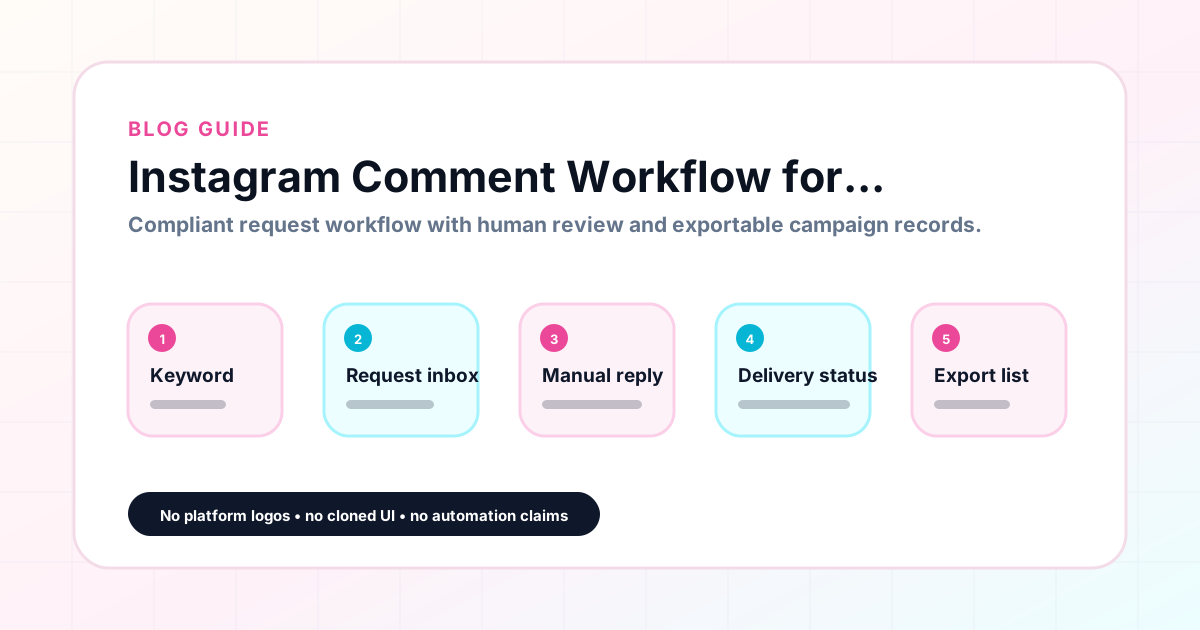
Original operating system for Instagram Comment Workflow for Creators
The GramTrigger method treats every comment campaign as an approval workflow, not an automation shortcut. The goal is to prepare the offer, lead magnet, keyword strategy, Reply Library draft, Request Inbox stages, handoff owner, and Lead Export fields before comments turn into operational work.
Campaign Blueprint SOP
Confirm the offer, lead magnet, keyword strategy, comment CTA, reply draft, owner, approval status, and Lead Export fields before launch.
Comment Funnel Workflow
Use the same path everywhere: Offer → Lead Magnet → AI Funnel Builder → Keyword Strategy → Comment CTA → Reply Draft → Review & Approval → Campaign Launch → Request Inbox → Lead Tracking → Export.
Approval Queue Workflow
Review caption CTA, pinned comment, reply draft, lead magnet link, compliance notes, and client approval before a campaign goes live.
Export Readiness Checklist
Export only after records have clear status, no sensitive private data, an owner, follow-up stage, and a documented next action.
Campaign Recovery Workflow
If requests are missed, pause new promotion, review pending records, update Reply Library drafts, communicate manually where appropriate, and document the process fix.
Decision framework
Use this matrix before choosing the next step.
Manual review reminder
Draft response — review before sending. Use approved tools and follow platform rules. GramTrigger helps plan and manage lead magnet workflows; it does not scrape users or auto-send unauthorized DMs.
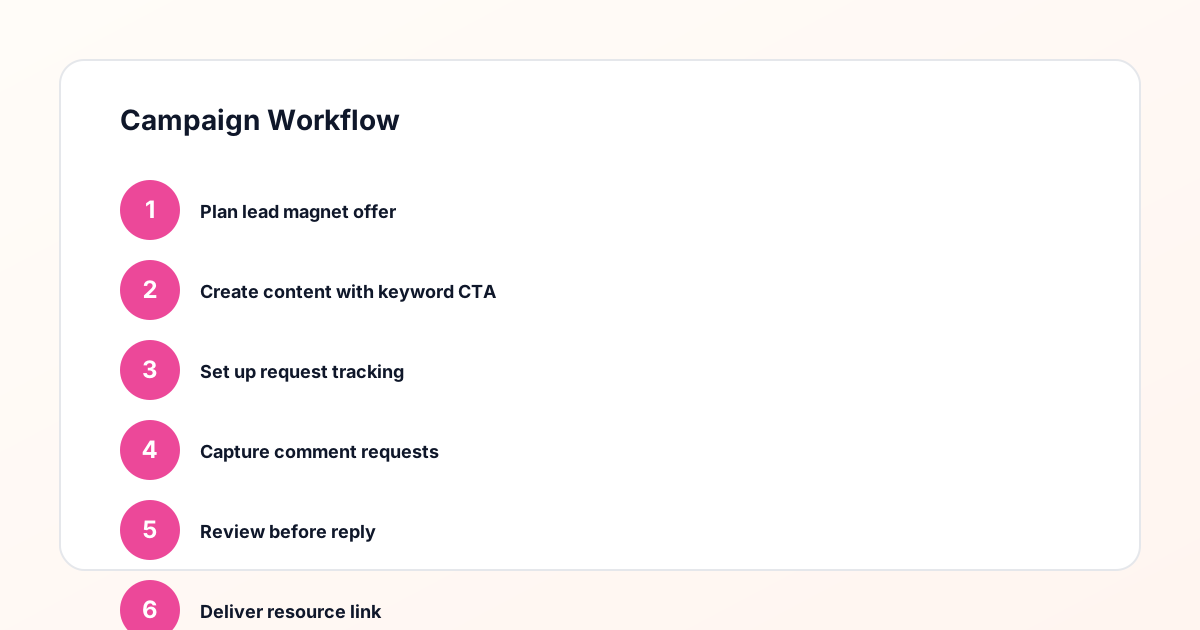
Workflow Overview
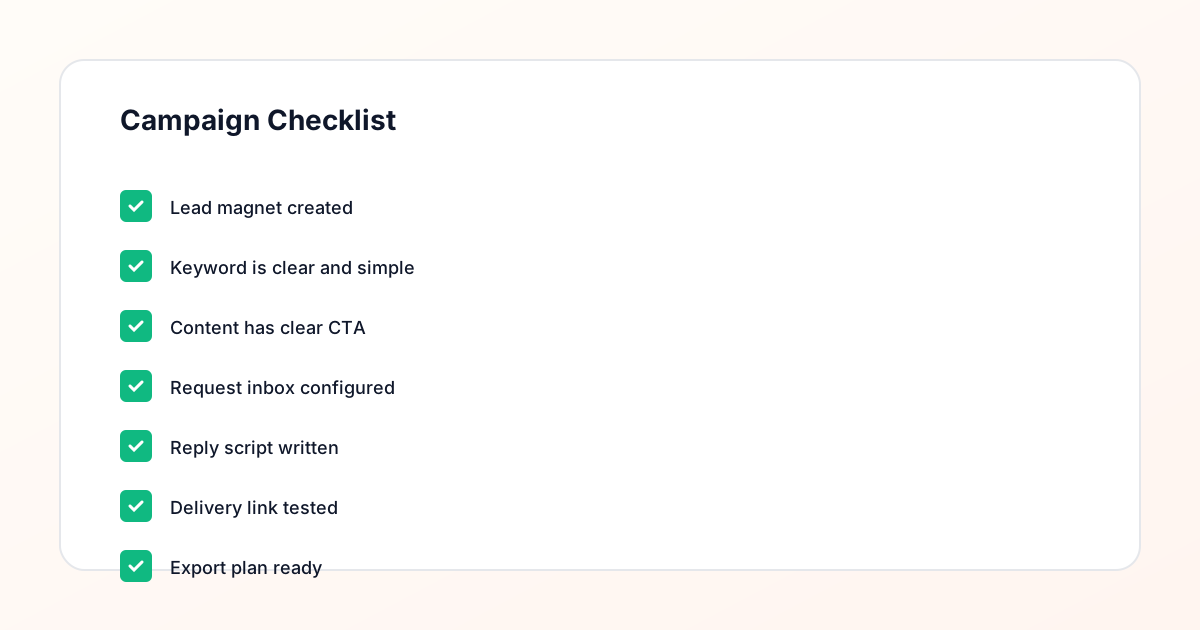
Campaign Checklist
Why creators need a defined comment workflow
Without a defined workflow, every comment keyword campaign starts from scratch. The creator writes a new script each time, pulls the destination link from browser history, and tracks requests through a growing pile of notes. This works for the first campaign but becomes unsustainable by the fifth or tenth. A defined workflow provides a repeatable structure that makes each new campaign faster to set up and easier to run. GramTrigger provides this structure through campaign records that hold the same fields in the same place for every campaign. Once a creator has run two or three campaigns through this structure, setup time drops significantly because the process is familiar and the record is always organized the same way.
Pre-launch workflow steps for creators
The creator comment workflow begins before the post publishes. The first step is confirming the lead magnet destination — the PDF link, opt-in form, template page, or waitlist URL — is live and working. The second step is choosing the trigger keyword that matches the offer precisely. The third step is writing the response draft that will go out to every person who comments the keyword. These three steps, completed before launch, are the foundation of a clean campaign. GramTrigger captures all three in the campaign record so that by the time the post goes live, everything the creator or team member needs for fulfillment is already organized and ready.
Managing fulfillment during the campaign
Once the post goes live, the creator or fulfillment team works through keyword comments using the saved script and confirmed destination link. For solo creators, this means checking the comments periodically and responding with the prepared message. For creators working with VAs or teams, it means delegating fulfillment to team members who can access the campaign record and handle requests without needing guidance from the creator. GramTrigger makes both scenarios work by centralizing the fulfillment information in the campaign record. The creator does not need to share the script in a message thread or remind the VA which link is current — everything is already in the record.
Tracking workflow progress
During an active campaign, workflow progress means knowing how many requests have come in and how many have been fulfilled. GramTrigger tracks lead counts within campaign records so creators can see this at a glance from the dashboard. When a post is particularly successful and drives a high volume of keyword comments, this tracking helps the creator allocate fulfillment time appropriately and make sure no requests fall through. For creators who post consistently and run multiple campaigns per month, the dashboard view of all active campaigns and their statuses is the quickest way to stay on top of fulfillment obligations across multiple posts simultaneously.
Post-campaign workflow: review and export
After a campaign closes, the creator exports the campaign record from GramTrigger. This export captures the keyword, destination, script, status, and lead count and serves as the archive for the campaign. Over time, reviewing these exports helps creators identify patterns: which trigger words get the most responses, which offer types perform best with their audience, and which posting approaches drive the most lead magnet interest. This data makes the next campaign easier to plan because the creator has a clear picture of what has worked rather than relying on memory.
Compliance in the creator comment workflow
A compliant creator comment workflow avoids making promises in captions that the fulfillment process cannot reliably keep. Creators should describe the process honestly — invite followers to comment for the resource, not guarantee instant automatic delivery. Fulfillment should happen manually or through approved platform integrations. GramTrigger organizes the campaign record and supports manual fulfillment without automating messages or claiming any official platform relationship. Creators are responsible for reviewing platform terms and using fulfillment methods appropriate for their account type. Results from comment keyword campaigns depend on content quality, audience engagement, offer strength, and execution.
Compliance Note
GramTrigger helps organize Campaign Blueprints, Reply Library drafts, Request Inbox stages, approvals, delivery status, Lead Exports, and reports. Delivery should be handled manually or through approved tools depending on your account and available platform support.