
GramTrigger guide
Instagram Campaign Workflow for Creators and Coaches
A well-designed Instagram campaign workflow turns a single post into a trackable, repeatable marketing system. Instead of improvising each time — writing a new script, searching for the current link, guessing at the status — a structured workflow gives creators and coaches a consistent path from post setup through lead export. GramTrigger is built around this workflow, providing a campaign record that holds each step in sequence: keyword, destination, script, status, lead count, and export. GramTrigger is a workflow and request-management tool, not an official Instagram or Meta product.
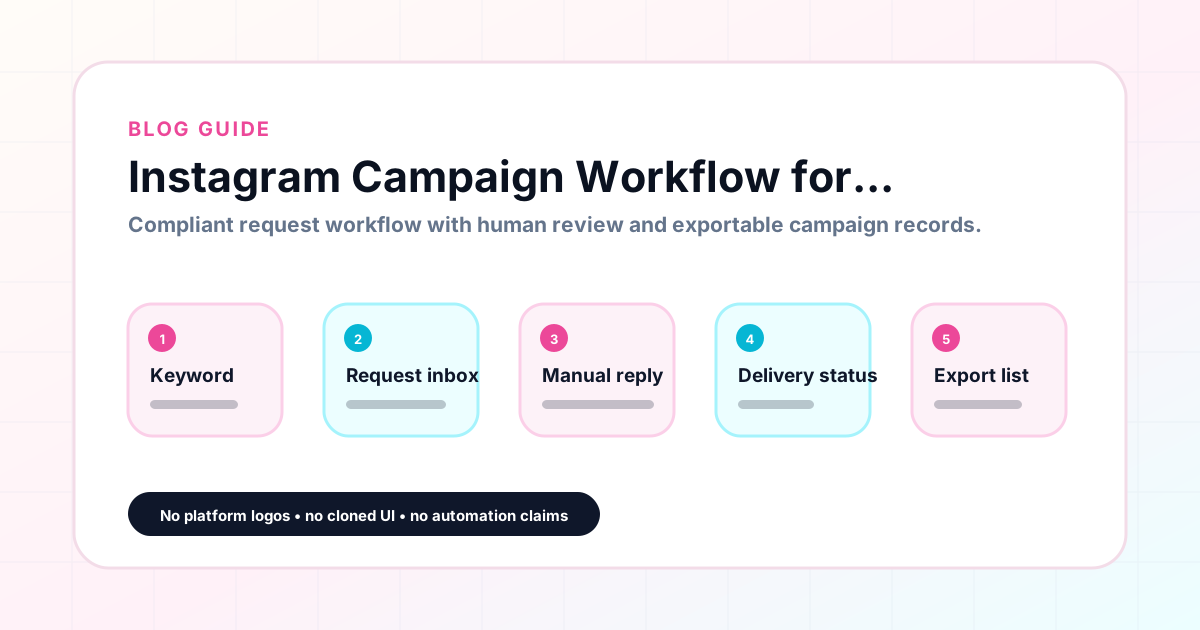
GramTrigger methodology
Original operating system for Instagram Campaign Workflow for Creators and Coaches
The GramTrigger method treats every comment campaign as an approval workflow, not an automation shortcut. The goal is to prepare the offer, lead magnet, keyword strategy, Reply Library draft, Request Inbox stages, handoff owner, and Lead Export fields before comments turn into operational work.
Campaign Blueprint SOP
Confirm the offer, lead magnet, keyword strategy, comment CTA, reply draft, owner, approval status, and Lead Export fields before launch.
Comment Funnel Workflow
Use the same path everywhere: Offer → Lead Magnet → AI Funnel Builder → Keyword Strategy → Comment CTA → Reply Draft → Review & Approval → Campaign Launch → Request Inbox → Lead Tracking → Export.
Approval Queue Workflow
Review caption CTA, pinned comment, reply draft, lead magnet link, compliance notes, and client approval before a campaign goes live.
Export Readiness Checklist
Export only after records have clear status, no sensitive private data, an owner, follow-up stage, and a documented next action.
Campaign Recovery Workflow
If requests are missed, pause new promotion, review pending records, update Reply Library drafts, communicate manually where appropriate, and document the process fix.
Decision framework
Use this matrix before choosing the next step.
Manual review reminder
Draft response — review before sending. Use approved tools and follow platform rules. GramTrigger helps plan and manage lead magnet workflows; it does not scrape users or auto-send unauthorized DMs.
Workflow Overview
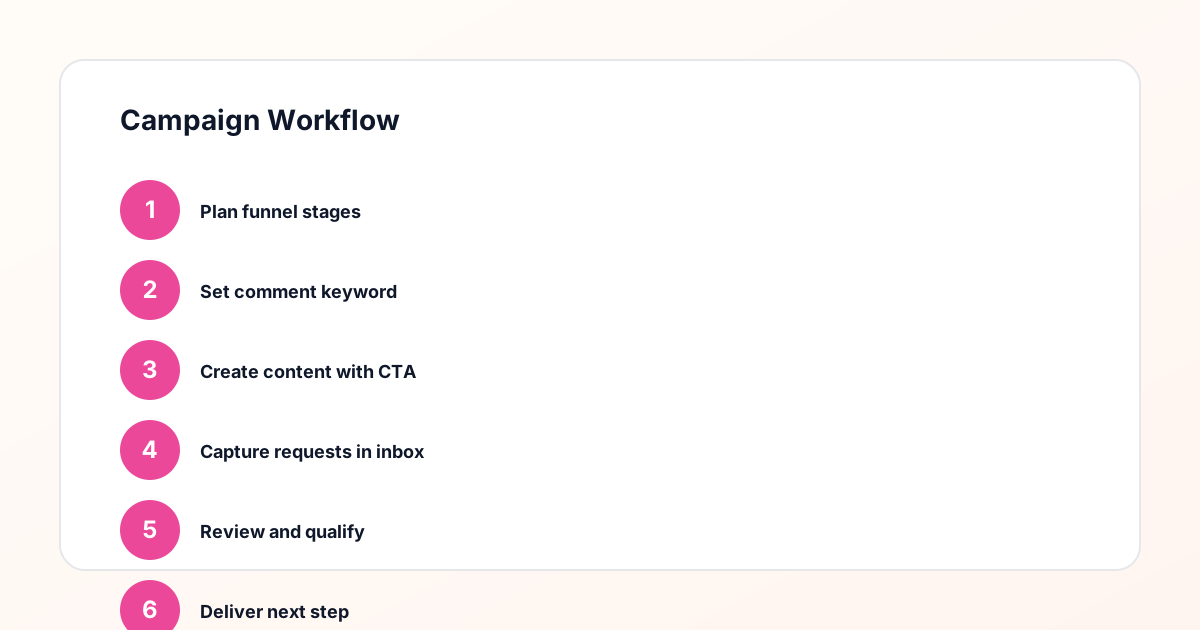
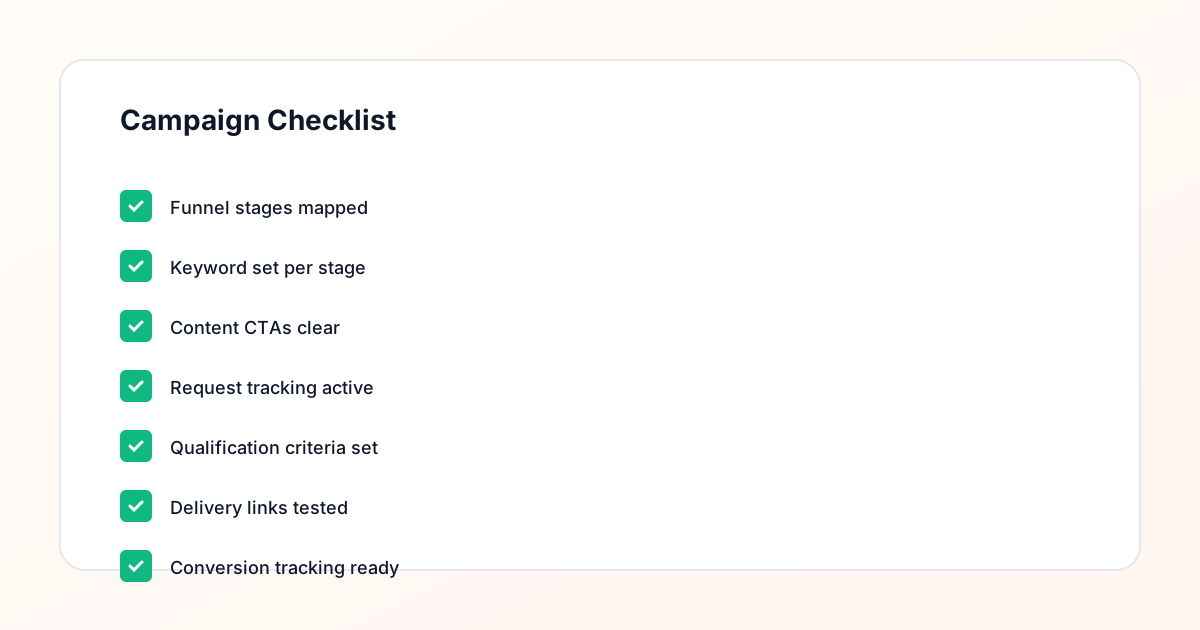
Campaign Checklist
Stage one: define the offer and the audience
Every effective Instagram campaign workflow starts with a clear offer and a defined audience. The offer is the resource or next step you are promising — a guide, template, checklist, webinar, waitlist, or coupon. The audience is the follower segment most likely to find that offer valuable. For coaches, this might be someone who has been following for educational content and is ready to take a deeper step. For creators, it might be someone who engages with tutorial-style posts. Defining both the offer and the audience before choosing the keyword or writing the caption ensures that every subsequent step in the workflow is aligned with the campaign goal rather than shaped by default choices.
Stage two: set up the campaign record
Before the post goes live, set up the campaign record in GramTrigger. This record is the operational backbone of the campaign. It should include the post or content reference — the title or URL of the post you plan to use — along with the trigger keyword, the destination link, the response draft, and the initial campaign status. Setting up this record before publishing is not just an organizational preference; it is what makes fast, organized fulfillment possible. When the record is ready before the post launches, the first request can be fulfilled within minutes because the team has everything they need in one place and there is no scrambling to gather materials after the fact.
Stage three: write the caption with the trigger clearly stated
The caption is where the campaign becomes visible to the audience. The trigger keyword should appear clearly — ideally more than once — so that followers understand exactly what to comment. A caption that buries the keyword in a long paragraph creates friction. A caption that puts the keyword in bold, in uppercase, or on its own line reduces that friction and increases the comment rate. For coaches and creators who write captions regularly, establishing a consistent caption format for keyword campaigns makes it easier to produce campaign-ready captions quickly and helps the audience recognize the format when they see it again in future posts.
Stage four: fulfill requests as they arrive
When the post goes live and requests begin arriving, the fulfillment stage starts. For manual fulfillment, the person handling responses opens the campaign record in GramTrigger, reads the saved script, confirms the destination link, and responds to each request consistently. For approved fulfillment — available for eligible accounts using platform-supported integrations — the same campaign record provides the script and link as reference materials. GramTrigger does not send messages automatically. It organizes the campaign record so that whoever is handling fulfillment has everything they need without having to ask the creator for the current version of the link or the correct script to use.
Stage five: update request status throughout the campaign
As fulfillment happens, update the status of each request so the team knows which ones have been handled and which ones are still pending. This status tracking is especially important when fulfillment spans multiple days or when more than one person is handling responses. Without status updates, the same person might receive two responses, or some requests might be missed entirely because they arrived during a shift change. GramTrigger tracks request status within the campaign record so that the pending queue is always visible and the team can work through it systematically rather than relying on memory or checking with each other about what has already been done.
Stage six: update campaign status as conditions change
Campaign status should be updated as the campaign progresses. A campaign that starts as active might become paused if the destination link needs to be updated or if the creator needs to step away for a few days. It becomes complete when fulfillment is finished and the campaign is closed. These status changes should be reflected in the campaign record so that the team always understands the current state of the campaign without needing to ask. GramTrigger provides campaign-level status fields that are visible on the dashboard, making it easy to see at a glance which campaigns are active, which are paused, and which have been completed.
Stage seven: export and review
When the campaign is complete, export the campaign record from GramTrigger. The export should include the campaign name, trigger keyword, destination link, response draft, final status, and lead count. Review this export to assess performance: how many leads did this campaign generate? How did it compare to previous campaigns with similar offers? Was the fulfillment prompt and consistent? Use the answers to these questions to improve the next campaign — whether that means refining the keyword choice, updating the script, or testing a different type of lead magnet. The export is not just a record of the past; it is the foundation for better campaigns in the future.
Making the workflow repeatable
The goal of a structured Instagram campaign workflow is repeatability. When the same seven steps produce the same quality of campaign every time, creators and coaches can focus on content strategy and audience building rather than campaign logistics. GramTrigger supports this repeatability by providing a consistent campaign record format that works the same way for every campaign. Over time, the campaign records build into a library of organized campaign history that shows what has worked, what has not, and what should be tested next. Creators who build this habit find that campaign setup becomes faster, delegation becomes easier, and campaign performance improves because decisions are based on data rather than intuition.
Compliance Note
GramTrigger helps organize Campaign Blueprints, Reply Library drafts, Request Inbox stages, approvals, delivery status, Lead Exports, and reports. Delivery should be handled manually or through approved tools depending on your account and available platform support.