
GramTrigger guide
Instagram Comment Workflow for Course Creators
Course creators use Instagram comment keyword campaigns to capture launch interest, build waitlists, distribute lesson previews, and invite webinar registrations. The comment workflow is well suited to course launches because it creates a natural, low-friction way for interested followers to express intent without leaving the platform. Managing that intent reliably — ensuring every WAITLIST or CLASS comment receives the right response with the right link — requires a dedicated workflow. GramTrigger helps course creators organize their comment campaigns with dedicated records for each campaign stage so that nothing gets lost during a busy launch window. GramTrigger is a workflow and request-management tool, not an official Instagram or Meta product.
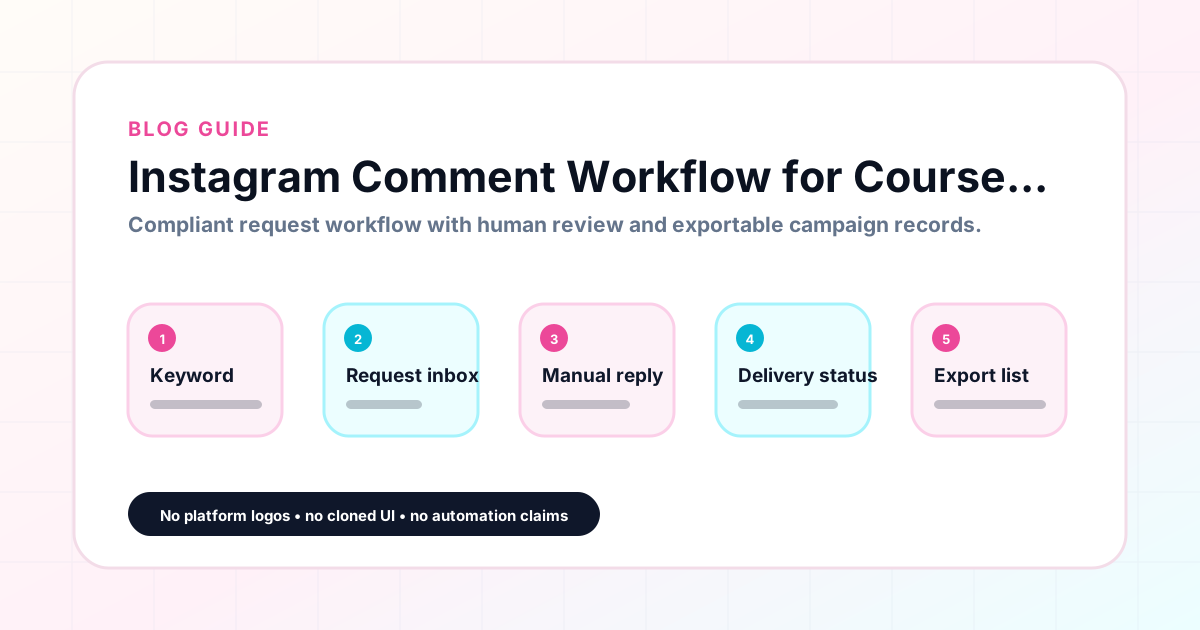
GramTrigger methodology
Original operating system for Instagram Comment Workflow for Course Creators
The GramTrigger method treats every comment campaign as an approval workflow, not an automation shortcut. The goal is to prepare the offer, lead magnet, keyword strategy, Reply Library draft, Request Inbox stages, handoff owner, and Lead Export fields before comments turn into operational work.
Campaign Blueprint SOP
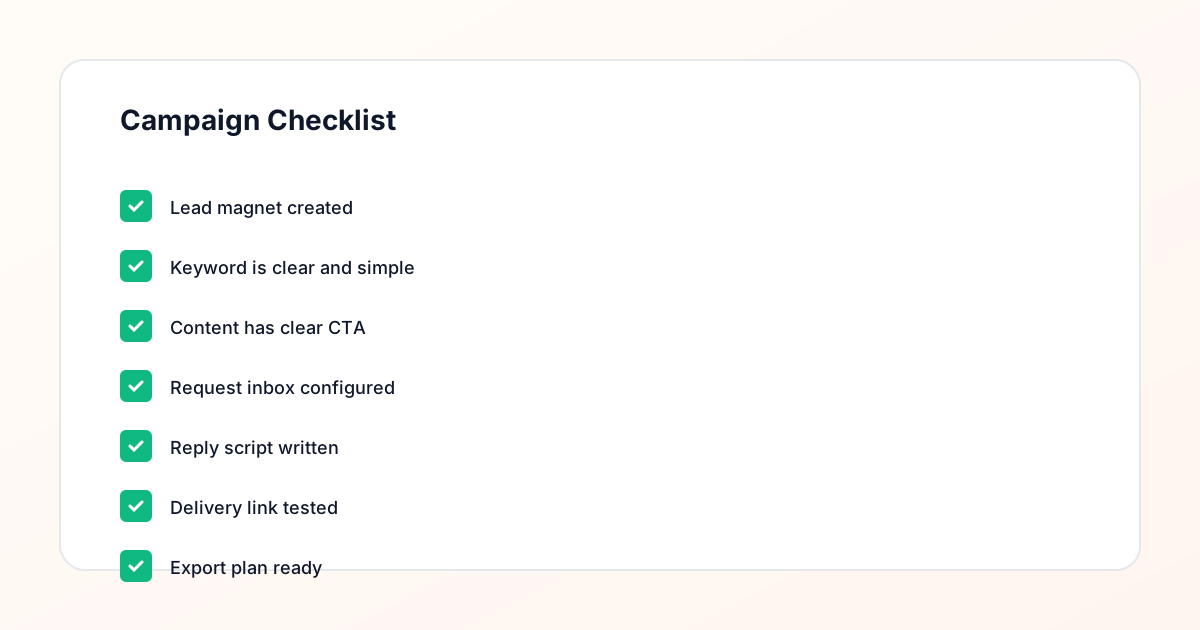
Confirm the offer, lead magnet, keyword strategy, comment CTA, reply draft, owner, approval status, and Lead Export fields before launch.
Comment Funnel Workflow
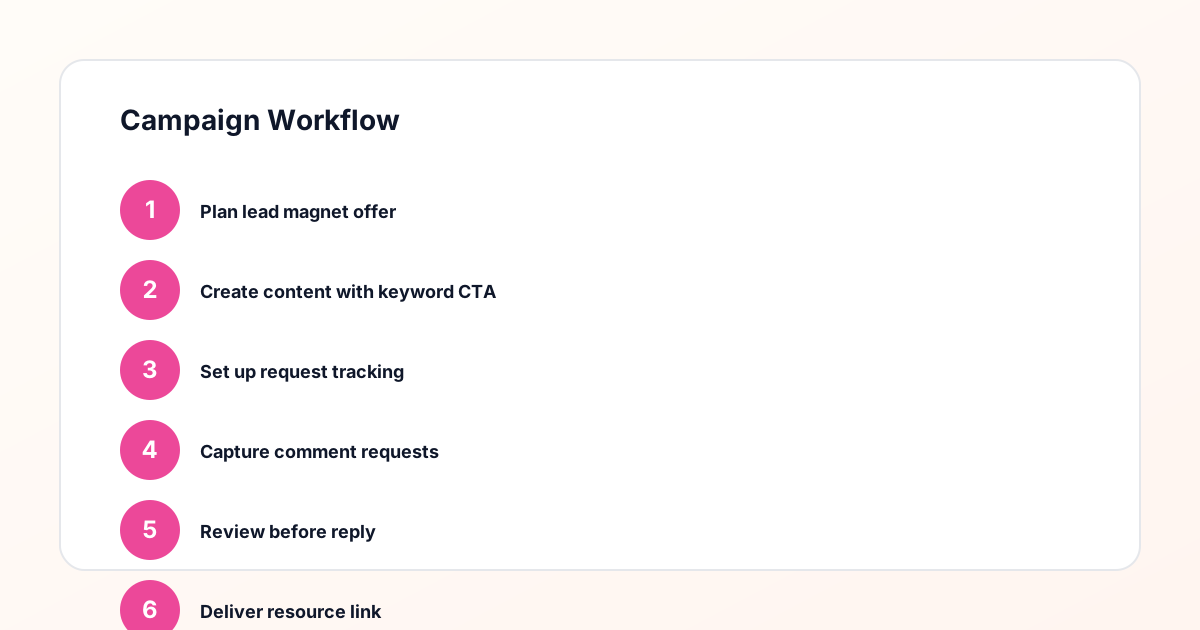
Use the same path everywhere: Offer → Lead Magnet → AI Funnel Builder → Keyword Strategy → Comment CTA → Reply Draft → Review & Approval → Campaign Launch → Request Inbox → Lead Tracking → Export.
Approval Queue Workflow
Review caption CTA, pinned comment, reply draft, lead magnet link, compliance notes, and client approval before a campaign goes live.
Export Readiness Checklist
Export only after records have clear status, no sensitive private data, an owner, follow-up stage, and a documented next action.
Campaign Recovery Workflow
If requests are missed, pause new promotion, review pending records, update Reply Library drafts, communicate manually where appropriate, and document the process fix.
Decision framework
Use this matrix before choosing the next step.
Manual review reminder
Draft response — review before sending. Use approved tools and follow platform rules. GramTrigger helps plan and manage lead magnet workflows; it does not scrape users or auto-send unauthorized DMs.
Workflow Overview
Campaign Checklist
Comment workflows in course launch strategy
Course launches often unfold across multiple posts over several weeks, each designed to build momentum toward the enrollment window. Comment keyword campaigns fit naturally into this structure because each post can invite interest at a different stage of the launch. An early teaser post might use WAITLIST to capture early interest. A content post might use LESSON to invite people to preview the course curriculum. A webinar announcement post might use REGISTER to collect sign-ups. Each keyword represents a different campaign record in GramTrigger, with its own destination link — the waitlist form, the lesson page, the registration URL — and its own response draft.
Managing multiple launch campaigns simultaneously
A full course launch may include three to five active comment campaigns across different posts running simultaneously. Without a system, managing these simultaneously is overwhelming. Links get confused. Scripts get mixed up. The team member handling fulfillment is not sure which campaign a given comment belongs to. GramTrigger separates each campaign into its own record so the keyword, destination, and script are always specific to the correct campaign. The dashboard shows all active launch campaigns at a glance, making it straightforward to allocate fulfillment attention across all active posts during the launch window.
Pre-launch preparation for course campaigns
Before any launch post goes live, the course creator should have every campaign record in GramTrigger prepared with the keyword, confirmed destination link, and ready response draft. This pre-launch preparation is critical during launches because engagement can arrive quickly and the window for timely fulfillment is short. A prepared campaign record means fulfillment can begin within minutes of the post publishing. An unprepared record — where the link is not confirmed or the script is not written — means the team is scrambling to set up the workflow while requests are already arriving.
Delegating launch fulfillment
Many course creators work with a team during launch periods. A course business manager, launch coordinator, or VA may handle comment fulfillment so the creator can focus on content, live sessions, and student engagement. GramTrigger makes this delegation reliable by providing the complete campaign record — keyword, destination, script — in one accessible place. The team member does not need to ask the creator for the current link or confirm which version of the script to use. Everything they need is already in the record, ready to use from the moment the first request arrives.
Tracking launch campaign performance
After the launch window closes, course creators should review the performance of each comment campaign. How many WAITLIST requests arrived? How many LESSON preview requests? How many REGISTER comments converted to webinar sign-ups? GramTrigger exports capture the lead count and campaign details for each record so that post-launch review is based on actual data rather than estimates. This review informs the strategy for the next launch by showing which campaign types, keywords, and post styles generated the most engaged interest from the audience.
Compliance in course launch comment campaigns
Course creators should ensure that launch campaign captions describe the request process accurately without overpromising fulfillment speed or method. Inviting comments for a waitlist or lesson preview is appropriate. Claiming that every comment automatically receives an instant message is not. GramTrigger organizes manual or approved fulfillment workflows without automating messages. Course creators are responsible for reviewing platform terms and using fulfillment methods appropriate to their account. Results from launch campaigns depend on audience engagement, offer strength, content quality, and execution.
Compliance Note
GramTrigger helps organize Campaign Blueprints, Reply Library drafts, Request Inbox stages, approvals, delivery status, Lead Exports, and reports. Delivery should be handled manually or through approved tools depending on your account and available platform support.