
GramTrigger guide
Comment-to-Lead Workflow for Social Campaigns
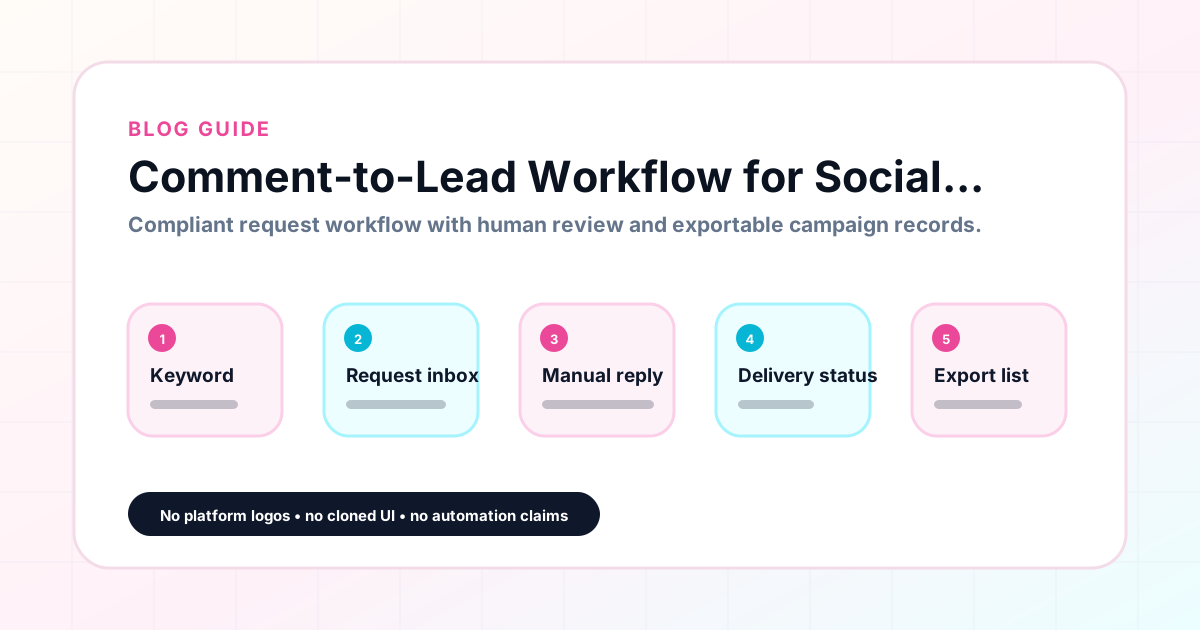
A comment-to-lead workflow is the structured path from a follower commenting a keyword on a post to that follower receiving the promised resource and being recorded as a lead. When this workflow is organized, every step is clear: the keyword triggers the request, the script delivers the resource, and the record captures the lead. When it is not organized, requests get missed, links get confused, and team members duplicate work. GramTrigger gives creators and agencies the campaign record structure to run this workflow cleanly across every post. GramTrigger is a workflow and request-management tool, not an official Instagram or Meta product.
GramTrigger methodology
Original operating system for Comment-to-Lead Workflow for Social Campaigns
The GramTrigger method treats every comment campaign as an approval workflow, not an automation shortcut. The goal is to prepare the offer, lead magnet, keyword strategy, Reply Library draft, Request Inbox stages, handoff owner, and Lead Export fields before comments turn into operational work.
Campaign Blueprint SOP
Confirm the offer, lead magnet, keyword strategy, comment CTA, reply draft, owner, approval status, and Lead Export fields before launch.
Comment Funnel Workflow
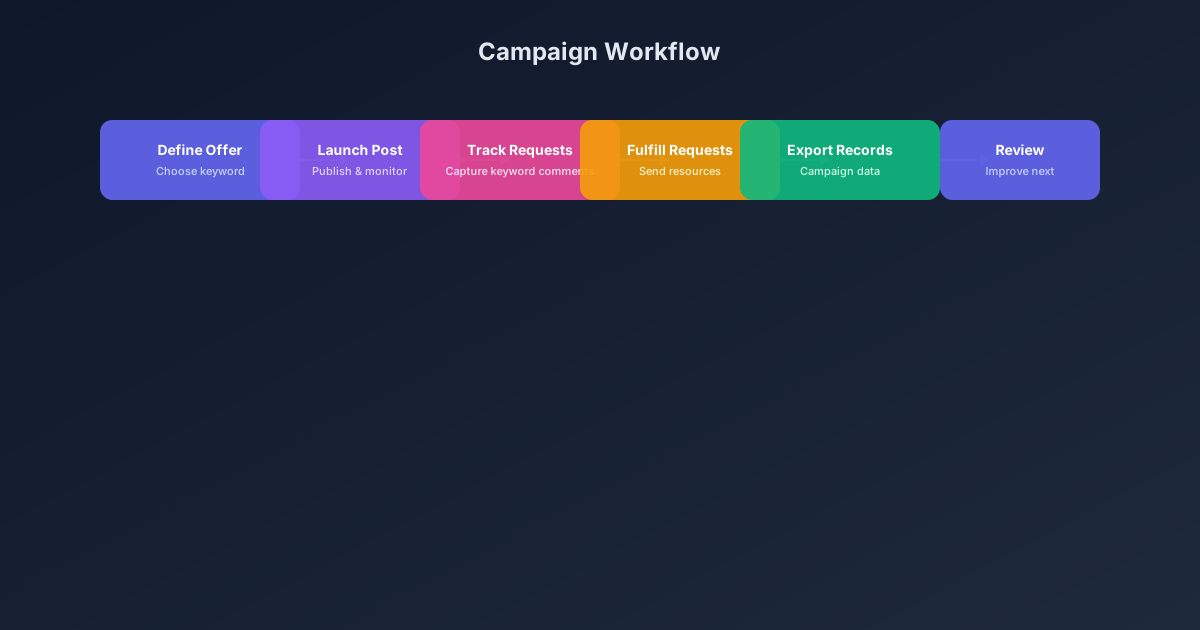
Use the same path everywhere: Offer → Lead Magnet → AI Funnel Builder → Keyword Strategy → Comment CTA → Reply Draft → Review & Approval → Campaign Launch → Request Inbox → Lead Tracking → Export.
Approval Queue Workflow
Review caption CTA, pinned comment, reply draft, lead magnet link, compliance notes, and client approval before a campaign goes live.
Export Readiness Checklist
Export only after records have clear status, no sensitive private data, an owner, follow-up stage, and a documented next action.
Campaign Recovery Workflow
If requests are missed, pause new promotion, review pending records, update Reply Library drafts, communicate manually where appropriate, and document the process fix.
Decision framework
Use this matrix before choosing the next step.
Manual review reminder
Draft response — review before sending. Use approved tools and follow platform rules. GramTrigger helps plan and manage lead magnet workflows; it does not scrape users or auto-send unauthorized DMs.
Workflow Overview
Campaign Checklist
The four stages of a comment-to-lead workflow
Every comment-to-lead workflow moves through four stages: capture, fulfill, track, and export. Capture is when the follower comments the keyword and the campaign record receives the lead. Fulfill is when the team responds with the script and destination link. Track is the ongoing status management that shows how many requests have been handled and how many remain. Export is the end-of-campaign record that preserves the full lead list and campaign details. GramTrigger is designed around these four stages so that creators and agencies have a shared structure for every campaign, regardless of offer type or account size.
What breaks comment-to-lead workflows
The most common breakdowns in comment-to-lead workflows happen between capture and fulfill. The script is not ready when engagement arrives. The destination link is from a previous version of the offer. The team member handling fulfillment does not know which campaign a given post belongs to. These problems are preventable with pre-launch preparation and a central campaign record. When the keyword, link, and script are in the record before the post goes live, there is nothing to search for during fulfillment. Every question a team member might ask — what keyword, what link, what message — is answered in the campaign record.
Building the workflow for multiple campaigns
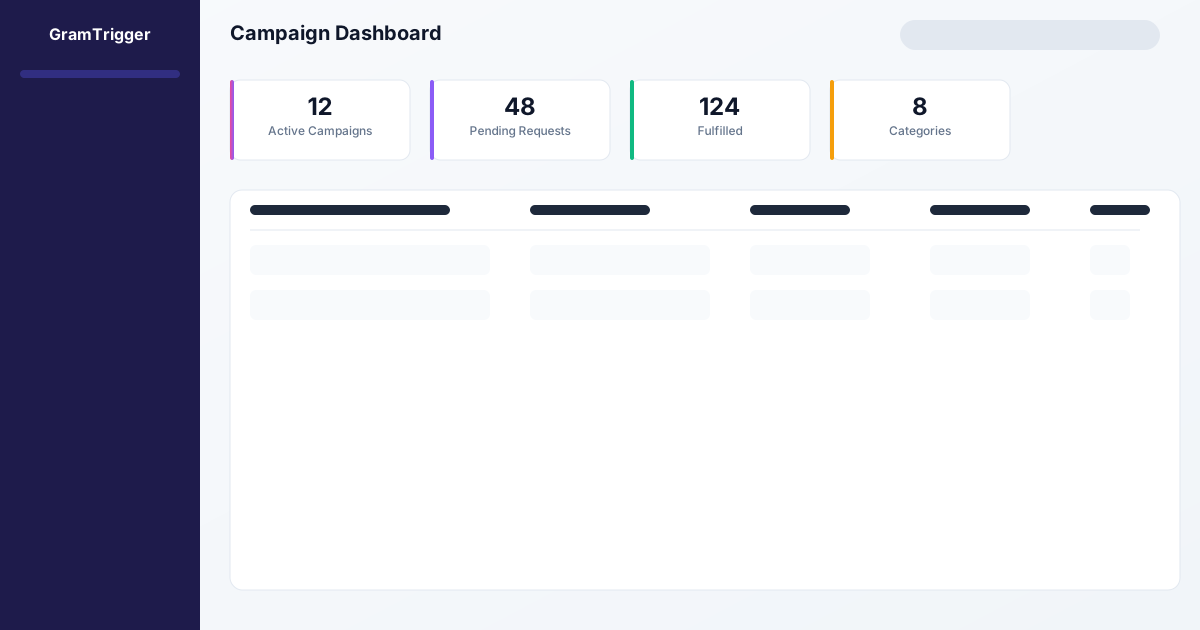
Creators who run more than one comment keyword campaign at a time need a workflow that scales across posts without confusion. When each campaign has its own record with its own keyword, link, and script, there is no mixing of offers. The team knows that comments on post A belong to campaign A with keyword GUIDE, and comments on post B belong to campaign B with keyword WAITLIST. GramTrigger organizes each campaign in the dashboard so the team can see all active campaigns and their statuses without switching between posts, tabs, or spreadsheet rows. This multi-campaign clarity is what makes it possible to run several offers simultaneously without losing requests.
Delegating fulfillment within the workflow
A comment-to-lead workflow is most valuable when it enables delegation. When the campaign record is complete — keyword, link, script, status — a VA or agency team member can handle fulfillment without briefing from the creator. They open the campaign record, read the script, and start responding. The creator does not need to be in the loop for every response. This delegation saves significant time during high-volume launch periods when the creator is focused on content and engagement rather than managing individual fulfillment messages. GramTrigger makes this delegation possible by centralizing everything the fulfillment team needs in one accessible place.
Reviewing workflow performance over time
Each completed comment-to-lead workflow produces data about which offers, keywords, and post types drive the most requests. Creators and agencies who review this data across campaigns make better decisions about what to repeat and what to change. A guide campaign that generates five times more requests than a checklist campaign is a signal worth acting on. GramTrigger archives campaign records including lead counts so that performance data is available for review at any time. These insights are especially useful for agencies showing clients the return on their comment campaign investment and for creators building a repeatable content and lead generation strategy.
Compliance in the comment-to-lead workflow
A compliant comment-to-lead workflow avoids promising delivery outcomes the fulfillment method cannot reliably support. Captions should invite comments for a resource without guaranteeing instant automatic responses. Fulfillment should be manual or through approved platform integrations. GramTrigger helps keep the workflow compliant by organizing the campaign record and supporting manual or approved fulfillment — not by automating DMs or making claims about platform behavior. Users remain responsible for reviewing platform terms and privacy requirements before running comment keyword campaigns. Results vary based on content, audience, offer, and execution.
Compliance Note
GramTrigger helps organize Campaign Blueprints, Reply Library drafts, Request Inbox stages, approvals, delivery status, Lead Exports, and reports. Delivery should be handled manually or through approved tools depending on your account and available platform support.