
GramTrigger guide
How to Run a Comment Keyword Campaign
Running a comment keyword campaign means inviting Instagram followers to comment a specific word to receive a promised resource or offer. When the campaign is well planned, the process is straightforward: the keyword is clear, the destination link is confirmed, the response draft is ready, and every request that arrives gets a consistent, timely response. When it is not planned, requests pile up in the comment section, some followers get missed, and the link that was supposed to go out gets copied from memory mid-campaign. This guide walks through how to run a comment keyword campaign from start to finish using an organized approach. GramTrigger helps organize this workflow. GramTrigger is a workflow and request-management tool, not an official Instagram or Meta product.
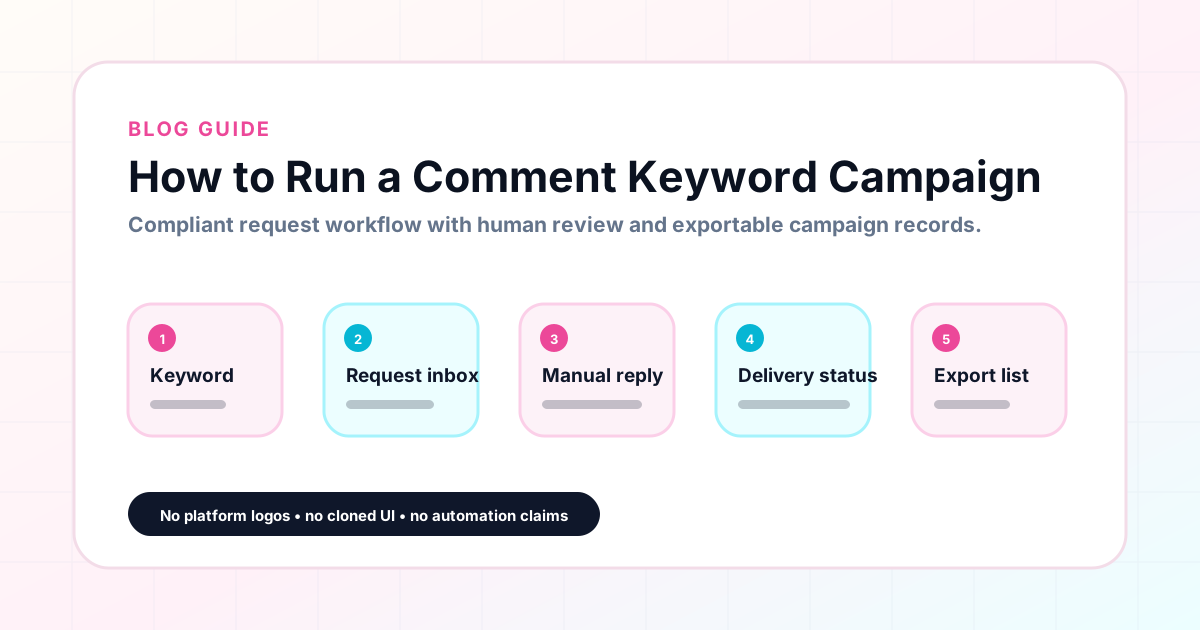
GramTrigger methodology
Original operating system for How to Run a Comment Keyword Campaign
The GramTrigger method treats every comment campaign as an approval workflow, not an automation shortcut. The goal is to prepare the offer, lead magnet, keyword strategy, Reply Library draft, Request Inbox stages, handoff owner, and Lead Export fields before comments turn into operational work.
Campaign Blueprint SOP
Confirm the offer, lead magnet, keyword strategy, comment CTA, reply draft, owner, approval status, and Lead Export fields before launch.
Comment Funnel Workflow
Use the same path everywhere: Offer → Lead Magnet → AI Funnel Builder → Keyword Strategy → Comment CTA → Reply Draft → Review & Approval → Campaign Launch → Request Inbox → Lead Tracking → Export.
Approval Queue Workflow
Review caption CTA, pinned comment, reply draft, lead magnet link, compliance notes, and client approval before a campaign goes live.
Export Readiness Checklist
Export only after records have clear status, no sensitive private data, an owner, follow-up stage, and a documented next action.
Campaign Recovery Workflow
If requests are missed, pause new promotion, review pending records, update Reply Library drafts, communicate manually where appropriate, and document the process fix.
Decision framework
Use this matrix before choosing the next step.
Manual review reminder
Draft response — review before sending. Use approved tools and follow platform rules. GramTrigger helps plan and manage lead magnet workflows; it does not scrape users or auto-send unauthorized DMs.
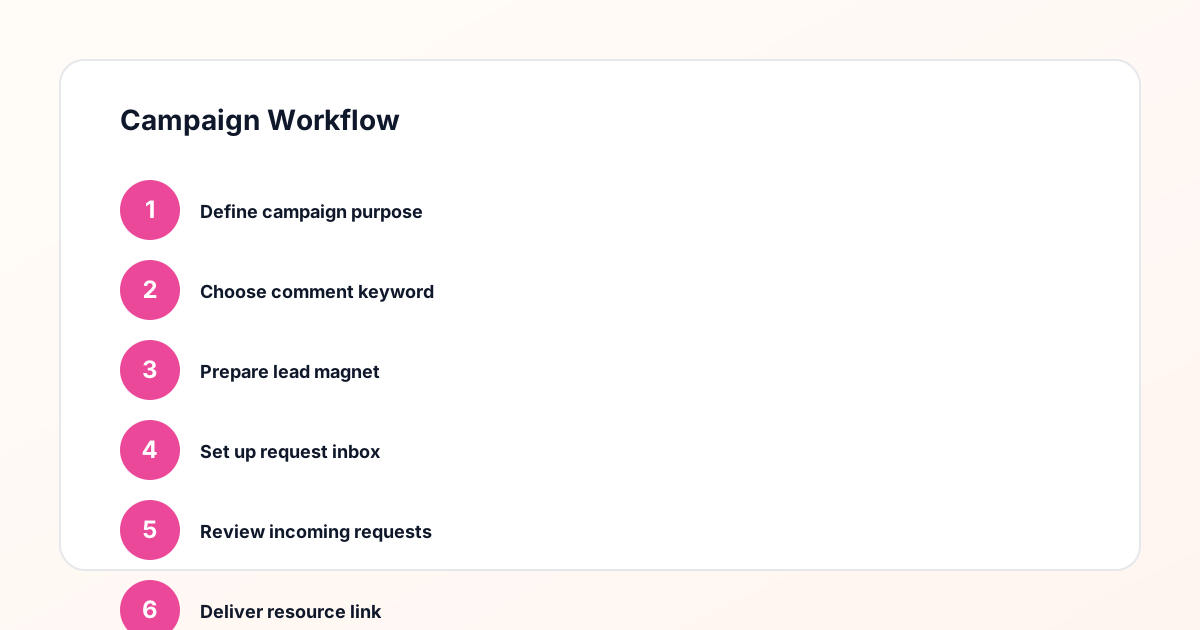
Workflow Overview
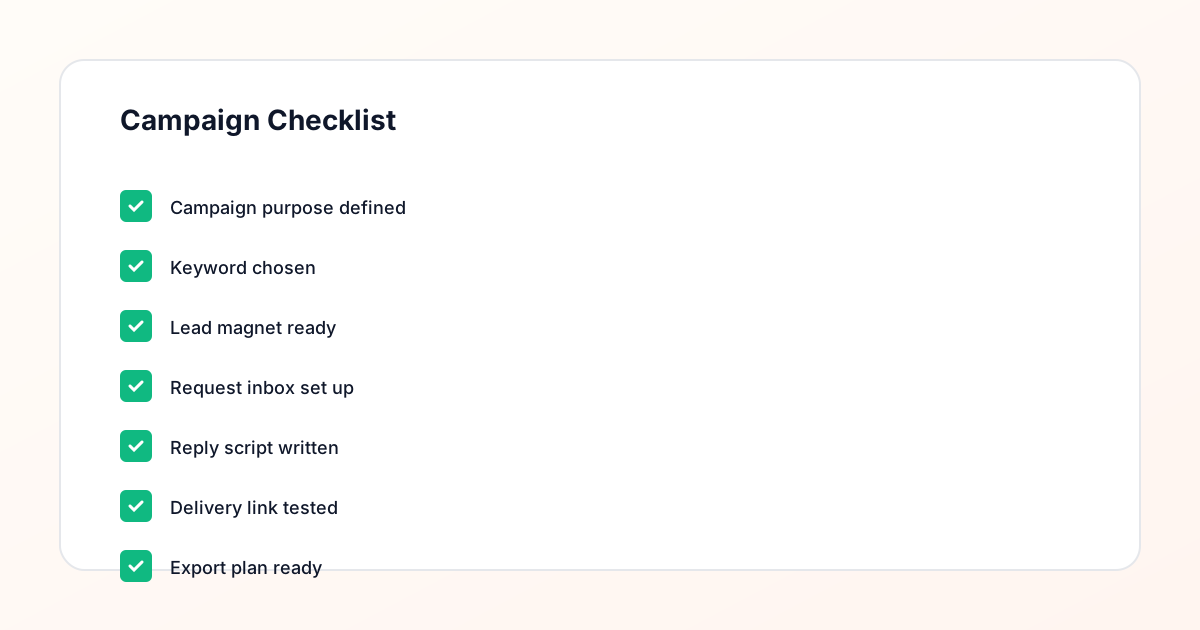
Campaign Checklist
Step one: define the offer and choose the keyword
Before writing the caption, define exactly what the audience will receive in exchange for commenting the keyword. The offer should be specific and immediately useful: a PDF guide, a Notion template, a checklist, an email opt-in, a waitlist registration, or a course preview. The keyword should match the offer precisely. GUIDE works for a guide. TEMPLATE works for a template. WAITLIST works for a waitlist. Vague or multi-use keywords create confusion during fulfillment and reduce the clarity of the campaign message in the caption. With the offer and keyword defined, the campaign has a clear premise that every subsequent step can be built around.
Step two: prepare the destination before launch
The destination link — the page, form, or resource the follower will receive — must be live and tested before the post goes live. This is the most commonly skipped step in comment keyword campaigns and the most damaging when skipped. A broken link discovered mid-fulfillment means some followers receive the resource and others receive an error, which reflects poorly on the campaign and the creator. Testing the destination before launch takes only a few minutes and prevents the most visible type of campaign failure. GramTrigger saves the destination link in the campaign record during setup, which prompts the creator to confirm it before marking the campaign as ready.
Step three: write the response draft
The response draft is the message that gets sent to every person who comments the keyword. It should include a warm greeting, one sentence confirming the resource, the destination link, and a simple closing. The script should be written before the post publishes so that anyone handling fulfillment — the creator, a VA, or an agency team member — is using the same message from the first request to the last. GramTrigger saves the script in the campaign record alongside the keyword and destination link so the fulfillment team always has the three core pieces in one place.
Step four: write the caption and publish the post
The caption should invite comments in a way that is clear and honest about the fulfillment process. Ask followers to comment the keyword to receive the resource. Avoid language that promises instant automatic delivery unless the actual fulfillment method can reliably deliver that. A simple, direct caption like "Comment GUIDE below and I will send you the link" accurately describes a manual fulfillment process and sets realistic expectations. The keyword should appear exactly as it will appear in the campaign record so there is no ambiguity about what counts as a qualifying comment.
Step five: fulfill requests as they arrive
Once the post is live, monitor the comments for the trigger keyword and fulfill each qualifying request using the saved script and destination link. For solo creators, this means checking comments periodically throughout the active period. For creators with teams, it means delegating fulfillment to a team member who can access the campaign record in GramTrigger and handle responses without additional instruction. The key to consistent fulfillment is using the same script and the same link for every response rather than improvising each time. GramTrigger makes this consistency automatic because the script and link are always in the record.
Step six: close and export the campaign
When the campaign window closes and active fulfillment is complete, update the campaign status in GramTrigger to complete and export the campaign record. The export captures the keyword, destination, script, status, and lead count in a format that can be archived, shared with clients, or used for future campaign planning. The lead count in the export shows how many requests the campaign generated, providing the primary data point for evaluating campaign performance. Review the export alongside the post metrics — reach, engagement, saves — to understand the full picture of how the campaign performed and what can be improved next time.
Compliance Note
GramTrigger helps organize Campaign Blueprints, Reply Library drafts, Request Inbox stages, approvals, delivery status, Lead Exports, and reports. Delivery should be handled manually or through approved tools depending on your account and available platform support.