
GramTrigger guide
Instagram Comment Campaign Tracker
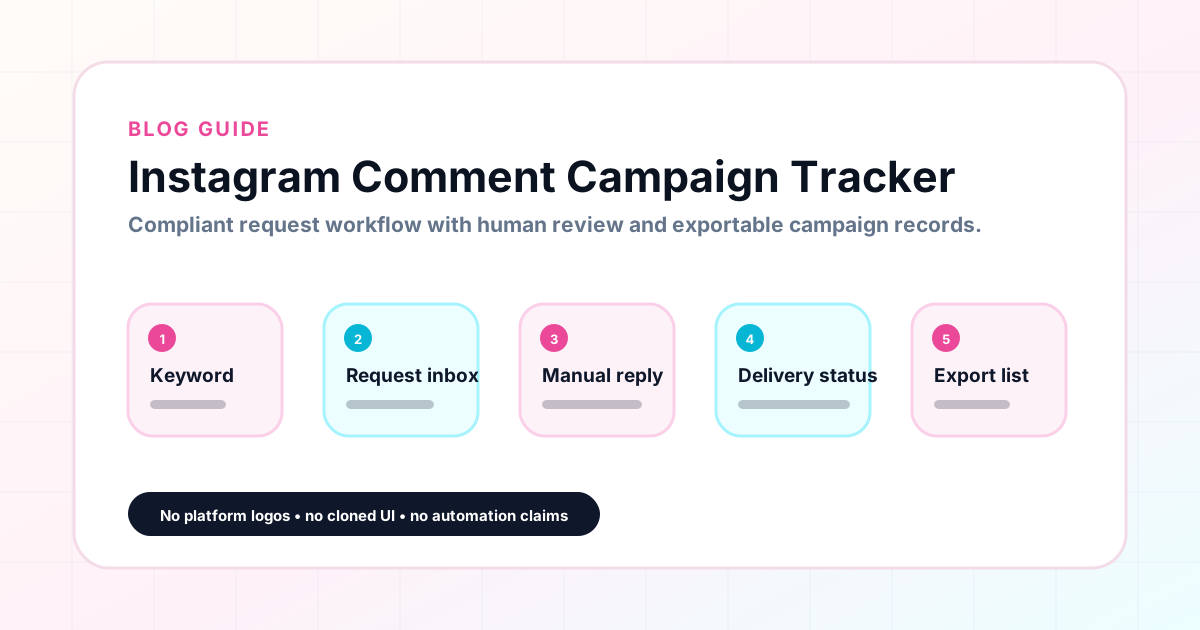
An Instagram comment campaign tracker is a focused tool for keeping every active and completed comment keyword campaign organized in one place. It replaces the scattered combination of notes, spreadsheets, screenshots, and browser tabs that most creators use to manage their campaigns. A good tracker holds the trigger keyword, the destination link, the response draft, the campaign status, and the lead count for each campaign so that the team always has the information it needs to fulfill requests accurately and report on campaign performance afterward. GramTrigger is built for this specific workflow. GramTrigger is a workflow and request-management tool, not an official Instagram or Meta product.
GramTrigger methodology
Original operating system for Instagram Comment Campaign Tracker
The GramTrigger method treats every comment campaign as an approval workflow, not an automation shortcut. The goal is to prepare the offer, lead magnet, keyword strategy, Reply Library draft, Request Inbox stages, handoff owner, and Lead Export fields before comments turn into operational work.
Campaign Blueprint SOP
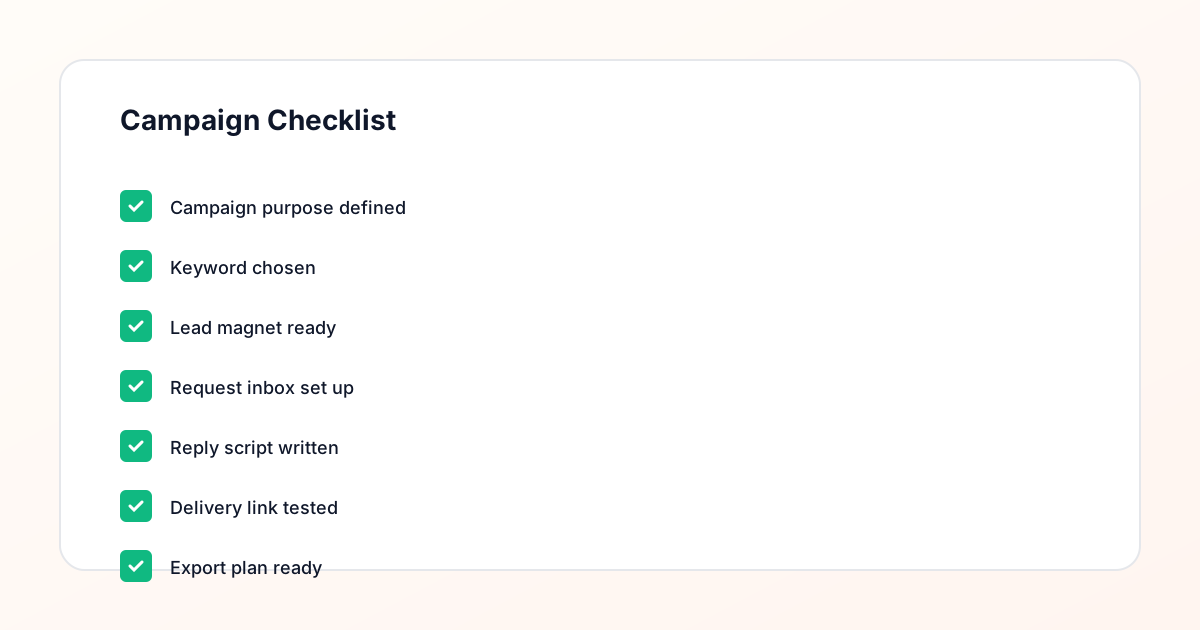
Confirm the offer, lead magnet, keyword strategy, comment CTA, reply draft, owner, approval status, and Lead Export fields before launch.
Comment Funnel Workflow
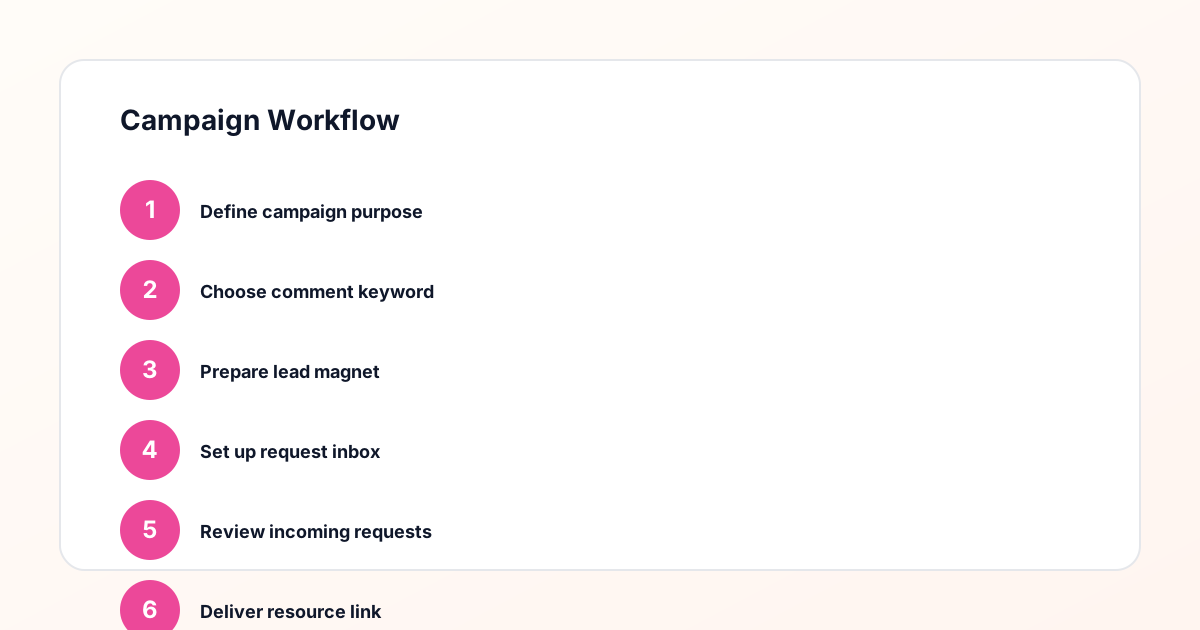
Use the same path everywhere: Offer → Lead Magnet → AI Funnel Builder → Keyword Strategy → Comment CTA → Reply Draft → Review & Approval → Campaign Launch → Request Inbox → Lead Tracking → Export.
Approval Queue Workflow
Review caption CTA, pinned comment, reply draft, lead magnet link, compliance notes, and client approval before a campaign goes live.
Export Readiness Checklist
Export only after records have clear status, no sensitive private data, an owner, follow-up stage, and a documented next action.
Campaign Recovery Workflow
If requests are missed, pause new promotion, review pending records, update Reply Library drafts, communicate manually where appropriate, and document the process fix.
Decision framework
Use this matrix before choosing the next step.
Manual review reminder
Draft response — review before sending. Use approved tools and follow platform rules. GramTrigger helps plan and manage lead magnet workflows; it does not scrape users or auto-send unauthorized DMs.
Workflow Overview
Campaign Checklist
What a comment campaign tracker contains
A comment campaign tracker should hold at minimum six pieces of information for every campaign: the post or content reference, the trigger keyword, the destination link, the response draft, the campaign status, and the lead count. These six fields form the complete record of what the campaign promised, how it should be fulfilled, and how it is performing. Without any one of these fields, the record is incomplete and fulfillment becomes slower and less reliable. GramTrigger organizes all six fields for every campaign in a consistent format so the same structure is applied to every new campaign without having to rebuild the tracking system from scratch each time.
Tracking multiple campaigns simultaneously
Creators who run multiple comment keyword campaigns at the same time — a guide campaign on one post and a giveaway on another — need a tracker that shows all active campaigns at a glance. Without this overview, it is easy to focus exclusively on one campaign while requests from another pile up unanswered. GramTrigger displays all campaigns in a dashboard view so creators and agencies can see every active campaign, their statuses, and their lead counts without navigating between posts or spreadsheet tabs. This overview is what makes it possible to manage multiple simultaneous campaigns without losing requests or mixing up offers.
Status management in the tracker
Campaign status is one of the most practical features in a comment campaign tracker. Status fields — draft, ready, active, paused, complete — give the creator and team a shared understanding of where each campaign stands without needing to discuss it. When a campaign is active, the team fulfills requests. When it is paused, they stop. When it is complete, they export the record. Without status management, the team has to ask the creator whether a given campaign is still accepting requests — a small question that becomes significant overhead across multiple simultaneous campaigns. GramTrigger status fields eliminate this overhead by making campaign state immediately visible to anyone who opens the dashboard.
Using the tracker for agencies and teams
For agencies managing comment campaigns across multiple client accounts, a campaign tracker is essential for maintaining consistency and providing reportable results. Each client campaign needs its own record with its own keyword, link, script, and status so that client-specific offers are never confused. When the team member assigned to a client account opens the tracker, they see only what is relevant to that client. GramTrigger organizes campaigns so agencies can maintain clear boundaries between client records and produce clean exports for each client at campaign close.
Exporting from the tracker
A campaign tracker should produce clean exports at the end of every campaign. These exports capture the full record — campaign name, keyword, destination link, script, status, and lead count — in a format that is useful for reporting and archiving. GramTrigger exports are available at any stage of the campaign so records are never lost when a post fades from the feed. Consistent exports from every tracked campaign build a performance archive that shows which campaigns generated the most requests, which keywords drove the highest response rates, and which offer types resonated most with the audience across different posting periods.
Choosing a tracker that fits the workflow
The right comment campaign tracker fits the actual workflow of the creator or agency using it. A tracker built for social inbox moderation is not the right fit for keyword campaign management. A general project management tool lacks the campaign-specific fields that make tracking accurate. GramTrigger is purpose-built for comment keyword campaign tracking, which means the fields match the workflow and the structure applies consistently to every new campaign. Creators and agencies who switch to GramTrigger from spreadsheets typically find that the standardized record format saves time during both campaign setup and post-campaign reporting.
Compliance Note
GramTrigger helps organize Campaign Blueprints, Reply Library drafts, Request Inbox stages, approvals, delivery status, Lead Exports, and reports. Delivery should be handled manually or through approved tools depending on your account and available platform support.