GramTrigger guide
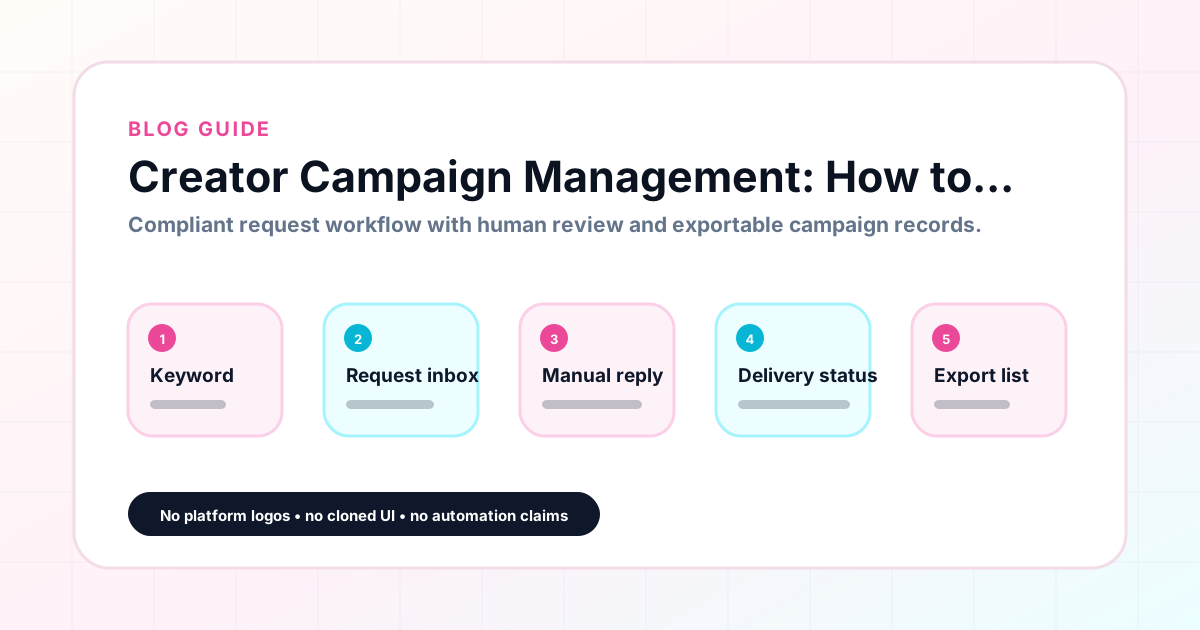
Creator Campaign Management: How to Organize Comment Requests
Creator campaign management is the discipline of organizing every moving part of an Instagram comment campaign — the trigger keyword, the destination link, the response draft, the request queue, and the lead export — into a system that works reliably across launches. Without a management system, campaigns live in a patchwork of notes, messages, and spreadsheets that require constant coordination and still produce missed leads. GramTrigger gives creators a structured campaign dashboard that manages each campaign from setup through export, reducing coordination overhead and keeping campaigns organized at any volume. GramTrigger is a workflow and request-management tool, not an official Instagram or Meta product.
GramTrigger methodology
Original operating system for Creator Campaign Management: How to Organize Comment Requests
The GramTrigger method treats every comment campaign as an approval workflow, not an automation shortcut. The goal is to prepare the offer, lead magnet, keyword strategy, Reply Library draft, Request Inbox stages, handoff owner, and Lead Export fields before comments turn into operational work.
Campaign Blueprint SOP
Confirm the offer, lead magnet, keyword strategy, comment CTA, reply draft, owner, approval status, and Lead Export fields before launch.
Comment Funnel Workflow
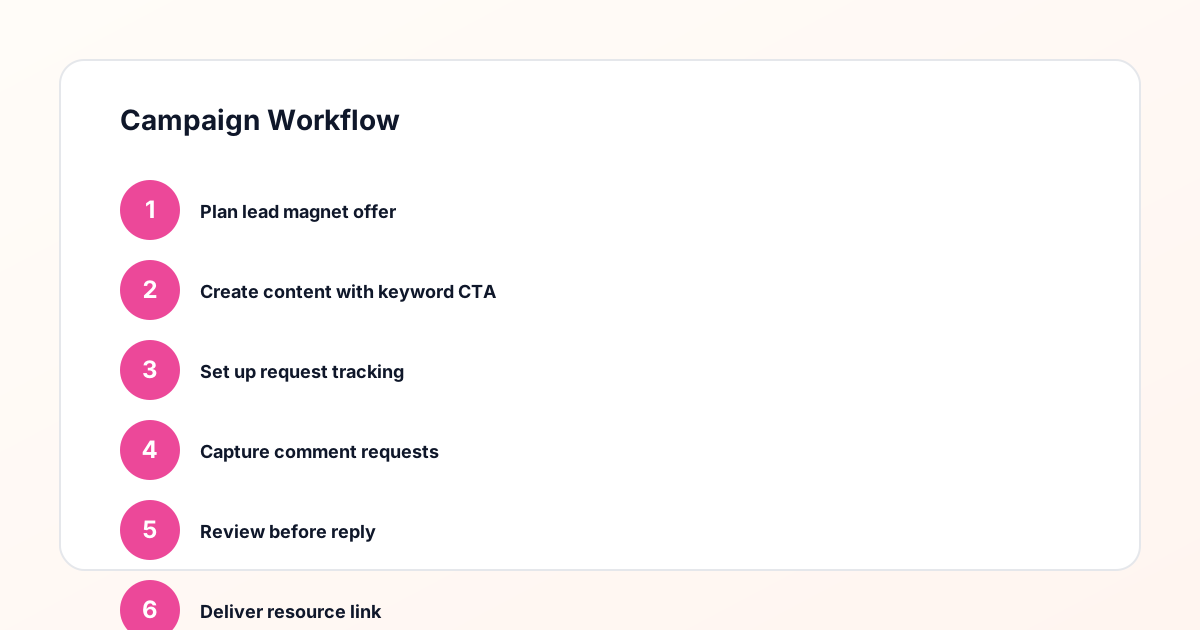
Use the same path everywhere: Offer → Lead Magnet → AI Funnel Builder → Keyword Strategy → Comment CTA → Reply Draft → Review & Approval → Campaign Launch → Request Inbox → Lead Tracking → Export.
Approval Queue Workflow
Review caption CTA, pinned comment, reply draft, lead magnet link, compliance notes, and client approval before a campaign goes live.
Export Readiness Checklist
Export only after records have clear status, no sensitive private data, an owner, follow-up stage, and a documented next action.
Campaign Recovery Workflow
If requests are missed, pause new promotion, review pending records, update Reply Library drafts, communicate manually where appropriate, and document the process fix.
Decision framework
Use this matrix before choosing the next step.
Manual review reminder
Draft response — review before sending. Use approved tools and follow platform rules. GramTrigger helps plan and manage lead magnet workflows; it does not scrape users or auto-send unauthorized DMs.
Workflow Overview
Campaign Checklist
Why creator campaign management is its own discipline
Managing a comment keyword campaign is not just about the caption. It involves pre-launch preparation, fulfillment during the engagement window, status tracking throughout the campaign, and performance reporting at the close. Each of these phases has its own requirements, and failing to manage any one of them well creates problems that affect the others. A poorly prepared response draft creates inconsistent responses. A missing link causes fulfillment delays. No status tracking leads to missed requests. No reporting means the next campaign is planned on guesswork. Creator campaign management as a discipline treats each of these phases as equal parts of the campaign lifecycle and provides a system for handling all of them systematically.
The pre-launch checklist every creator needs
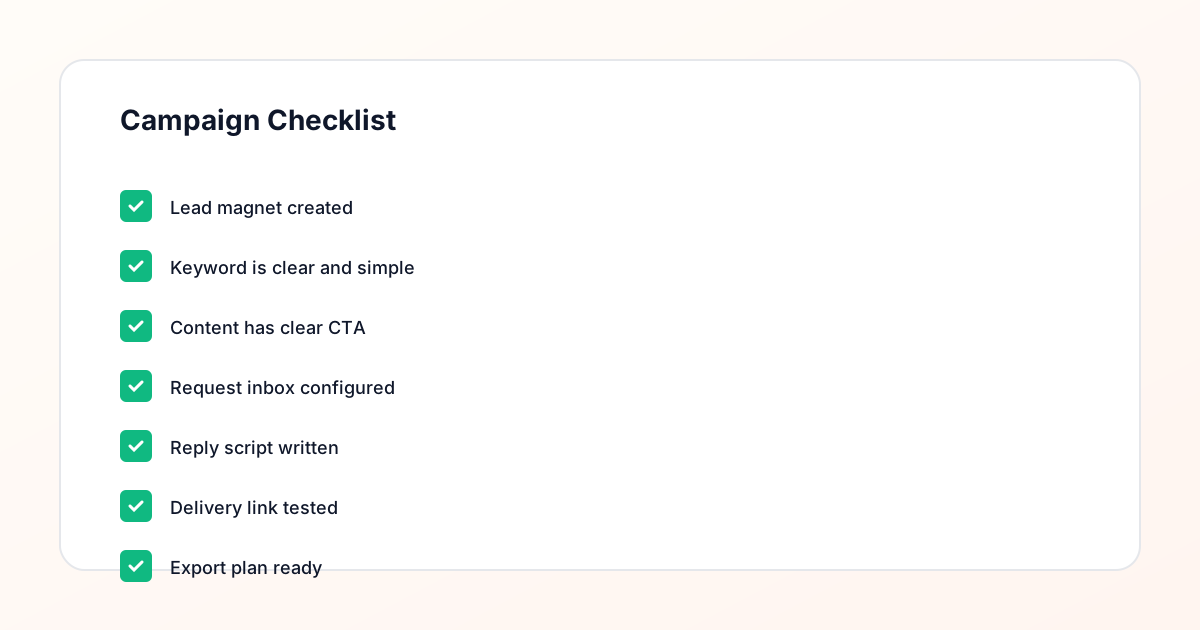
Before any comment keyword campaign goes live, a creator should have completed a specific set of pre-launch tasks. The destination link should be tested and confirmed. The trigger keyword should be defined and saved in the campaign record. The response draft should be written and reviewed. The campaign status should be set to ready. Any team members involved in fulfillment should have access to the campaign record and understand their role. GramTrigger supports this pre-launch workflow by providing a campaign record structure that prompts creators to complete each field before launch. When the record is complete, the campaign can go live with confidence that fulfillment will be organized from the first request.
Organizing requests by campaign during fulfillment
During a live campaign, requests arrive through the comment section and need to be tracked in relation to the campaign they belong to. A creator running two campaigns simultaneously — one for a free guide and one for a course waitlist — needs to make sure that GUIDE responses go to the guide destination and WAITLIST responses go to the waitlist page. Without campaign-organized tracking, responses can get mixed up, especially when fulfillment is happening quickly. GramTrigger organizes requests by campaign so that the fulfillment team is always working with the correct keyword, link, and script for each specific post and offer.
Managing fulfillment quality at scale
As a creator grows their audience and their campaigns start generating more requests, fulfillment quality becomes a management challenge. The scripts need to stay consistent. The links need to stay current. The responses need to go out promptly. Managing all of this at scale without a system leads to inconsistent fulfillment quality — some requests get a polished, helpful response; others get a rushed, incomplete one. GramTrigger supports fulfillment quality at scale by centralizing the script and link in the campaign record so that every response — whether the creator handles it personally or delegates to a team — is based on the same prepared materials.
Delegating campaign management to a VA or agency
Creator campaign management works best as a delegated function for creators whose businesses have grown past the point where they personally manage every fulfillment task. A VA or agency team member can handle fulfillment, update request statuses, and manage the campaign record if they have access to the right information. GramTrigger makes delegation straightforward by keeping the keyword, link, script, and status in one campaign record that the delegate can access without asking the creator for details. The creator sets up the record before launch, delegates fulfillment, and reviews the export at the close — a three-step ownership model that keeps the creator in control without requiring their direct involvement in every fulfillment response.
Tracking campaign performance over time
Effective creator campaign management includes a consistent approach to measuring performance. Which trigger keywords generated the most requests? Which posts had the best comment-to-lead conversion? Which lead magnets were requested most often? These questions are answerable when every campaign has a consistent record that includes the keyword, destination, and lead count. GramTrigger archives campaign records so that creators can review historical performance across campaigns and notice trends that inform future strategy. Without this archive, campaign performance lives only in the creator's memory or in the engagement metrics of the post itself — neither of which captures the full picture.
Common campaign management mistakes to avoid
The most common creator campaign management mistakes are: launching without a prepared response draft, using a broken or expired destination link, failing to set campaign status before sharing it with the team, running two campaigns with similar keywords without clear separation, and not exporting campaign records after close. Each of these mistakes is avoidable with a structured campaign management tool. GramTrigger is designed around preventing these mistakes by making each field in the campaign record a required part of the setup workflow. A campaign that has been set up correctly in GramTrigger is a campaign where each of these common errors has already been addressed before the post goes live.
GramTrigger as a creator campaign management platform
GramTrigger is built for creators who take their comment keyword campaigns seriously and want a management system that matches the professionalism of their content. The platform is not a broad social media tool — it is focused specifically on the comment campaign management workflow. Campaign records, response drafts, link storage, status tracking, lead counts, and exports are all designed around this specific use case. Creators, coaches, newsletter owners, and agencies who use GramTrigger report that their campaigns feel more organized, their team coordination improves, and their post-campaign reporting is significantly faster.
Compliance Note
GramTrigger helps organize Campaign Blueprints, Reply Library drafts, Request Inbox stages, approvals, delivery status, Lead Exports, and reports. Delivery should be handled manually or through approved tools depending on your account and available platform support.