
GramTrigger guide
Comment Campaign Mistakes That Lose Requests
Comment campaign mistakes are the operational failures that cause keyword requests to go undelivered, leads to get lost, and campaign performance to fall below its potential. Most of these mistakes are not failures of content strategy or audience engagement — they are failures of workflow preparation and campaign management. The comment section can be generating strong interest while the creator is scrambling to find the destination link, rewrite the script from memory, or track down which requests from three days ago still need a response. This guide covers the most common comment campaign mistakes and how to prevent each one. GramTrigger helps creators avoid these mistakes by providing a structured campaign record before every post. GramTrigger is a workflow and request-management tool, not an official Instagram or Meta product.
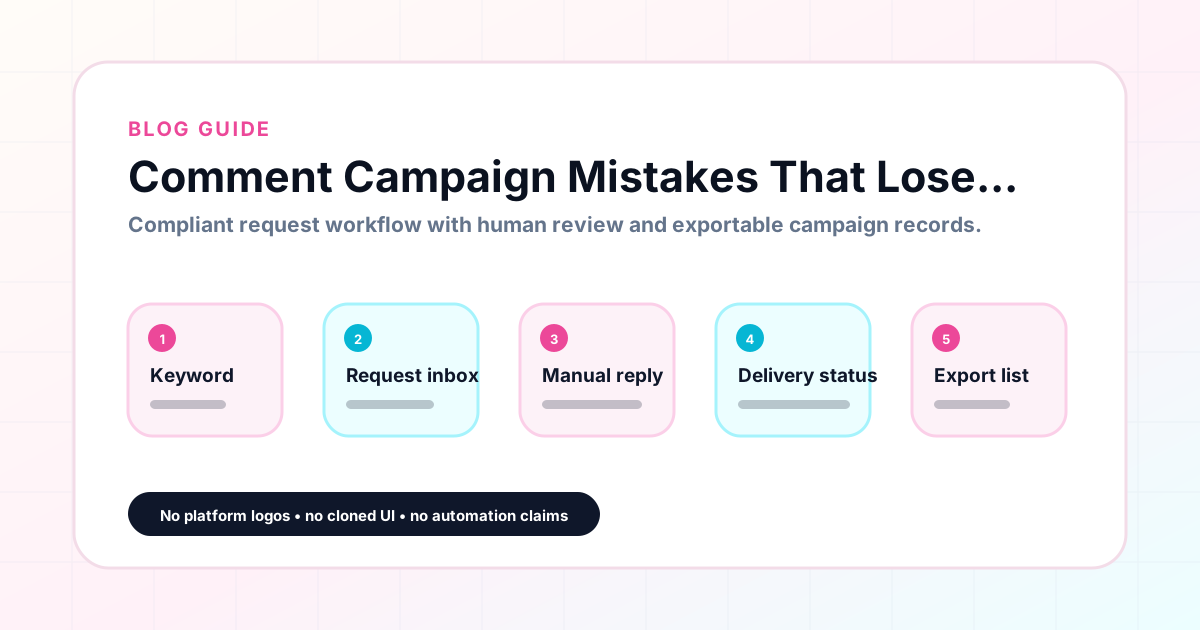
GramTrigger methodology
Original operating system for Comment Campaign Mistakes That Lose Requests
The GramTrigger method treats every comment campaign as an approval workflow, not an automation shortcut. The goal is to prepare the offer, lead magnet, keyword strategy, Reply Library draft, Request Inbox stages, handoff owner, and Lead Export fields before comments turn into operational work.
Campaign Blueprint SOP
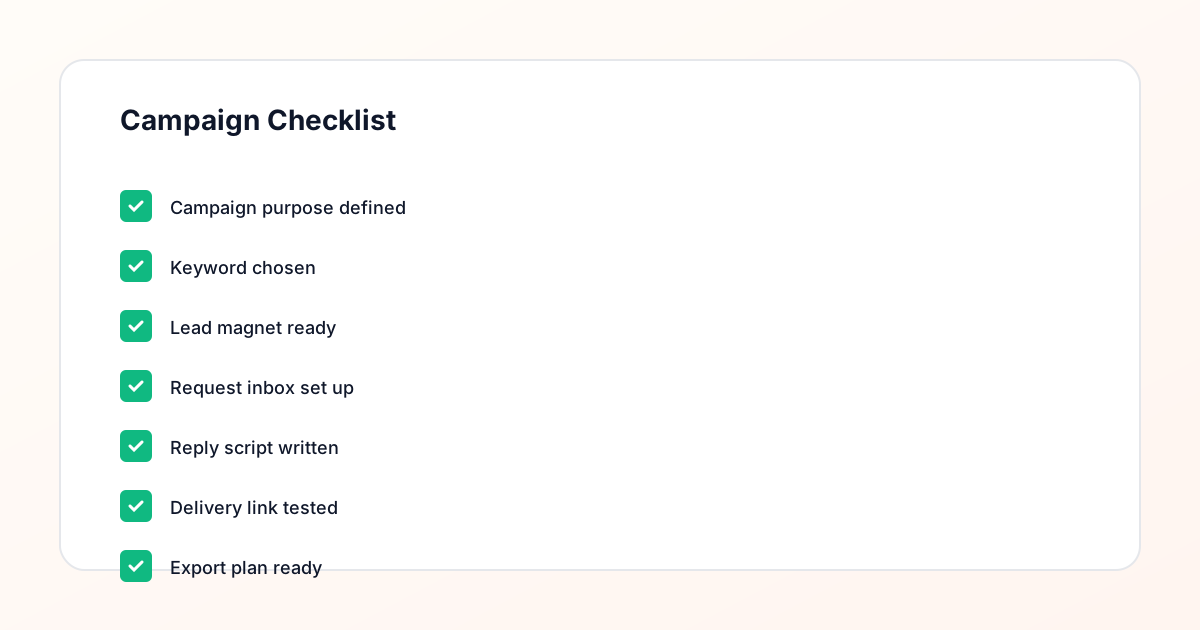
Confirm the offer, lead magnet, keyword strategy, comment CTA, reply draft, owner, approval status, and Lead Export fields before launch.
Comment Funnel Workflow
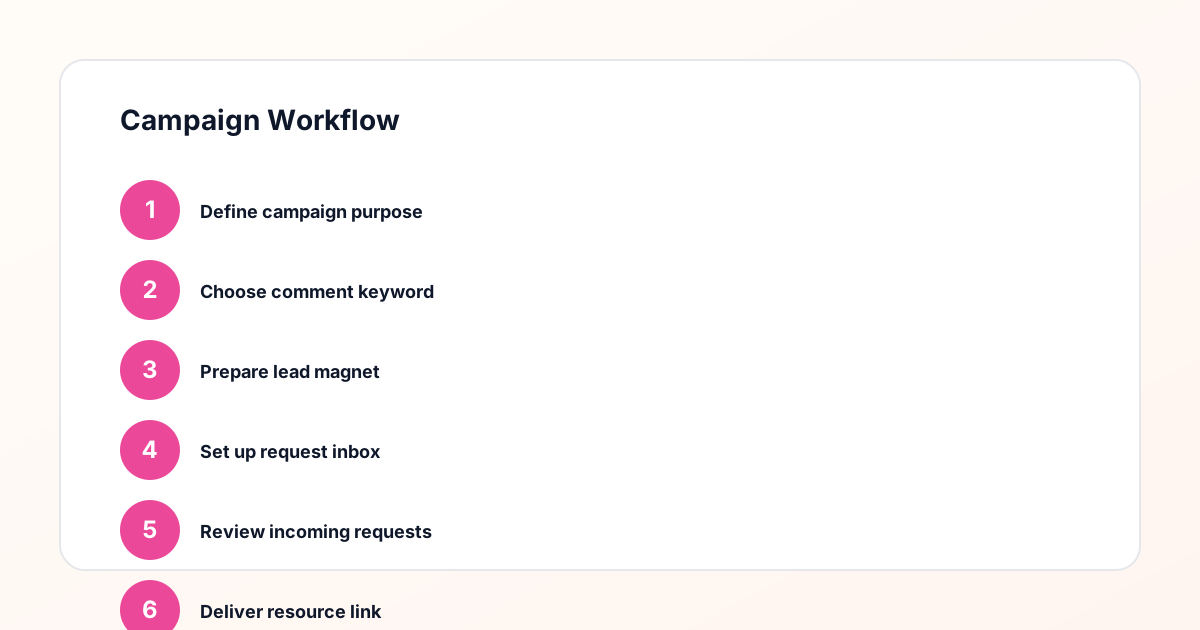
Use the same path everywhere: Offer → Lead Magnet → AI Funnel Builder → Keyword Strategy → Comment CTA → Reply Draft → Review & Approval → Campaign Launch → Request Inbox → Lead Tracking → Export.
Approval Queue Workflow
Review caption CTA, pinned comment, reply draft, lead magnet link, compliance notes, and client approval before a campaign goes live.
Export Readiness Checklist
Export only after records have clear status, no sensitive private data, an owner, follow-up stage, and a documented next action.
Campaign Recovery Workflow
If requests are missed, pause new promotion, review pending records, update Reply Library drafts, communicate manually where appropriate, and document the process fix.
Decision framework
Use this matrix before choosing the next step.
Manual review reminder
Draft response — review before sending. Use approved tools and follow platform rules. GramTrigger helps plan and manage lead magnet workflows; it does not scrape users or auto-send unauthorized DMs.
Workflow Overview
Campaign Checklist
Mistake one: launching without a confirmed destination link
The most damaging campaign mistake is publishing the post before confirming that the destination link is live and working. A broken link means that every follower who comments the keyword and receives the fulfillment response gets directed to an error page or an outdated resource. Some will try the link once and give up. Others will be frustrated and leave a negative comment. The creator discovers the problem mid-campaign and has to update the link while simultaneously re-fulfilling all the requests that received the broken version. Testing the destination link before every post — opening it in a browser and confirming it loads correctly — takes two minutes and prevents the most visible form of campaign failure. GramTrigger prompts this check by requiring the destination field to be populated in the campaign record before the status can be set to ready.
Mistake two: writing the response draft after the post goes live
Writing the response draft after the post is already live means that the busiest and most important window of the campaign — the first hours after publishing — passes without organized fulfillment. The creator writes a first version of the script for the first few requests, then revises it for the next few, then forgets to include the link in some responses. The result is an inconsistent set of responses across the early requests that reflects poorly on the campaign. Writing the script before launch is the only way to ensure consistent fulfillment from the very first request. GramTrigger saves the script in the campaign record during setup so it is ready before the post publishes.
Mistake three: using a vague or non-unique keyword
A vague keyword like INTERESTED or YES creates ambiguity about who is requesting the resource and who is just commenting generally. A non-unique keyword — using GUIDE for both a campaign on post A and a completely different campaign on post B — creates confusion during fulfillment about which link to send. The best keywords are specific to the offer and unique to the campaign. GUIDE can be used for a guide, but if the creator is running a guide campaign and a checklist campaign at the same time, different keywords — GUIDE and CHECKLIST — prevent the confusion. GramTrigger saves the keyword in the campaign record so it is always visible alongside the correct destination and script for that specific campaign.
Mistake four: not tracking which requests have been fulfilled
Without tracking which requests have been fulfilled, the team cannot know with confidence whether every interested follower has received the promised resource. Some followers get fulfilled twice — receiving two copies of the same script from two different team members who both thought the request was still pending. Others get missed entirely because their comment arrived during a low-attention window and no one checked back. GramTrigger provides lead count tracking and campaign status fields so the team always knows where fulfillment stands. This tracking converts what is otherwise a best-effort attempt into a systematic process with a documented completion state.
Mistake five: missing late comments
Comment keyword campaigns do not close when the creator stops checking. A post that goes live on Monday can continue receiving keyword comments on Wednesday and Thursday from followers who discovered it through saves, shares, or hashtags. Late comments from these followers represent legitimate requests that deserve the same fulfillment as comments that arrived in the first hour. Without a tracking system that stays active beyond the initial engagement window, these late requests get missed. GramTrigger campaign records stay active until the creator explicitly closes the campaign, providing a reminder that fulfillment obligations continue as long as the campaign status is active.
Mistake six: not exporting the campaign record at close
When a campaign closes and the creator moves on to the next post without exporting the campaign record, the data from that campaign is at risk of being lost or becoming difficult to reconstruct. The lead count, the response draft, the destination link, and the campaign status all serve useful purposes beyond the campaign window — for performance review, for agency reporting, for rebuilding the same campaign in the future. GramTrigger makes exporting straightforward at any campaign stage. The habit of exporting every campaign record at close is one of the simplest and most impactful workflow habits a creator or agency can develop for managing comment campaigns at scale.
Compliance Note
GramTrigger helps organize Campaign Blueprints, Reply Library drafts, Request Inbox stages, approvals, delivery status, Lead Exports, and reports. Delivery should be handled manually or through approved tools depending on your account and available platform support.