
GramTrigger guide
How to Run a Comment Keyword Campaign Without Losing Leads
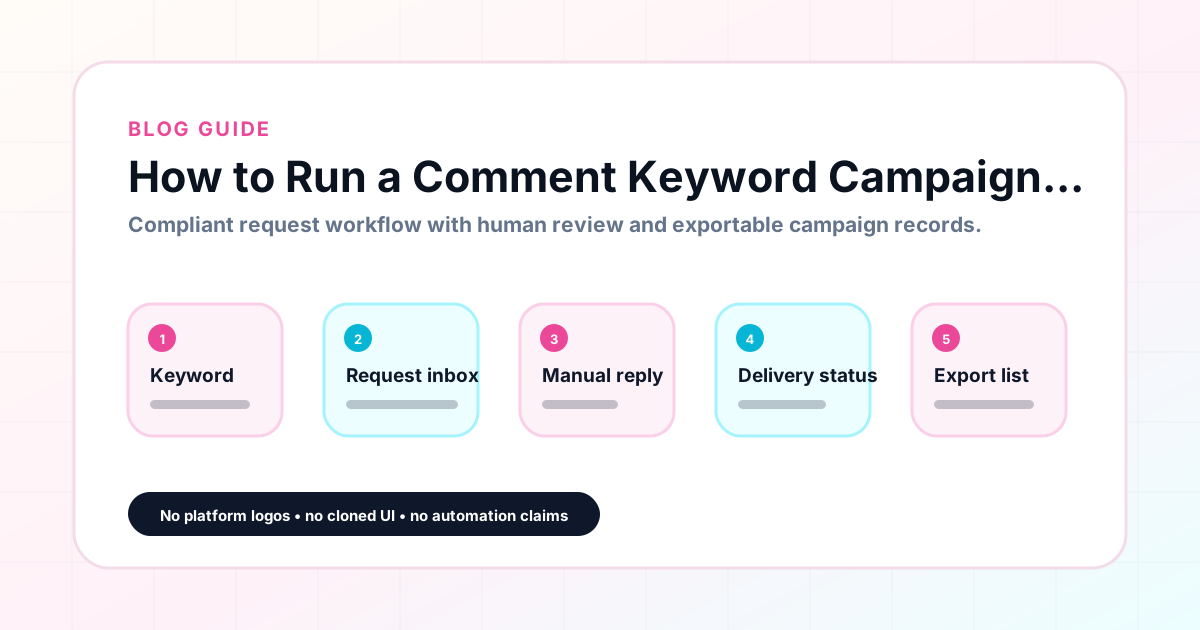
Running an Instagram comment keyword campaign successfully requires preparation before the post, organized fulfillment during the campaign window, and a clean record at the end. Most leads are lost not because the post underperformed, but because the operational system for capturing and fulfilling requests was not ready when the requests arrived. This guide walks through every step of a comment keyword campaign — from choosing the keyword to exporting the campaign record — with specific advice for keeping leads organized throughout. GramTrigger supports this workflow from setup through export. GramTrigger is a workflow and request-management tool, not an official Instagram or Meta product.
GramTrigger methodology
Original operating system for How to Run a Comment Keyword Campaign Without Losing Leads
The GramTrigger method treats every comment campaign as an approval workflow, not an automation shortcut. The goal is to prepare the offer, lead magnet, keyword strategy, Reply Library draft, Request Inbox stages, handoff owner, and Lead Export fields before comments turn into operational work.
Campaign Blueprint SOP
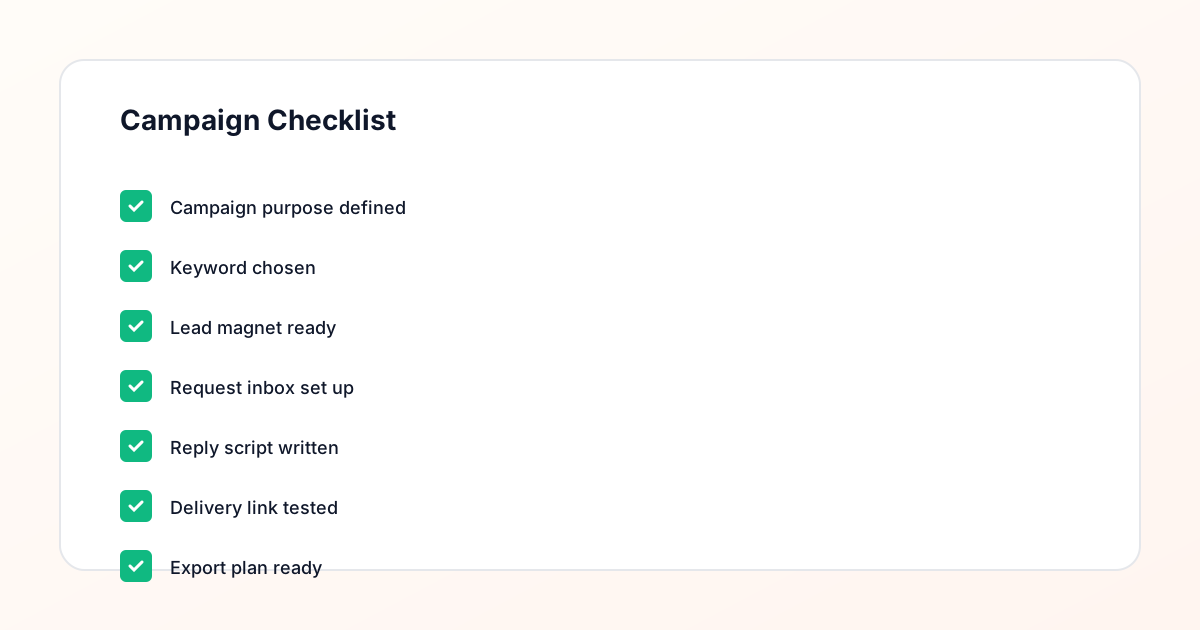
Confirm the offer, lead magnet, keyword strategy, comment CTA, reply draft, owner, approval status, and Lead Export fields before launch.
Comment Funnel Workflow
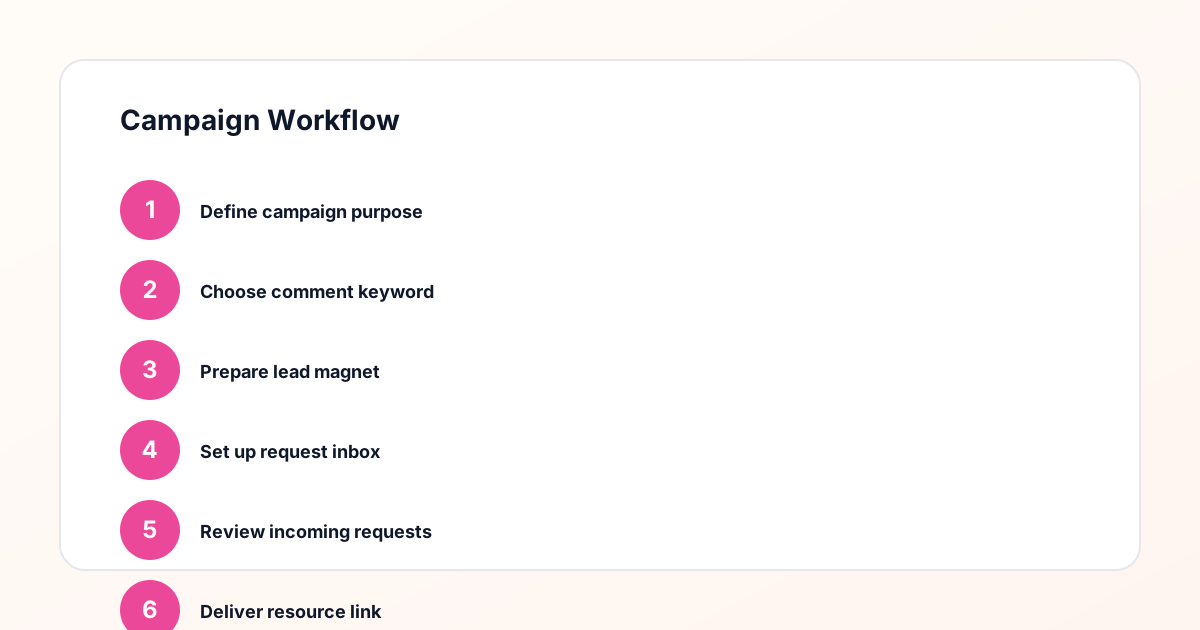
Use the same path everywhere: Offer → Lead Magnet → AI Funnel Builder → Keyword Strategy → Comment CTA → Reply Draft → Review & Approval → Campaign Launch → Request Inbox → Lead Tracking → Export.
Approval Queue Workflow
Review caption CTA, pinned comment, reply draft, lead magnet link, compliance notes, and client approval before a campaign goes live.
Export Readiness Checklist
Export only after records have clear status, no sensitive private data, an owner, follow-up stage, and a documented next action.
Campaign Recovery Workflow
If requests are missed, pause new promotion, review pending records, update Reply Library drafts, communicate manually where appropriate, and document the process fix.
Decision framework
Use this matrix before choosing the next step.
Manual review reminder
Draft response — review before sending. Use approved tools and follow platform rules. GramTrigger helps plan and manage lead magnet workflows; it does not scrape users or auto-send unauthorized DMs.
Workflow Overview
Campaign Checklist
Step one: choose a specific, concrete offer
The campaign starts with the offer. The offer should solve one specific problem or provide one specific resource that your audience actively wants. It should be deliverable through a link — a PDF, an opt-in page, a booking link, a discount code, a registration page. Vague offers generate fewer requests. Specific offers — "my exact 5-step morning routine PDF" or "a free 30-minute coaching call" — generate more because the audience knows exactly what they will receive. Before writing the caption or choosing the keyword, confirm that the offer is specific, ready, and deliverable. A half-ready offer is the most common reason campaigns underperform at the fulfillment stage.
Step two: select the trigger keyword
The trigger keyword should be a single word that directly describes the offer. GUIDE, TEMPLATE, CHECKLIST, WAITLIST, CALL, COUPON, TRAINING — choose the word that matches the specific offer being promoted. Avoid general words like LINK, INFO, or MORE that could apply to any offer. The keyword should be short enough that followers can remember and type it without friction, and specific enough that anyone seeing the comment section immediately understands what the campaign offers. Save the keyword in your GramTrigger campaign record before the post goes live so there is no ambiguity about which word maps to which campaign.
Step three: confirm the destination link
Before the post is published, test the destination link to confirm it is working. Visit the page, complete the opt-in or download, and confirm the resource is delivered correctly. If the destination is a booking page, confirm the availability is accurate and the page is live. If it is a product page, confirm the correct product is featured and the price is current. Save the confirmed destination link in the GramTrigger campaign record immediately so the fulfillment team always has the correct, tested URL without searching for it. A broken link discovered mid-campaign — when hundreds of people are waiting for the resource — is one of the most preventable campaign failures.
Step four: write and save the response draft
The response draft is the message that accompanies the resource link in every response to a comment keyword request. Write it before the post launches. Keep it short: a warm opener, one clear sentence about the resource, the link, and a brief closing. Save the script in the GramTrigger campaign record so that every response — whether the creator handles it or a team member does — uses the same message. A script written in the creator's voice that is reviewed before launch will produce consistent, professional responses throughout the campaign without requiring the creator's involvement in each individual message.
Step five: set the campaign status to active and launch
When the campaign record is complete — keyword saved, destination link confirmed and stored, script written and saved — set the campaign status to active and publish the post. Setting the status before publishing signals to the team that fulfillment should begin as soon as comments arrive. Include the trigger keyword clearly in the caption — ideally in uppercase, in a prominent position, with a clear call to action. The caption should be specific about the offer and the keyword so there is no ambiguity for followers about what to comment or what they will receive.
Step six: fulfill requests systematically
When requests arrive, fulfill them using the saved script and destination link from the GramTrigger campaign record. Do not write scripts from memory or copy links from browser tabs — use the campaign record so that every response is based on the same prepared, confirmed materials. As each request is fulfilled, update its status so the team knows which ones have been handled and which are still pending. This status tracking is what prevents missed requests and duplicate responses, especially during high-volume periods when the comment section is active and more than one person may be handling responses simultaneously.
Step seven: monitor and update mid-campaign
During the active campaign window, monitor the request queue in GramTrigger to see the lead count and the number of pending requests. If the destination link changes — the opt-in page is redesigned, the booking link needs to be updated — change it in the GramTrigger campaign record immediately. The change takes effect for all subsequent responses without any additional coordination. If the campaign needs to be paused — for example, if the resource hosting goes down or the creator needs to step away for a period — update the campaign status to paused so the team stops fulfilling until the issue is resolved.
Step eight: export and review at close
When the campaign window closes, update the campaign status to complete and export the campaign record from GramTrigger. The export includes the campaign name, trigger keyword, destination link, response draft, final status, and lead count. Review the export to assess performance: how many leads did this campaign generate? How did it compare to previous campaigns? Was the fulfillment prompt and consistent? Use these answers to improve the next campaign — whether that means refining the keyword, updating the script, testing a different offer type, or adjusting the timing. The export is not just a record of the past; it is the foundation for running better campaigns in the future.
Compliance Note
GramTrigger helps organize Campaign Blueprints, Reply Library drafts, Request Inbox stages, approvals, delivery status, Lead Exports, and reports. Delivery should be handled manually or through approved tools depending on your account and available platform support.