
GramTrigger guide
How to Organize Instagram Comment Leads
Organizing Instagram comment leads means keeping each lead connected to the campaign it came from, the keyword that triggered it, the resource that was promised, and the fulfillment status that shows whether the lead has been served. When this organization is in place, every lead has a clear context and the team can fulfill requests accurately without losing track of any individual in the campaign. When it is not in place, leads become disconnected from their campaigns and fulfillment becomes inconsistent. GramTrigger helps creators and agencies organize comment leads within structured campaign records from the moment a post goes live. GramTrigger is a workflow and request-management tool, not an official Instagram or Meta product.
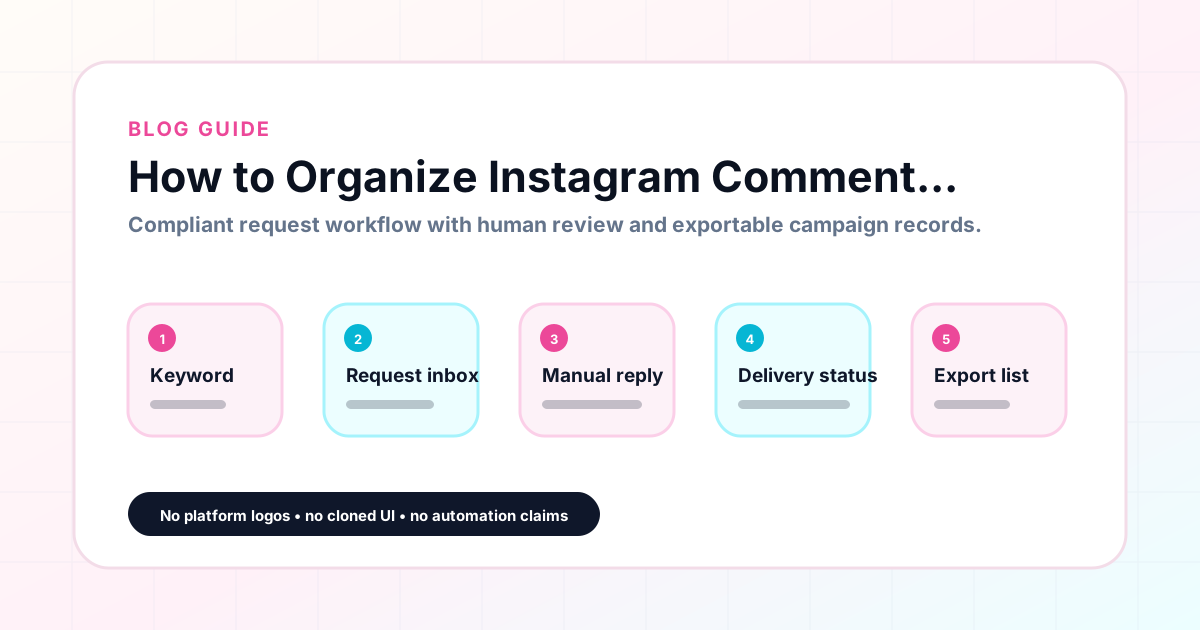
GramTrigger methodology
Original operating system for How to Organize Instagram Comment Leads
The GramTrigger method treats every comment campaign as an approval workflow, not an automation shortcut. The goal is to prepare the offer, lead magnet, keyword strategy, Reply Library draft, Request Inbox stages, handoff owner, and Lead Export fields before comments turn into operational work.
Campaign Blueprint SOP
Confirm the offer, lead magnet, keyword strategy, comment CTA, reply draft, owner, approval status, and Lead Export fields before launch.
Comment Funnel Workflow
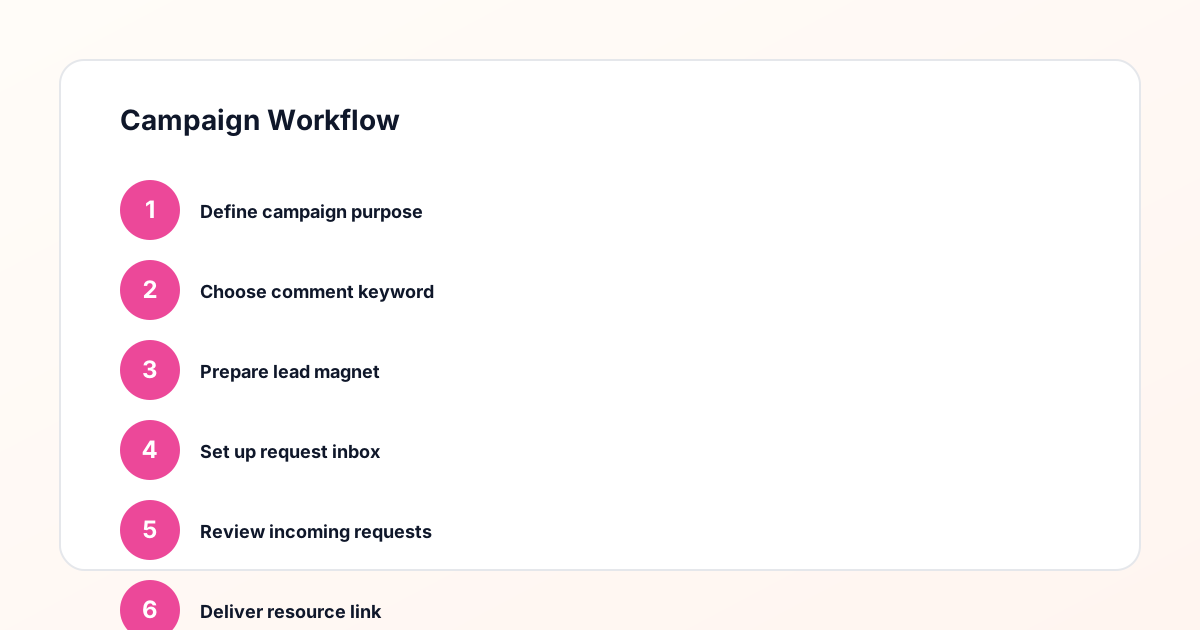
Use the same path everywhere: Offer → Lead Magnet → AI Funnel Builder → Keyword Strategy → Comment CTA → Reply Draft → Review & Approval → Campaign Launch → Request Inbox → Lead Tracking → Export.
Approval Queue Workflow
Review caption CTA, pinned comment, reply draft, lead magnet link, compliance notes, and client approval before a campaign goes live.
Export Readiness Checklist
Export only after records have clear status, no sensitive private data, an owner, follow-up stage, and a documented next action.
Campaign Recovery Workflow
If requests are missed, pause new promotion, review pending records, update Reply Library drafts, communicate manually where appropriate, and document the process fix.
Decision framework
Use this matrix before choosing the next step.
Manual review reminder
Draft response — review before sending. Use approved tools and follow platform rules. GramTrigger helps plan and manage lead magnet workflows; it does not scrape users or auto-send unauthorized DMs.
Workflow Overview
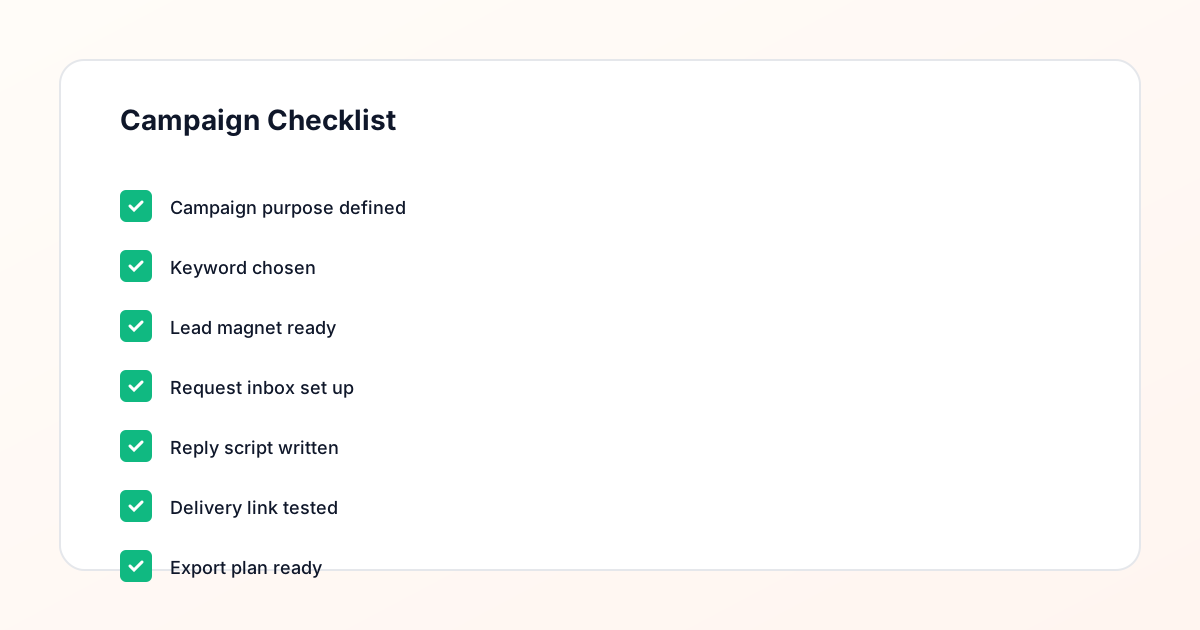
Campaign Checklist
Why comment leads need organization
Comment leads are different from leads collected through landing pages or email forms because they arrive through a social platform interface that is not designed for lead management. The Instagram comment section does not distinguish a keyword request from a general engagement comment, does not track fulfillment status, and does not export organized records at campaign close. Without supplemental organization, comment leads scatter across the comment thread, DM conversations, and the creator is memory of who they have already responded to. GramTrigger provides the organizational layer that keeps each comment lead connected to its campaign record, with a clear fulfillment status and an exportable record at campaign close.
Organizing leads by campaign
The most important organizational principle for comment leads is campaign-level grouping. When leads from a GUIDE campaign and leads from a WAITLIST campaign appear in the same tracking system without clear separation, accuracy drops immediately. The team may send the wrong resource to the wrong lead or confuse the destination links between campaigns. GramTrigger organizes each campaign in its own record so that leads from different offers, posts, and keywords are always grouped correctly. This separation is the structural foundation of accurate lead organization and is especially important for creators running multiple campaigns simultaneously or for agencies managing leads across multiple client accounts.
Keeping the destination link organized
One of the most common comment lead organization failures is a broken or outdated destination link. A creator fulfills twenty requests with a correct link, then the opt-in page gets moved or the PDF link expires. Subsequent leads receive a broken destination. In a spreadsheet, updating the link in one place may not propagate to every fulfillment instance. In GramTrigger, the destination link is in the campaign record. When the creator updates it, the new link is immediately available to every team member working on fulfillment. This centralized link management keeps every lead pointed to the correct destination throughout the campaign window.
Organizing the response draft
A consistent response draft is an organizational tool as much as a communication tool. When every lead receives the same message, the quality of the campaign experience is consistent and the team is not improvising each response from scratch. GramTrigger saves the response draft in the campaign record so that every response to every lead uses the same prepared text. This script organization is especially important for agencies where different team members may handle the same campaign on different days, and for creators whose volume peaks in bursts where consistent responses are essential to maintaining campaign quality under pressure.
Exporting organized lead records
When the campaign closes, the organized lead record is exported from GramTrigger. The export captures all the structural organization of the campaign — keyword, destination, script, status, and lead count — in a single document that can be archived or shared. These exports are the organized artifact of the lead generation work. They show not just how many leads the campaign generated but all the context around those leads: what keyword triggered them, what resource was promised, and how fulfillment was handled. This organized export is more useful than a simple contact list because it tells the full story of the campaign.
Building a lead organization system that scales
Lead organization systems that rely on spreadsheets and notes apps stop working reliably at scale. When a creator moves from running two campaigns per month to ten, the organizational overhead grows proportionally — unless the system is built on a structured foundation that applies consistently to every new campaign. GramTrigger scales because every new campaign follows the same record structure, the same fields, and the same export process. Adding a new campaign does not require redesigning the organization system. The new record slots into the existing structure, and the team immediately knows how to work with it because it looks exactly like every other campaign record they have managed.
Compliance Note
GramTrigger helps organize Campaign Blueprints, Reply Library drafts, Request Inbox stages, approvals, delivery status, Lead Exports, and reports. Delivery should be handled manually or through approved tools depending on your account and available platform support.