
GramTrigger guide
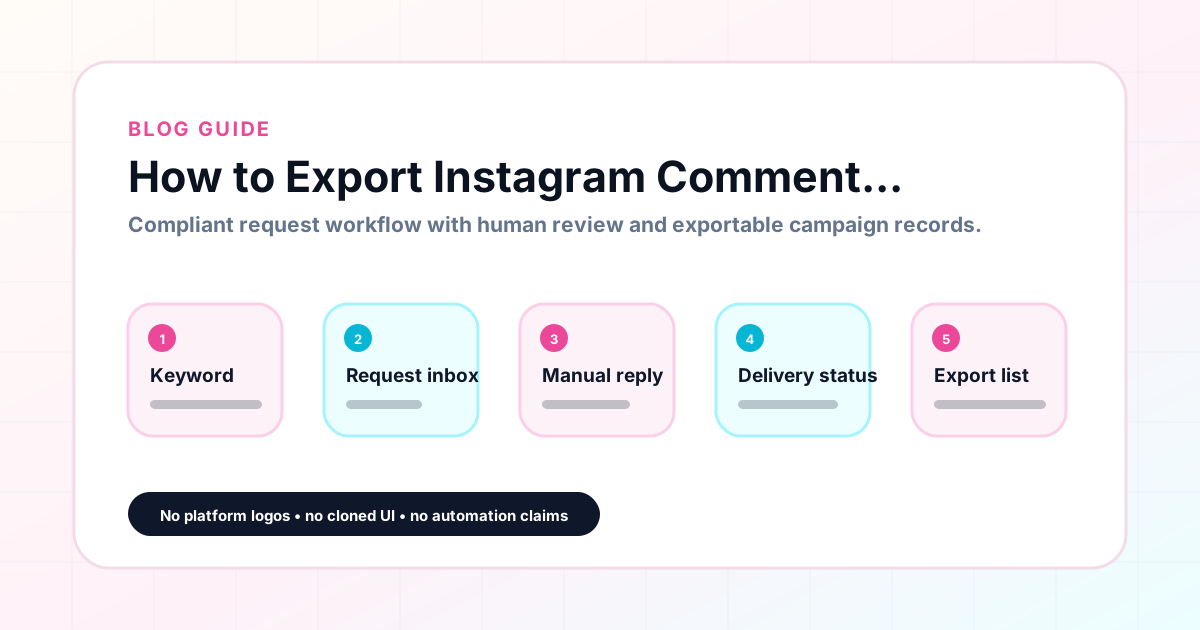
How to Export Instagram Comment Requests
Exporting Instagram comment requests means producing a clean, organized record of a campaign after it closes — capturing the trigger keyword, destination link, response draft, campaign status, and lead count in a format that can be archived, shared, or used for planning. Instagram does not natively export comment data in a campaign-organized format. Building an export-ready record requires an external workflow tool that tracks each campaign from setup through close. GramTrigger produces these exports for every campaign so that creators and agencies have documented records at the end of every keyword campaign. GramTrigger is a workflow and request-management tool, not an official Instagram or Meta product.
GramTrigger methodology
Original operating system for How to Export Instagram Comment Requests
The GramTrigger method treats every comment campaign as an approval workflow, not an automation shortcut. The goal is to prepare the offer, lead magnet, keyword strategy, Reply Library draft, Request Inbox stages, handoff owner, and Lead Export fields before comments turn into operational work.
Campaign Blueprint SOP
Confirm the offer, lead magnet, keyword strategy, comment CTA, reply draft, owner, approval status, and Lead Export fields before launch.
Comment Funnel Workflow
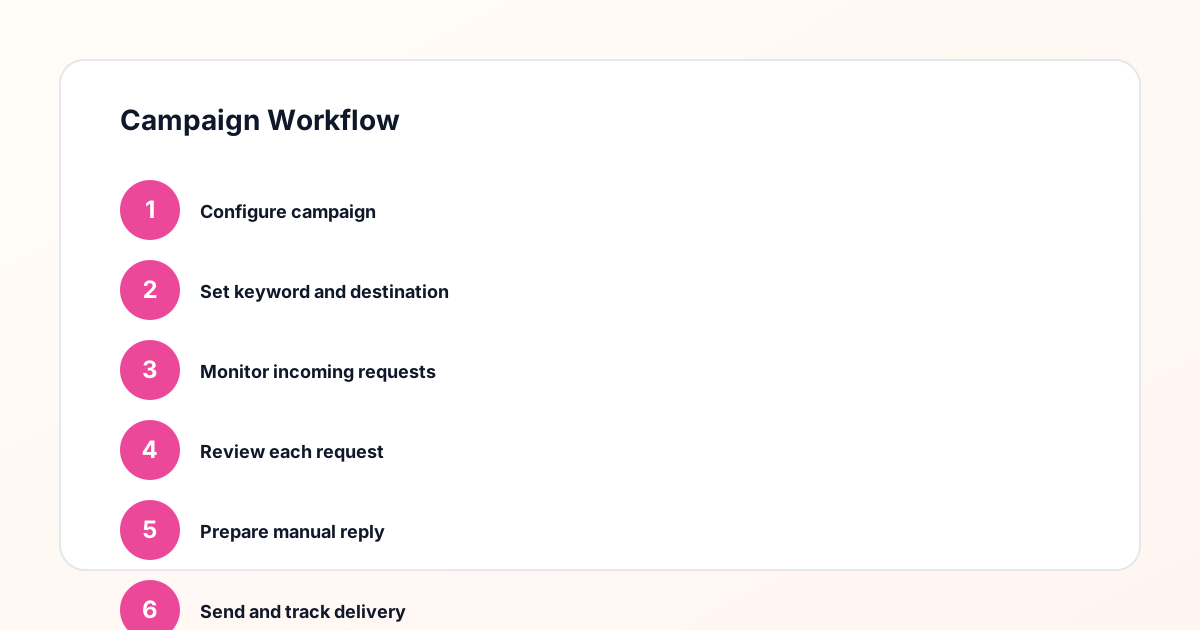
Use the same path everywhere: Offer → Lead Magnet → AI Funnel Builder → Keyword Strategy → Comment CTA → Reply Draft → Review & Approval → Campaign Launch → Request Inbox → Lead Tracking → Export.
Approval Queue Workflow
Review caption CTA, pinned comment, reply draft, lead magnet link, compliance notes, and client approval before a campaign goes live.
Export Readiness Checklist
Export only after records have clear status, no sensitive private data, an owner, follow-up stage, and a documented next action.
Campaign Recovery Workflow
If requests are missed, pause new promotion, review pending records, update Reply Library drafts, communicate manually where appropriate, and document the process fix.
Decision framework
Use this matrix before choosing the next step.
Manual review reminder
Draft response — review before sending. Use approved tools and follow platform rules. GramTrigger helps plan and manage lead magnet workflows; it does not scrape users or auto-send unauthorized DMs.
Workflow Overview
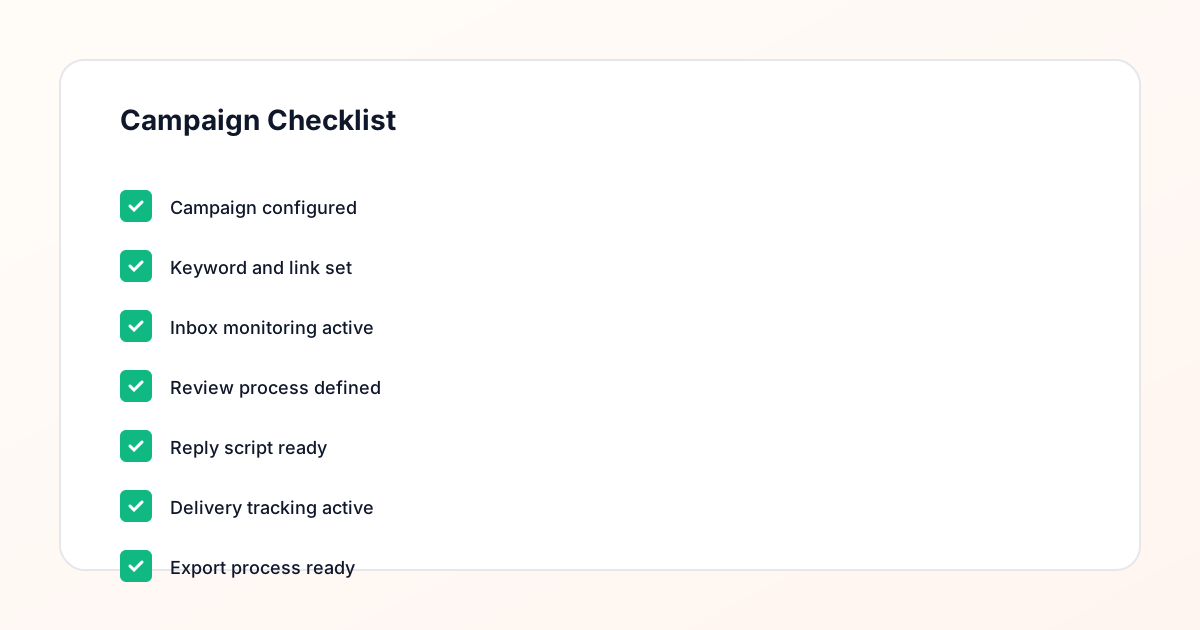
Campaign Checklist
Why exporting comment request records matters
Comment request records serve a purpose beyond the immediate campaign window. They document what the campaign promised, how it was fulfilled, and how many leads it generated. Without exports, this information disappears when the post drops off the feed and engagement fades. Creators who want to review which campaigns performed best, agencies who need to show clients campaign results, and teams who want to reconstruct campaign details for future reference all need accessible, accurate export records. Building the habit of exporting every campaign at close is the simplest way to ensure this information is always available when it is needed.
What the export should contain
A useful comment request export contains six fields: the campaign name or post reference, the trigger keyword, the destination link, the response draft, the campaign status at close, and the lead count. These fields tell the full story of the campaign. The campaign name identifies which post and offer the export belongs to. The keyword shows what trigger was used. The destination confirms where requests were directed. The script documents how fulfillment was handled. The status shows whether the campaign closed cleanly. The lead count provides the performance metric. GramTrigger captures all six fields in every campaign record and makes them available in the export.
When to export comment request records
The right time to export is at campaign close — when the campaign status is updated to complete in GramTrigger and active fulfillment has ended. Exporting at close ensures the export reflects the final state of the campaign including the complete lead count. GramTrigger exports are available at any stage of the campaign, so interim exports are also possible for campaigns that run for extended periods or for agencies with regular mid-month reporting requirements. The key is building a consistent export habit so no campaign data is ever lost due to delayed export or overlooked at campaign close.
Using exports for client reporting
Agencies that manage Instagram comment campaigns for clients use exports as the primary documentation for client reporting. A client report built on export data can show exactly how many keyword requests the campaign generated, what keyword was used, and what response draft and destination were in use during the campaign. This level of documentation demonstrates that the agency managed the campaign systematically and provides the client with a traceable record of the work. GramTrigger exports are structured for this reporting use case, with consistent fields that translate directly into client-facing documentation.
Organizing exports across campaigns
Creators and agencies who run many campaigns per month accumulate a portfolio of exports. Organizing these by date, client, offer type, or keyword makes it easy to find specific records and compare performance across campaigns. A naming convention that includes the campaign date and keyword helps distinguish exports from different campaigns. GramTrigger produces consistent exports that include the identifying information needed to organize them in an external archive — a shared drive, a project management tool, or a reporting system. The structural consistency of GramTrigger exports means every record is organized the same way regardless of who ran the export or when.
Using export data to improve future campaigns
The most actionable use of comment request export data is improving future campaigns. Which keywords from past exports generated the most requests? Which offer types had the highest lead counts? Which response drafts performed best? These questions are answerable when exports are reviewed consistently rather than filed and forgotten. GramTrigger campaign exports document the details that inform these comparisons. Creators and agencies who build the habit of reviewing exports before planning new campaigns develop a compound advantage over time — each campaign improves on the last because the decisions are grounded in documented data.
Compliance Note
GramTrigger helps organize Campaign Blueprints, Reply Library drafts, Request Inbox stages, approvals, delivery status, Lead Exports, and reports. Delivery should be handled manually or through approved tools depending on your account and available platform support.