
GramTrigger guide
GramTrigger vs ManyChat: Which Workflow Fits Your Campaigns?
GramTrigger and ManyChat both appear in conversations about Instagram comment campaigns, but they are built for different purposes and serve different types of creators. ManyChat is a messaging chat flow platform with flow-building capabilities across multiple channels. GramTrigger is a focused campaign record manager for organizing keyword campaigns, response drafts, and lead exports. This comparison looks at where each tool fits and how to decide which approach works better for your specific campaign needs. GramTrigger is a workflow and request-management tool, not an official Instagram or Meta product.
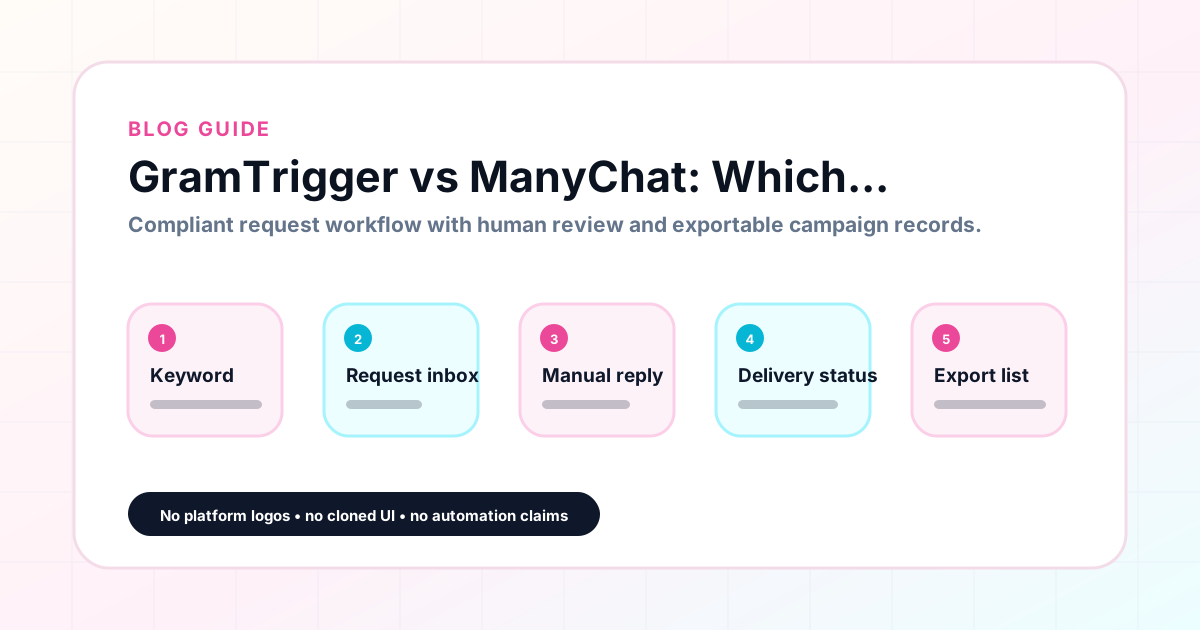
GramTrigger methodology
Original operating system for GramTrigger vs ManyChat: Which Workflow Fits Your Campaigns?
The GramTrigger method treats every comment campaign as an approval workflow, not an automation shortcut. The goal is to prepare the offer, lead magnet, keyword strategy, Reply Library draft, Request Inbox stages, handoff owner, and Lead Export fields before comments turn into operational work.
Campaign Blueprint SOP
Confirm the offer, lead magnet, keyword strategy, comment CTA, reply draft, owner, approval status, and Lead Export fields before launch.
Comment Funnel Workflow
Use the same path everywhere: Offer → Lead Magnet → AI Funnel Builder → Keyword Strategy → Comment CTA → Reply Draft → Review & Approval → Campaign Launch → Request Inbox → Lead Tracking → Export.
Approval Queue Workflow
Review caption CTA, pinned comment, reply draft, lead magnet link, compliance notes, and client approval before a campaign goes live.
Export Readiness Checklist
Export only after records have clear status, no sensitive private data, an owner, follow-up stage, and a documented next action.
Campaign Recovery Workflow
If requests are missed, pause new promotion, review pending records, update Reply Library drafts, communicate manually where appropriate, and document the process fix.
Decision framework
Use this matrix before choosing the next step.
Manual review reminder
Draft response — review before sending. Use approved tools and follow platform rules. GramTrigger helps plan and manage lead magnet workflows; it does not scrape users or auto-send unauthorized DMs.
Workflow Overview
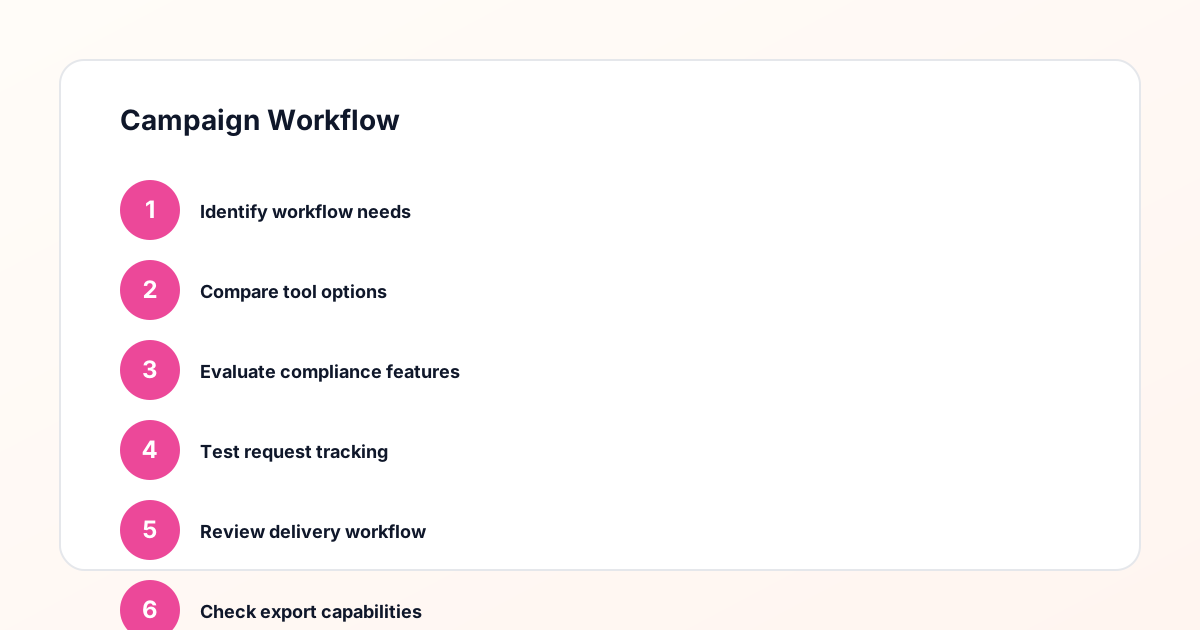
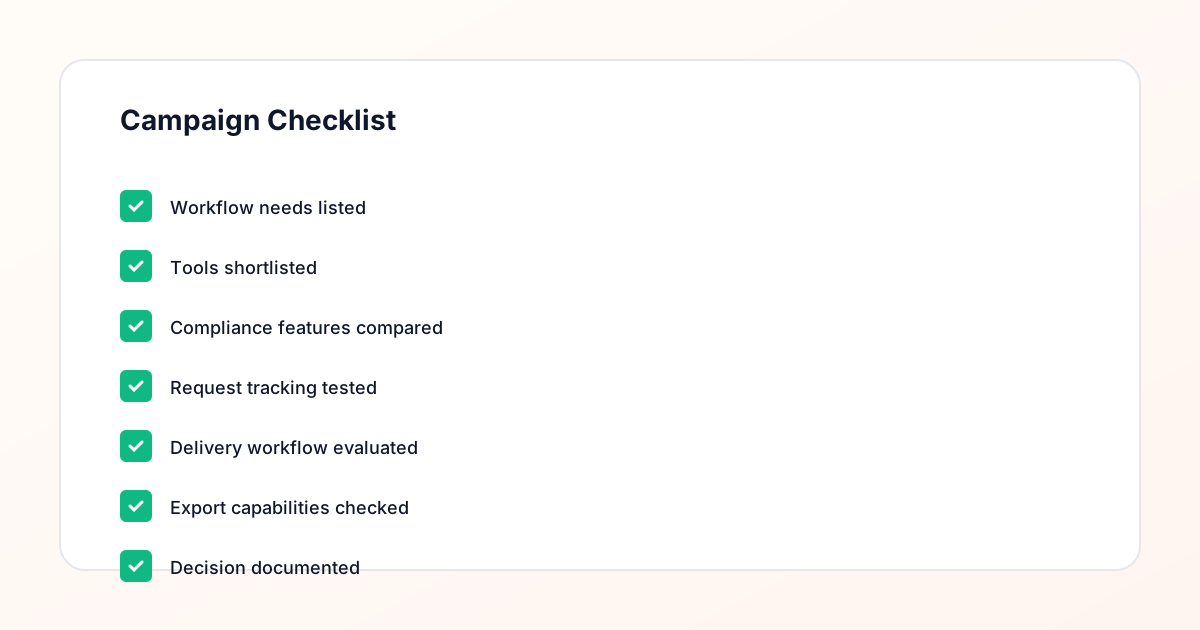
Campaign Checklist
The core difference: automation vs organization
The fundamental difference between ManyChat and GramTrigger is the approach to campaign management. ManyChat is built around automation — when a follower comments a keyword, ManyChat can automatically trigger a response, a follow-up message, and a sequence of subsequent messages based on the user's behavior. GramTrigger is built around organization — it provides a structured campaign record where the keyword, link, script, and status are managed so that manual or approved fulfillment is consistent and trackable. For creators who need automation and have confirmed access to approved platform features, ManyChat's automation capabilities are its primary value. For creators who need organization and reliable record-keeping, GramTrigger's campaign record system is the primary value.
Setup and learning curve
ManyChat requires building flows: configuring triggers, defining message sequences, setting conditions, and testing the automation before launch. For creators comfortable with chat flow platforms, this setup is manageable. For creators who are new to flow-building or who do not want to invest time in platform configuration, the learning curve can be significant. GramTrigger is designed for straightforward setup: enter the campaign details, save the keyword and link, write the script, and set the status. There is no flow-building, no condition logic, and no automation configuration. For a creator who wants to start a campaign quickly without learning a new automation system, GramTrigger's setup is accessible from the first use.
Compliance and account risk
ManyChat offers approved integrations for eligible Instagram accounts that allow automated comment response. Whether a specific account is eligible for these features depends on the account type, current platform partnerships, and the specific feature in question. Accounts that use ManyChat's comment automation without confirmed eligibility for approved features may face account-level risks. GramTrigger does not send messages automatically, does not access the Instagram API for messaging, and does not require any platform approval to use its core campaign management functions. This means GramTrigger carries no messaging-related compliance risk — fulfillment responsibility stays entirely with the creator or their team.
Pricing models
ManyChat charges a monthly subscription that scales with the number of contacts and the feature tier selected. For creators who run campaigns infrequently or who have a small audience, the subscription represents an ongoing cost for a platform they may not fully utilize. GramTrigger uses a credit-based pricing model where creators purchase credits for campaign usage. This model is better suited to creators who run campaigns on a project basis rather than continuously, because the cost is tied to campaign activity rather than to a fixed monthly subscription. See the current pricing at gramtrigger.com/pricing.
Best for ManyChat: automation-first teams
ManyChat is best for teams that have confirmed access to approved Instagram messaging features, need multi-step conversation flows, manage cross-channel messaging campaigns, have dedicated resources for building and maintaining automation, and prioritize automatic response speed over manual fulfillment quality. These use cases represent a meaningful portion of the marketing automation market, and ManyChat is a strong tool for serving them. If the campaign requires instant automated responses at scale and the account has the necessary platform approvals, ManyChat's automation capabilities provide genuine value that a campaign record manager cannot replicate.
Best for GramTrigger: organized manual workflows
GramTrigger is best for creators, coaches, newsletter owners, small businesses, and agencies who want a focused campaign record system for organizing keyword campaigns, links, scripts, and exports. It is the right choice when fulfillment is manual or handled through approved methods that the creator manages separately; when the primary need is organization and consistency rather than automation; when setup simplicity is more important than flow-building sophistication; and when campaign management needs to scale through delegation rather than through automated messaging. These characteristics describe the majority of creators and small teams who run regular comment keyword campaigns.
Using both for different campaign types
Some creator operations use both tools for different types of campaigns. High-volume, automation-eligible campaigns may use ManyChat for instant automated responses. Campaigns where manual fulfillment is preferred, or where the creator is unsure of their automation eligibility, use GramTrigger for organized manual workflows. In this hybrid approach, GramTrigger also serves as the consistent campaign record system across all campaigns, providing organized archives and exports regardless of whether the specific campaign used automation or manual fulfillment. The two tools are not mutually exclusive — they serve different aspects of the comment campaign workflow.
The decision framework
Choosing between GramTrigger and ManyChat comes down to three questions. First, does the account have confirmed access to approved Instagram messaging features that allow automated comment responses? If no, the compliance risk of using automation tools is real and a manual workflow with GramTrigger is the safer approach. Second, is the primary need flow automation or campaign record organization? If organization is the primary need, GramTrigger is the more focused tool. Third, is the creator willing to invest time in building and maintaining automation flows? If not, GramTrigger's simpler setup model is more practical. For creators who answer "no" to any of these questions, GramTrigger is likely the better fit.
Compliance Note
GramTrigger helps organize Campaign Blueprints, Reply Library drafts, Request Inbox stages, approvals, delivery status, Lead Exports, and reports. Delivery should be handled manually or through approved tools depending on your account and available platform support.