GramTrigger guide
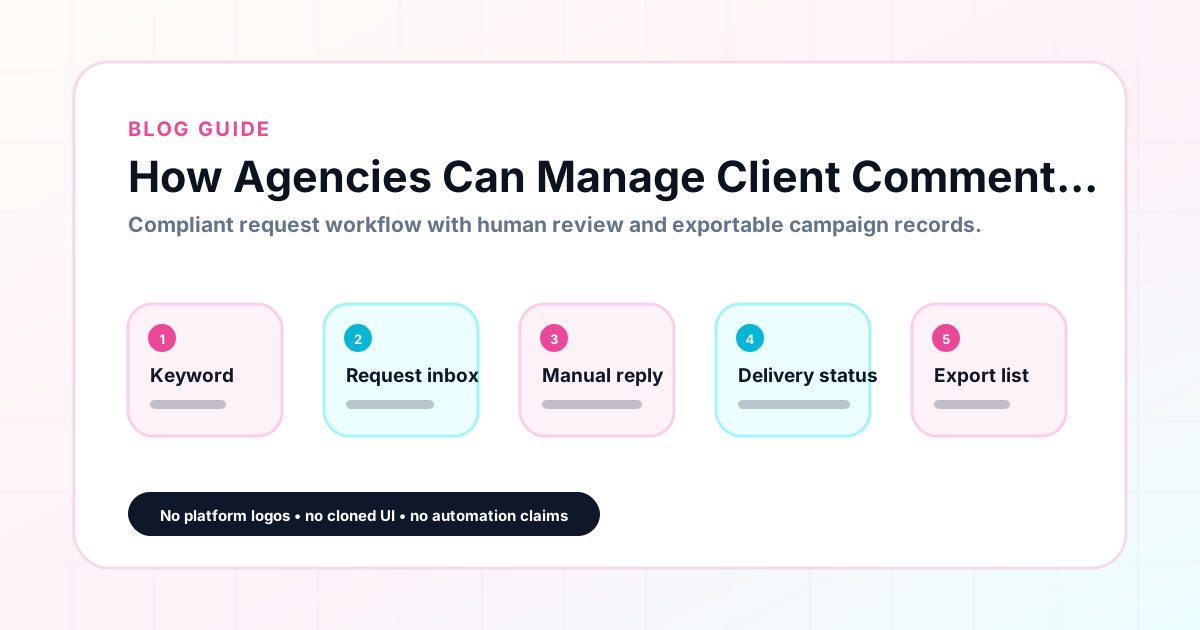
How Agencies Can Manage Client Comment Campaigns
For agencies managing comment keyword campaigns on behalf of multiple creator or small business clients, the challenge is not just running a campaign — it is running several campaigns simultaneously with different clients, different offers, different keywords, and different reporting requirements. Without a standard system, each client's campaign becomes a custom arrangement of notes, spreadsheets, and message threads that is difficult to hand off and impossible to scale. GramTrigger gives agencies a structured campaign record system that works consistently across all client accounts, with exports that simplify reporting and a shared record format that makes delegation straightforward. GramTrigger is a workflow and request-management tool, not an official Instagram or Meta product.
GramTrigger methodology
Original operating system for How Agencies Can Manage Client Comment Campaigns
The GramTrigger method treats every comment campaign as an approval workflow, not an automation shortcut. The goal is to prepare the offer, lead magnet, keyword strategy, Reply Library draft, Request Inbox stages, handoff owner, and Lead Export fields before comments turn into operational work.
Campaign Blueprint SOP
Confirm the offer, lead magnet, keyword strategy, comment CTA, reply draft, owner, approval status, and Lead Export fields before launch.
Comment Funnel Workflow
Use the same path everywhere: Offer → Lead Magnet → AI Funnel Builder → Keyword Strategy → Comment CTA → Reply Draft → Review & Approval → Campaign Launch → Request Inbox → Lead Tracking → Export.
Approval Queue Workflow
Review caption CTA, pinned comment, reply draft, lead magnet link, compliance notes, and client approval before a campaign goes live.
Export Readiness Checklist
Export only after records have clear status, no sensitive private data, an owner, follow-up stage, and a documented next action.
Campaign Recovery Workflow
If requests are missed, pause new promotion, review pending records, update Reply Library drafts, communicate manually where appropriate, and document the process fix.
Decision framework
Use this matrix before choosing the next step.
Manual review reminder
Draft response — review before sending. Use approved tools and follow platform rules. GramTrigger helps plan and manage lead magnet workflows; it does not scrape users or auto-send unauthorized DMs.
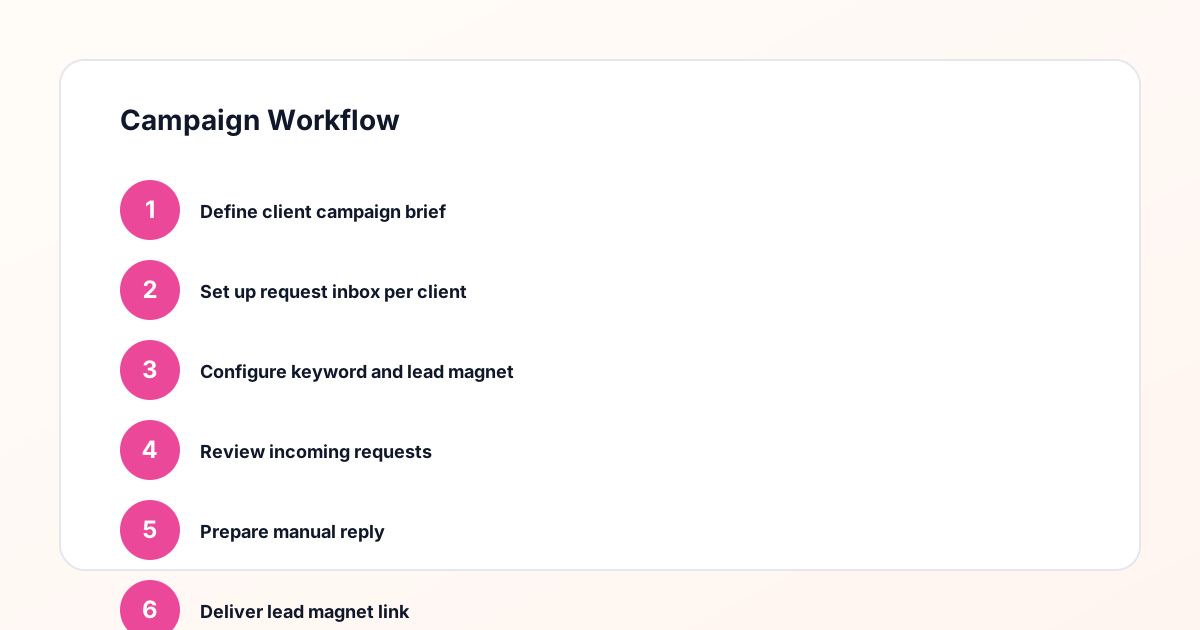
Workflow Overview
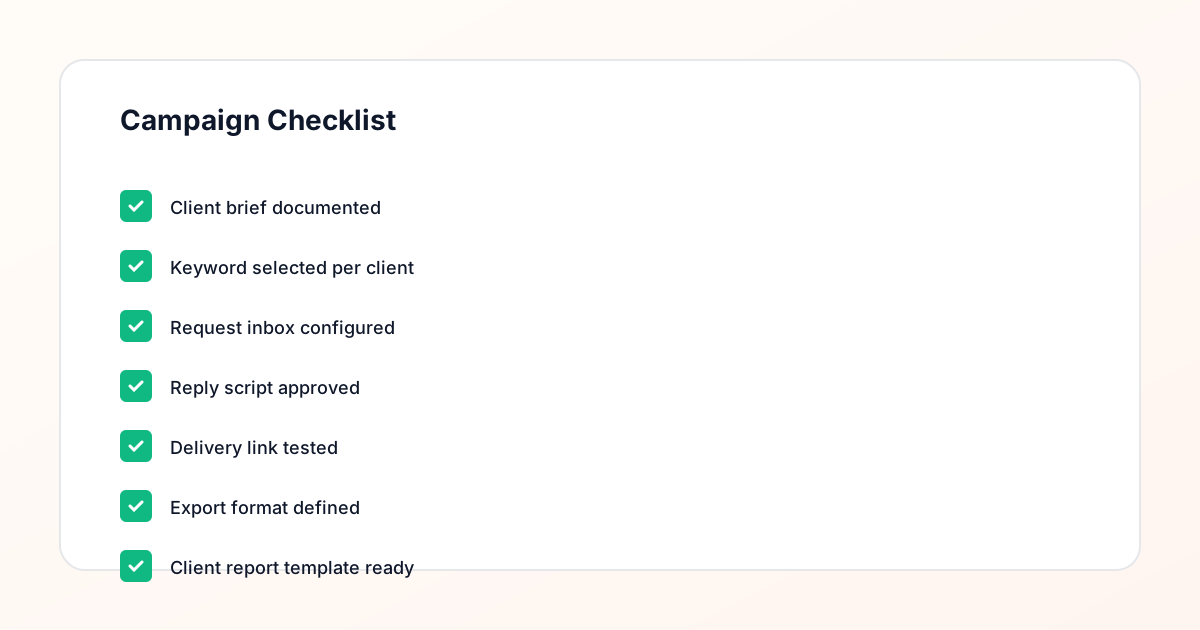
Campaign Checklist
The agency campaign management challenge
An agency managing comment campaigns for five clients simultaneously faces a specific set of operational problems that solo creators do not encounter at the same scale. Each client has different trigger keywords, different lead magnets, different response drafts, and different reporting expectations. If these are managed in separate spreadsheets, the agency team spends significant time maintaining consistency across documents — updating links in one sheet when a client's destination changes, tracking down the right script version for a specific client's campaign, and rebuilding the report structure each month for each client. A campaign record system that uses the same structure for every client regardless of their specific campaign details eliminates this consistency problem at scale.
Standardizing campaign records across clients
The most important step an agency can take for comment campaign management is standardizing the campaign record structure across all clients. When every client campaign is recorded with the same fields — post reference, trigger keyword, destination link, response draft, status, and lead count — the team always knows where to find the information they need regardless of which client account they are working with. GramTrigger provides this standard structure by design. There is no need to create a custom template for each client or decide which columns to include in a new spreadsheet. The campaign record format is consistent across every campaign and every client, which makes onboarding new team members faster and reduces errors that come from working with varying structures.
Managing fulfillment across multiple client campaigns
When an agency team is handling fulfillment for multiple client campaigns simultaneously, the risk of mixing up scripts, links, or statuses is real. A team member working on a free guide campaign for one client and a webinar waitlist campaign for another needs to keep those completely separate in their workflow. Without campaign-organized records, the risk of sending the wrong script to a request from the wrong campaign increases with each additional client and campaign in the queue. GramTrigger organizes campaigns so that each client account and each campaign has its own dedicated record, making it straightforward for team members to switch between campaigns without risk of confusion or cross-contamination of fulfillment materials.
Tracking campaign status for client transparency
Clients want to know the status of their campaigns. Is the free guide campaign still active? Has the waitlist been closed? How many leads has the coupon campaign generated so far? Without a standard status tracking system, agencies answer these questions by checking various sources — the spreadsheet, the DM thread, the campaign notes — and assembling an answer on the fly. GramTrigger campaign status fields and lead counts provide real-time answers to these questions from a single record. When a client asks for a status update, the account manager opens the campaign record and has the answer immediately, without needing to coordinate with the fulfillment team or reconstruct the status from scattered data sources.
Reporting to clients after campaigns close
Campaign reporting is one of the most time-consuming aspects of agency work, and it is where the value of a structured campaign record system is most visible. When every campaign has been managed in a consistent format — the same fields, the same status structure, the same lead count methodology — producing the post-campaign report is a straightforward export rather than a custom data assembly task. GramTrigger exports include the campaign name, keyword, destination link, script, status, and lead count in a ready-to-use format that agencies can present directly to clients or incorporate into their existing reporting templates. Agencies who consistently report in this format also build a historical record of campaign performance that demonstrates value over time.
Onboarding new team members to the system
One of the quiet benefits of a standardized campaign management system is how much it reduces the time required to onboard new team members. When the system has a consistent structure, a new team member can be up and running on client campaigns within hours rather than days. They learn one campaign record format that works across all clients. They know where to find the keyword, the link, the script, and the status for every campaign. GramTrigger supports this fast onboarding by providing a consistent interface for every campaign, regardless of which client it belongs to. Agencies that have scaled past a single person handling fulfillment find that the standardized record format is one of the key enablers of that scale.
Scaling comment campaigns as a service offering
For agencies that want to offer comment keyword campaign management as a service, having a scalable system is a prerequisite for profitable delivery. Without a system, the time required per campaign grows with each additional client — and the revenue does not grow proportionally. With GramTrigger as the operational backbone, agencies can manage more client campaigns with the same team because each campaign is set up, fulfilled, and reported on in a consistent structure that reduces per-campaign overhead. This consistency also allows agencies to create pricing and service packages around campaign management because the delivery scope is predictable.
GramTrigger for agency comment campaign management
GramTrigger is used by creator agencies and marketing teams who want a consistent campaign record system for managing Instagram comment keyword campaigns across multiple clients. The platform is not a CRM, not a social media scheduler, and not an automation tool. It is a focused workspace for campaign records, response drafts, destination links, status tracking, lead counts, and exports. Agencies find that the consistent structure reduces time spent on campaign logistics and increases the time available for strategy and client communication. GramTrigger does not claim any official relationship with Instagram or Meta and does not send messages on behalf of users.
Compliance Note
GramTrigger helps organize Campaign Blueprints, Reply Library drafts, Request Inbox stages, approvals, delivery status, Lead Exports, and reports. Delivery should be handled manually or through approved tools depending on your account and available platform support.