
GramTrigger guide
Comment to Lead Magnet Workflow: How to Stay Organized
The comment-to-lead-magnet workflow sounds simple on the surface: someone comments a word, you send them a resource. In practice, managing that handoff cleanly — especially during a busy post or a launch — requires a dedicated system for each step. GramTrigger helps creators organize the trigger word, destination link, response draft, campaign status, and export records in a single campaign record. That structure turns a chaotic comment section into a clean, trackable lead workflow. GramTrigger is a workflow and request-management tool, not an official Instagram or Meta product.
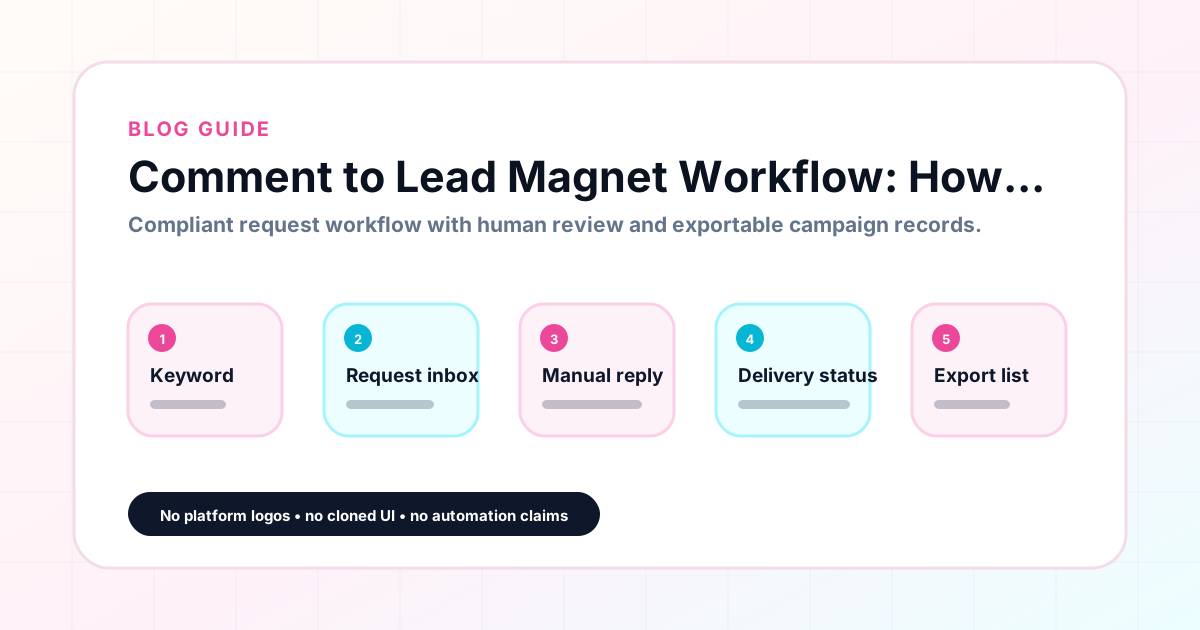
GramTrigger methodology
Original operating system for Comment to Lead Magnet Workflow: How to Stay Organized
The GramTrigger method treats every comment campaign as an approval workflow, not an automation shortcut. The goal is to prepare the offer, lead magnet, keyword strategy, Reply Library draft, Request Inbox stages, handoff owner, and Lead Export fields before comments turn into operational work.
Campaign Blueprint SOP
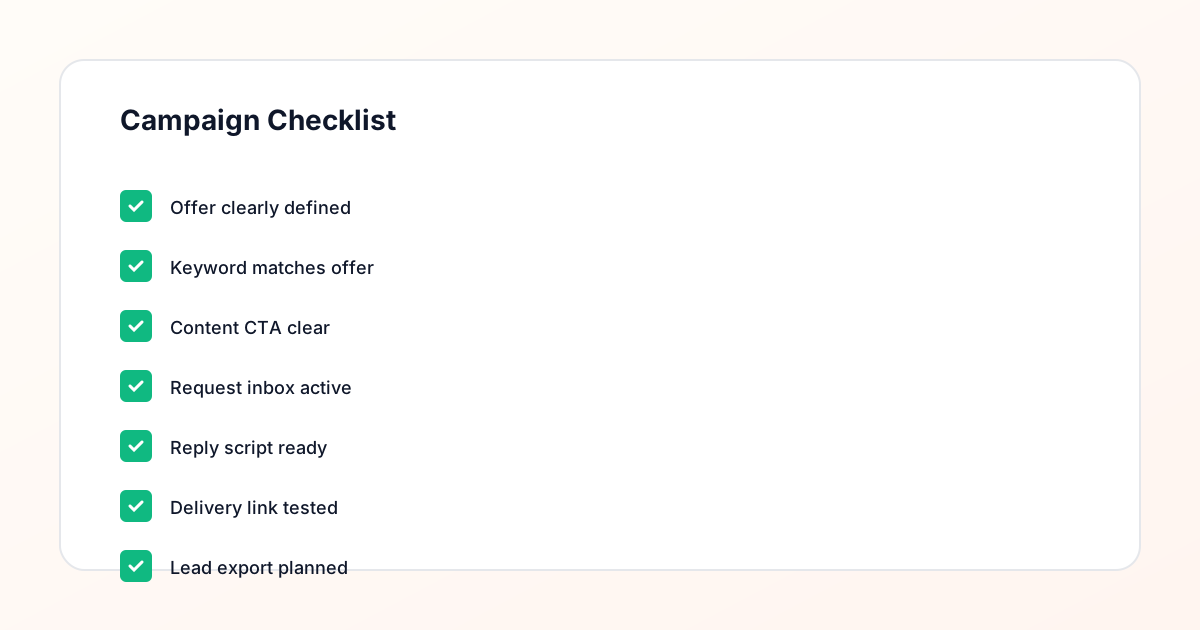
Confirm the offer, lead magnet, keyword strategy, comment CTA, reply draft, owner, approval status, and Lead Export fields before launch.
Comment Funnel Workflow
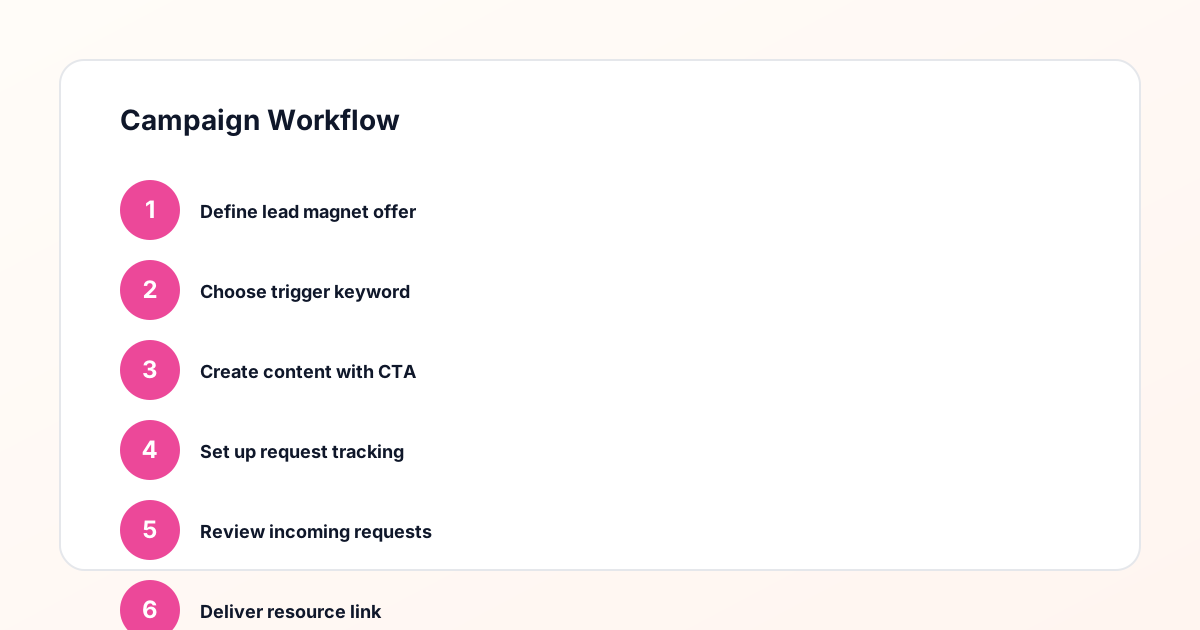
Use the same path everywhere: Offer → Lead Magnet → AI Funnel Builder → Keyword Strategy → Comment CTA → Reply Draft → Review & Approval → Campaign Launch → Request Inbox → Lead Tracking → Export.
Approval Queue Workflow
Review caption CTA, pinned comment, reply draft, lead magnet link, compliance notes, and client approval before a campaign goes live.
Export Readiness Checklist
Export only after records have clear status, no sensitive private data, an owner, follow-up stage, and a documented next action.
Campaign Recovery Workflow
If requests are missed, pause new promotion, review pending records, update Reply Library drafts, communicate manually where appropriate, and document the process fix.
Decision framework
Use this matrix before choosing the next step.
Manual review reminder
Draft response — review before sending. Use approved tools and follow platform rules. GramTrigger helps plan and manage lead magnet workflows; it does not scrape users or auto-send unauthorized DMs.
Workflow Overview
Campaign Checklist
Step one: define the lead magnet clearly
The workflow starts before the post goes live. The lead magnet — the resource you are offering — needs to be completely ready: hosted, linked, and tested. Whether it is a PDF guide, a Notion template, a video training, a checklist, or an email opt-in page, the destination should be confirmed before the caption is written. A half-ready resource creates a gap between the comment and the fulfillment that erodes trust. Creators who launch campaigns before the destination is ready often scramble to fulfill while engagement is at its highest point. GramTrigger lets you save the destination link in the campaign record during setup, which naturally prompts you to confirm the link is working before you publish the post.
Step two: set the trigger keyword in your campaign
Once the lead magnet is ready, choose the keyword that your caption will ask followers to comment. The keyword should be a single word that directly describes the offer — GUIDE, CHECKLIST, TEMPLATE, WAITLIST, FREEBIE, or a similar clear descriptor. Save the keyword in your GramTrigger campaign record so it is always visible alongside the post reference and destination link. This pairing — keyword plus destination — is the core of the campaign record. When fulfillment happens, the person responding knows exactly what word to look for and exactly where to send the follower. There is no ambiguity, no searching for the current link, and no guessing about which campaign a given post belongs to.
Step three: write the response draft
The response draft is what gets sent to everyone who comments the trigger keyword. It should be friendly, direct, and include the destination link in a natural and easy-to-find place. The script should be written before the post launches so that fulfillment can begin immediately when the first requests come in. A good script includes a short, warm opener, one sentence confirming the resource, the link, and a clear closing. GramTrigger saves the script directly in the campaign record, which means anyone handling fulfillment — the creator, a VA, or an agency team member — is reading and sending the same message. This consistency matters at scale because small variations in the fulfillment message can create confusion or erode the professional appearance of the campaign.
Step four: set the campaign status
Before the post goes live, set your campaign status to ready or active. This signals to your team that fulfillment should begin as soon as comments arrive. During the campaign, update the status as needed — paused if you need to step away, complete when the window closes. Status tracking is especially useful for creators who run multiple posts in a single launch window. Without clear statuses, it is easy to lose track of which campaigns are still open and which ones have been fulfilled. GramTrigger campaign status fields make this visible from the dashboard so there is never confusion about whether a campaign is still taking requests.
Step five: handle fulfillment manually or through approved methods
When requests come in, use the response draft saved in your GramTrigger campaign record to respond. Manual fulfillment means a person reads the comment, uses the saved script, and sends the response through Instagram. Approved fulfillment refers to platform-supported automations that are available for eligible accounts and follow platform terms. GramTrigger does not send messages automatically. It organizes the workflow so that whoever is handling fulfillment — whether that is the creator personally or a team member — has everything they need in one place. Consistent, prompt fulfillment is what builds the reputation of a reliable campaign. Delays or inconsistent scripts create a poor experience that followers remember.
Step six: track leads throughout the campaign
As the campaign runs, GramTrigger lets you track lead counts and update records as fulfillment happens. Keeping the lead count current helps you understand campaign performance in real time and gives you data to compare across posts and offers. A post that generates fifty requests for a free guide is performing differently from one that generates five hundred requests, even if the engagement looks similar in the comments. Tracking these numbers inside the campaign record — rather than in a separate spreadsheet — keeps everything connected. When you export the campaign later, the lead count is already part of the record, so reporting is straightforward.
Step seven: export the completed campaign
When the campaign closes, export the full record from GramTrigger. The export includes the campaign name, trigger keyword, destination link, response draft, status, and lead count. This export is your archive for the campaign. It shows what the offer was, how it was fulfilled, and how many leads it generated. That information is useful for planning the next campaign — knowing which trigger words generated the most interest, which posts performed best, and whether the response draft should be updated. For agencies, exports are the basis for client reporting and justify the value of running comment campaigns for creator and small business clients.
How GramTrigger fits into the workflow
GramTrigger is built for exactly this workflow. Each campaign record captures the post reference, trigger keyword, destination link, response draft, campaign status, and lead count in a single organized view. The dashboard gives creators and teams a clear picture of every active and completed campaign. Exports are available when the campaign ends. The platform does not send automatic DMs or claim any official relationship with Instagram or Meta. Its role is to keep the comment-to-lead-magnet workflow organized and consistent so that creators spend less time chasing scattered notes and more time creating content and fulfilling requests promptly.
Compliance Note
GramTrigger helps organize Campaign Blueprints, Reply Library drafts, Request Inbox stages, approvals, delivery status, Lead Exports, and reports. Delivery should be handled manually or through approved tools depending on your account and available platform support.