
Email Workflows
Comment to Email Workflow: Capture Leads From Social Content
11 min read
Instagram is a top-of-funnel channel. Your content reaches thousands of people, but most of them scroll past without leaving a trace. A comment-to-email workflow changes that by turning a simple comment into a captured lead. When someone comments your keyword, they signal interest. Your request inbox captures that signal, your delivery workflow sends the resource, and your email platform nurtures the relationship long after the post is forgotten. This guide walks through the full workflow — from planning the lead magnet to building a growing email list — with practical steps you can implement today.

GramTrigger methodology
Original operating system for Comment to Email Workflow: Capture Leads From Social Content
The GramTrigger method treats every comment campaign as an approval workflow, not an automation shortcut. The goal is to prepare the offer, lead magnet, keyword strategy, Reply Library draft, Request Inbox stages, handoff owner, and Lead Export fields before comments turn into operational work.
Campaign Blueprint SOP
Confirm the offer, lead magnet, keyword strategy, comment CTA, reply draft, owner, approval status, and Lead Export fields before launch.
Comment Funnel Workflow
Use the same path everywhere: Offer → Lead Magnet → AI Funnel Builder → Keyword Strategy → Comment CTA → Reply Draft → Review & Approval → Campaign Launch → Request Inbox → Lead Tracking → Export.
Approval Queue Workflow
Review caption CTA, pinned comment, reply draft, lead magnet link, compliance notes, and client approval before a campaign goes live.
Export Readiness Checklist
Export only after records have clear status, no sensitive private data, an owner, follow-up stage, and a documented next action.
Campaign Recovery Workflow
If requests are missed, pause new promotion, review pending records, update Reply Library drafts, communicate manually where appropriate, and document the process fix.
Decision framework
Use this matrix before choosing the next step.
Manual review reminder
Draft response — review before sending. Use approved tools and follow platform rules. GramTrigger helps plan and manage lead magnet workflows; it does not scrape users or auto-send unauthorized DMs.
Workflow Overview
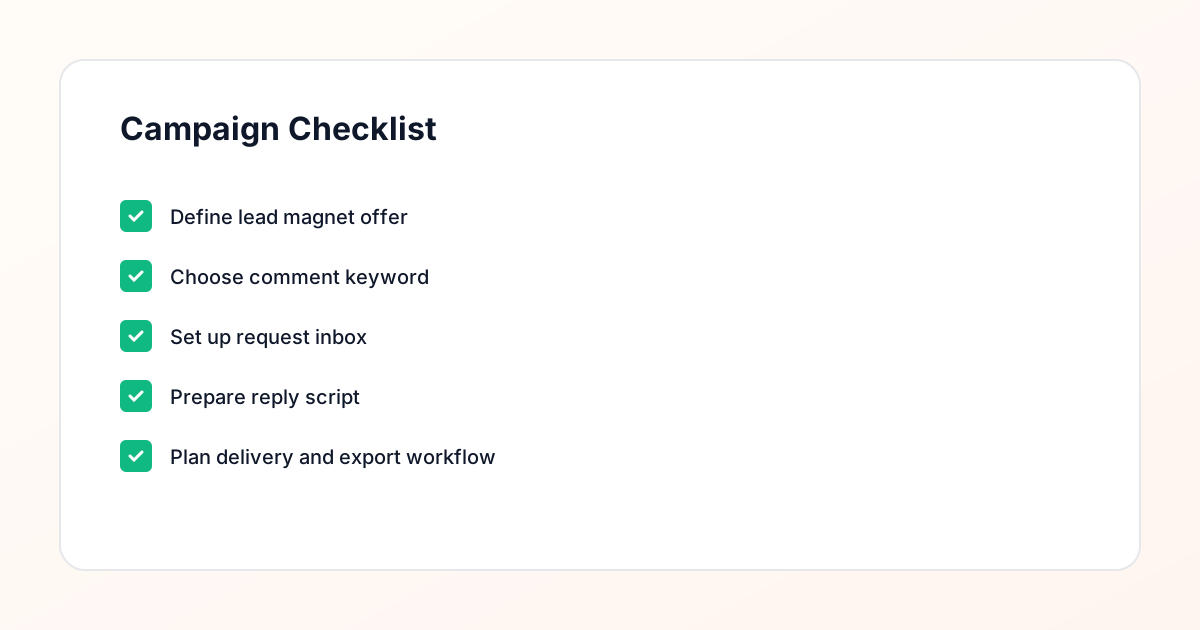
Campaign Checklist
The Anatomy of a Comment-to-Email Workflow
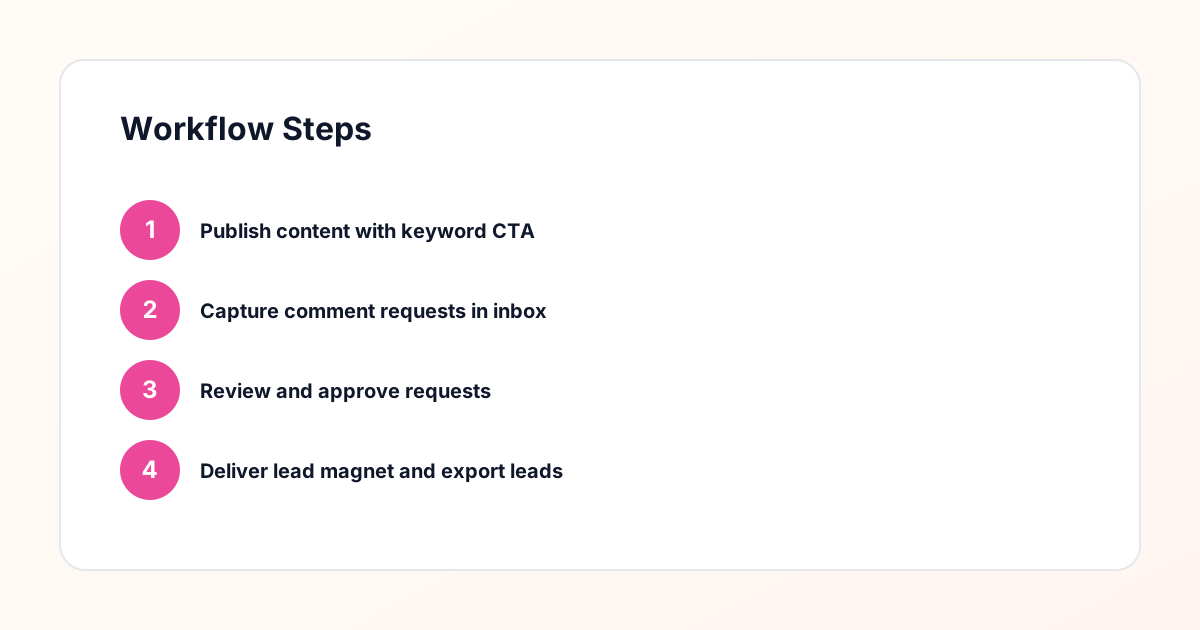
The workflow has four stages: capture, review, deliver, and nurture. In the capture stage, your Instagram post drives comments with a specific keyword. In the review stage, each request is logged in your request inbox and reviewed for quality. In the deliver stage, the lead magnet is sent to the contact with a personalized message. In the nurture stage, the contact is added to your email list and enters a follow-up sequence. Each stage depends on the one before it. If the capture is weak, the inbox stays empty. If the review is skipped, the delivery is sloppy. If the nurture is missing, the lead goes cold. The full workflow turns a momentary interaction into a lasting connection.
Stage 1: Planning the Lead Magnet
Before you write a single caption, you need a lead magnet worth commenting for. Start by identifying the most common question your audience asks. Then create a resource that answers it clearly and concisely. The format should match the depth of the question — a checklist for a simple organizational need, a template for a process gap, a guide for a knowledge gap. The lead magnet should also connect to your paid offer. If you sell coaching, the lead magnet should demonstrate your coaching style. If you sell a course, the lead magnet should preview the curriculum. The better the alignment, the more qualified the leads that flow into your email list.
Stage 1: Choosing the Right Keyword
The keyword is the trigger for the entire workflow. It should be short, intuitive, and specific to the lead magnet. "GUIDE" works for a PDF. "TEMPLATE" works for a spreadsheet. "WEBINAR" works for a registration. Avoid generic words like "INFO" or "YES" that could apply to multiple campaigns. Test the keyword in a few posts before committing to it permanently. Your request inbox will show you which keywords generate the most requests and which attract the most qualified contacts. The keyword is a small detail with outsized impact — choose it carefully.
Stage 2: Capturing the Request
When someone comments the keyword, your request inbox tool captures the request automatically. The entry includes the commenter's handle, the post URL, the keyword, and the timestamp. This centralized intake eliminates the need to manually track comments across multiple posts. It also creates an audit trail — you can see exactly when each request came in and which campaign it belongs to. The capture stage should be frictionless for the user. They comment, and the system does the rest. Your job is to make sure the request is logged accurately and ready for review.
Stage 2: Reviewing the Contact
Not every comment is a qualified request. Some are from bots. Some are from people who commented the wrong keyword. Some are from contacts who already received the resource in a previous campaign. The review step filters out these cases before any message is sent. Open the request in your inbox, check the contact's profile, confirm the keyword, and verify they have not already been served. This manual approval step is what makes the workflow compliance-aware. It takes 30 seconds per request and prevents wasted deliveries, spam complaints, and duplicate entries in your email list.
Stage 3: Delivering the Resource
Once the request is reviewed and approved, you send the lead magnet. Use a message template as a starting point, but personalize it with the contact's name and a reference to the post they commented on. Include the resource link and a brief note about what they will find inside. The delivery message should also set expectations for what comes next — for example, "Keep an eye on your inbox for a follow-up email with more tips." This primes the contact to recognize and open your future emails. Log the delivery in your request inbox so you can track which contacts have been served and when.
Stage 3: Adding the Contact to Your Email List
The delivery is not the end of the workflow — it is the beginning of the email relationship. As soon as the resource is delivered, the contact should be added to your email platform with the appropriate campaign tag. The tag identifies which lead magnet they requested, which post they came from, and when they were delivered. This data lets you segment your email list and send targeted follow-up sequences. If your request inbox tool integrates with your email platform, this step can happen automatically after delivery. If not, add it to your review checklist so it is never skipped.
Stage 4: Nurturing Through Email
Once the contact is on your email list, the nurture sequence begins. Plan a short sequence of three to five emails: a welcome email that delivers the resource (if not already sent), a value-add email that expands on the topic, a story email that shares a relevant experience, and a soft offer email that introduces your paid solution. Each email should be reviewed before sending, just like the DM delivery. The goal is to build trust over time, not to rush the sale. Track open rates and click-through rates to see which emails resonate. Use that data to refine future sequences.
Connecting the Workflow Across Tools
The comment-to-email workflow spans multiple tools: Instagram for content, a request inbox tool for intake and review, an email platform for nurture, and optionally a CRM for pipeline tracking. The key is making sure data flows between them. When a request is delivered in the inbox, the contact should appear in the email platform. When the contact opens the email, that data should be visible in your reporting. Some tools offer native integrations; others require a connector like Zapier. Map out the data flow before launching the campaign so you can see the full picture from comment to conversion.
Measuring the Full Funnel
To evaluate the workflow, track metrics at each stage. At capture, measure the number of keyword comments per post. At review, measure the percentage of requests that pass the quality check. At delivery, measure the completion rate and the reply rate. At nurture, measure email open rates, click-through rates, and conversion to your next step (a call booking, a purchase, a webinar registration). These metrics tell you where the workflow is strong and where it is leaking. If comments are high but review pass rate is low, your content is attracting the wrong audience. If delivery is high but email open rate is low, your subject lines or sender reputation need work.
Scaling the Workflow Over Time
Once the workflow is running smoothly for one campaign, you can replicate it for others. Each new lead magnet gets its own keyword, its own message template, and its own email sequence — but the underlying process stays the same. The request inbox handles multiple campaigns simultaneously, so you can run three or four in parallel without adding complexity. As you scale, document every step of the workflow so team members can execute it consistently. The comment-to-email workflow is not a one-time project — it is a repeatable system that compounds over time.
Compliance Note
GramTrigger helps organize Campaign Blueprints, Reply Library drafts, Request Inbox stages, approvals, delivery status, Lead Exports, and reports. Delivery should be handled manually or through approved tools depending on your account and available platform support.